

Academic writing in Markdown
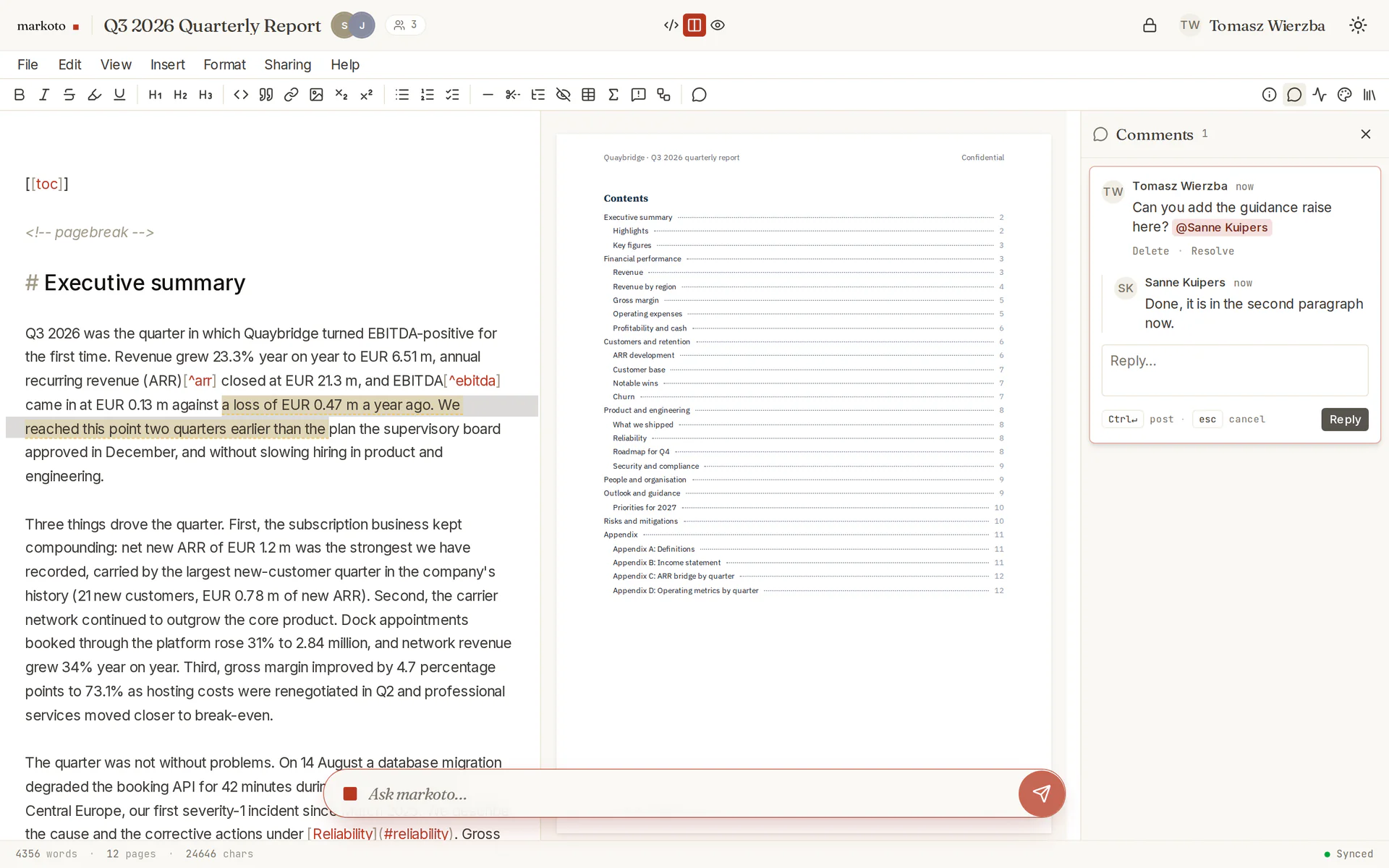
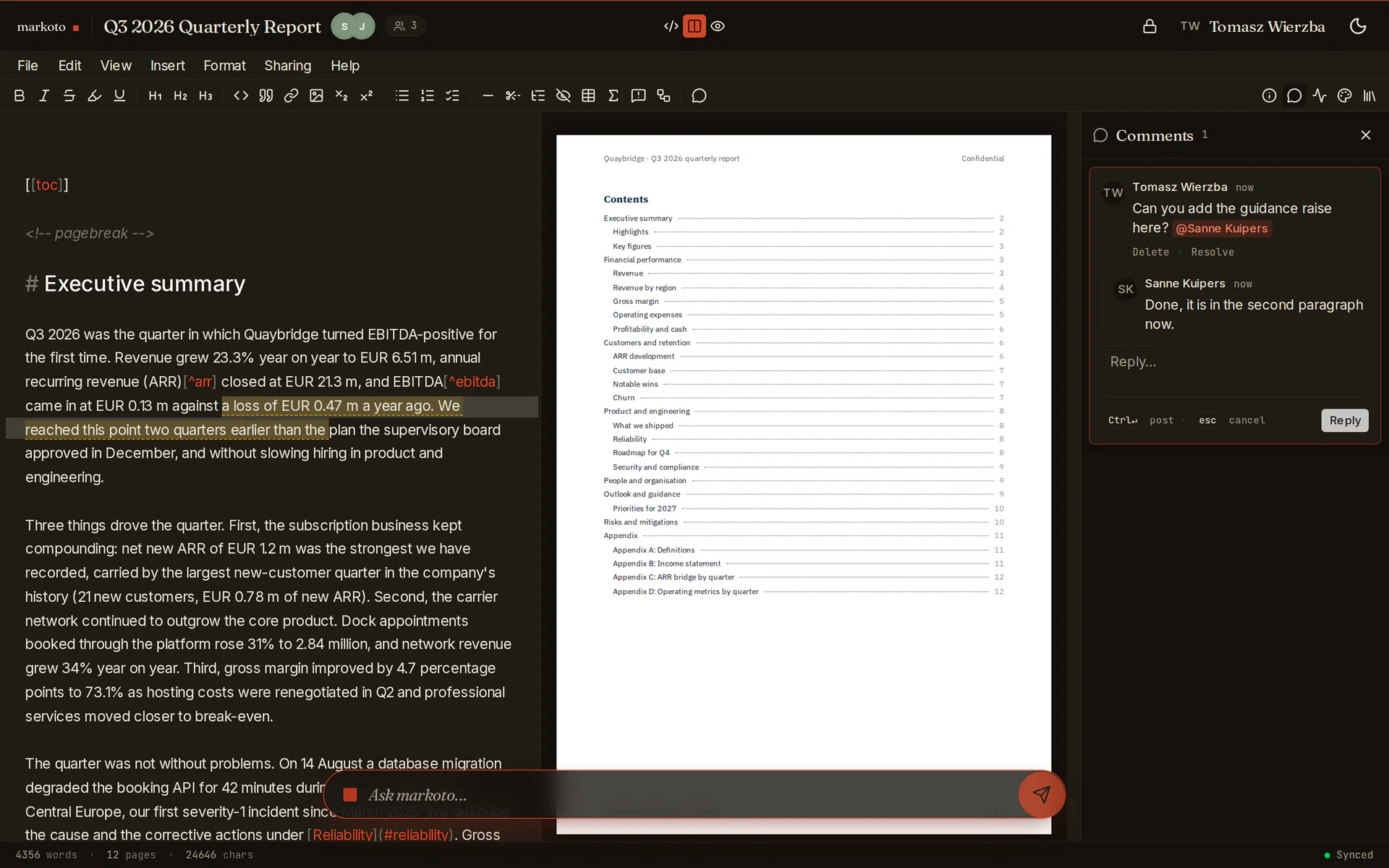
Students, researchers and lecturers write the same kinds of documents again and again: a thesis, a paper, an essay, a set of lecture notes. markoto is for people who would rather write Markdown than learn LaTeX, and still need math, numbered tables, footnotes and a PDF with real pages. Co-authors and supervisors work in the same document, and you see their comments next to the sentences they mean.
Pick the document you are writing
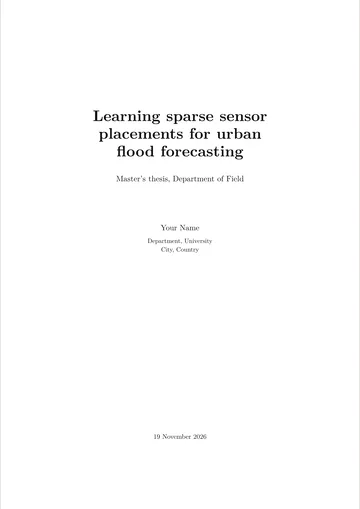
Thesis
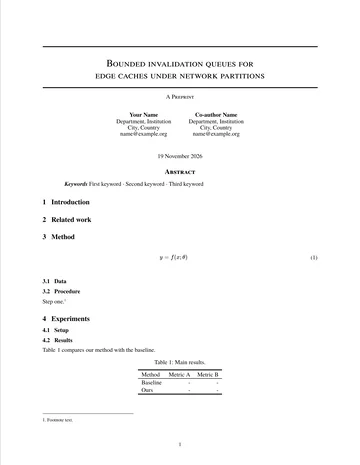
Paper (arXiv preprint)
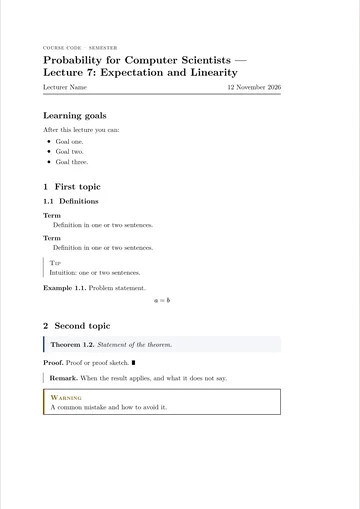
Lecture notes
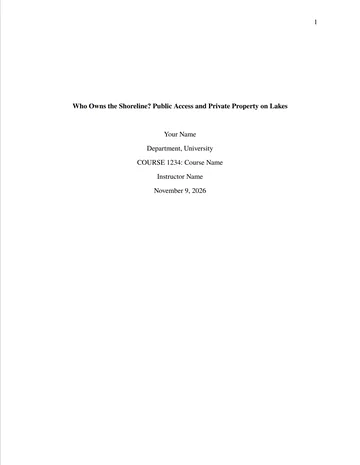
APA essay
The new-document dialog also has an IEEE conference paper in two columns. Every template is in English and German.
Math, diagrams and tables
- Math in LaTeX syntax. Inline
$...$and display$$...$$, rendered with KaTeX on the page and in the PDF. Number an equation you refer to with\tag{1}. - Diagrams. Mermaid draws flowcharts, sequence, class, state and ER diagrams, Gantt charts, mind maps and timelines from a few lines of text, in the theme's colours. See diagrams and math.
- Tables and figures with captions. A
Table:line above a table is its caption. In the thesis theme, tables and figures are numbered within their chapter. - Footnotes that print at the foot of the page they belong to.
- Code with syntax highlighting, for computational work.
- Definition lists and abbreviations for terms you define once and use throughout.
Pages, not a web page
The preview shows A4 or Letter pages as you write, and the PDF has exactly those pages. A theme sets fonts, margins, columns, header and footer. Built in are an arXiv preprint look (Times, justified, numbered sections, title block), an IEEE two-column look, a thesis look with a title page and a page per chapter, and a lecture notes look. Change any detail and save it as your own preset.
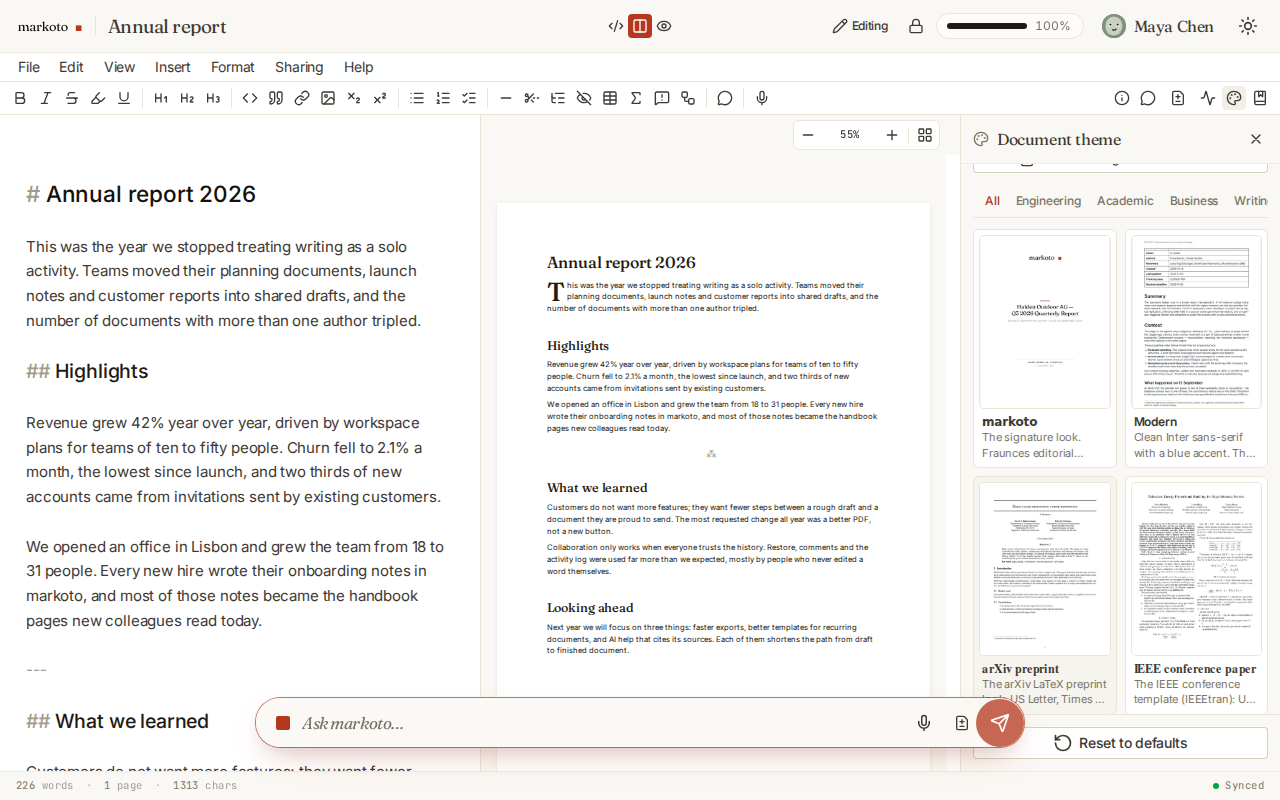
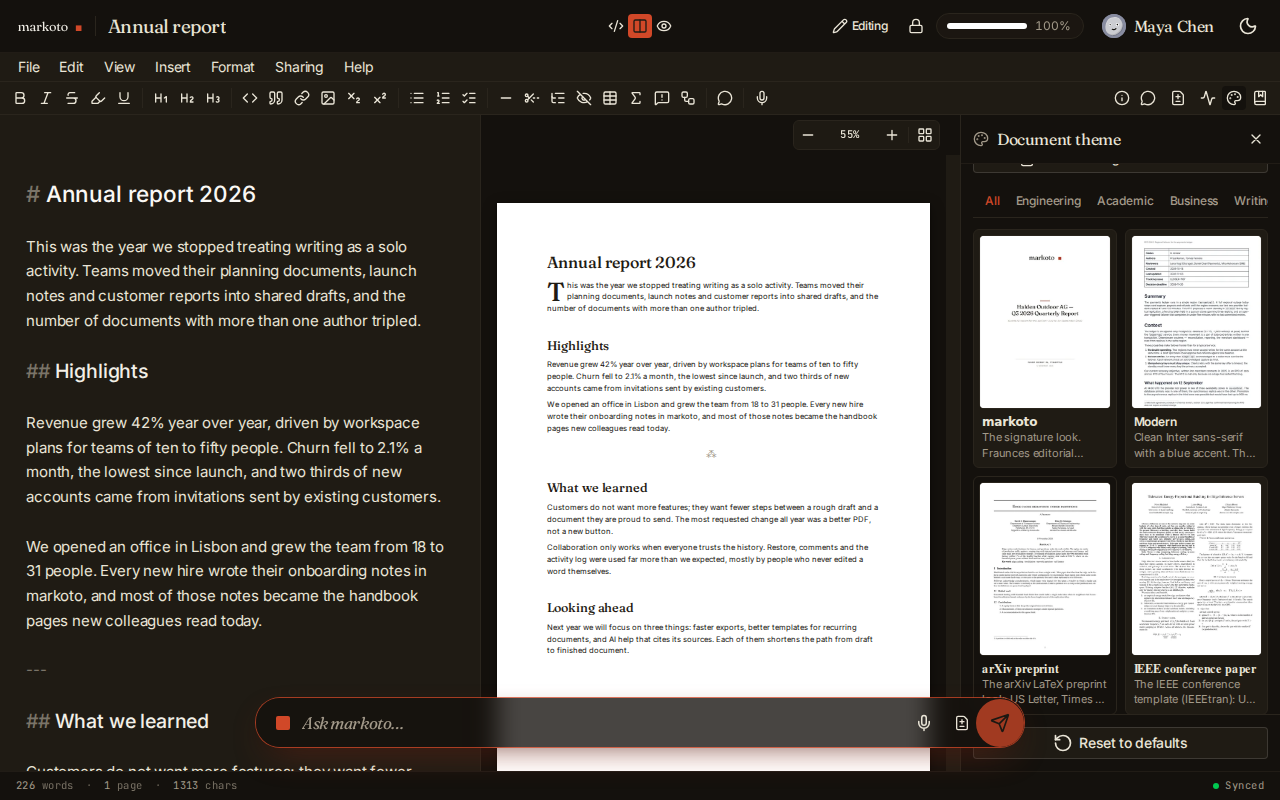
Write with co-authors and supervisors
- Several people at once, with their own cursors, in the same document.
- Comments on a sentence. Select a passage, comment, reply and resolve. The comment stays on its passage as the text changes.
- History of every edit. See who changed what, and restore an earlier state. On markoto.app's free plan history reaches back 30 days; on a self-hosted instance it is not limited.
- Share a link for read-only access, with a password if needed, or invite people to a workspace. Anyone with edit access can comment; a read-only link can read but not comment.
AI where it helps, and where it doesn't
The prompt bar works on your text when you ask. Select a paragraph and ask for it to be shorter or clearer; mention @markoto in a comment to ask about a passage; translate an abstract or a chapter into another language, with an estimate first and the whole job undoable. Upload the papers and notes you work from to a workspace's Knowledge tab and ask questions about them: the AI searches your files and answers from what it finds. Every AI edit is recorded, and you can use markoto without any AI. Check anything the AI writes before it goes into your work.
What it doesn't do
- No BibTeX and no reference manager. You type the bibliography by hand, in the style your department or venue asks for.
- No journal or university templates, apart from the arXiv preprint, IEEE conference and thesis layouts. If your venue requires its own LaTeX or Word template, use that.
- No LaTeX beyond math formulas. If you need packages, macros or fine typesetting control, Overleaf or Typst are the better tools.
Hosted in the EU, operated by a Swiss company
markoto.app stores documents in France, uses EU-based providers for AI, and is operated by a Swiss company. Drafts are private until you share them. See the EU hosting page, or run markoto on your own server.
Questions
Can I write a thesis in Markdown?
Does markoto support LaTeX math?
Can I write a paper with co-authors?
Can I submit the PDF to a journal?
Can I upload papers and ask questions about them?
Is it a replacement for Overleaf?
Updated November 19, 2026