

A collaborative Markdown editor
Send the link to a document and everyone who opens it edits the same text at the same time. You see each other's cursors and names, changes arrive as they are typed, and there is no save button and no merge conflict. Comments, a full history and workspaces with roles come with it.
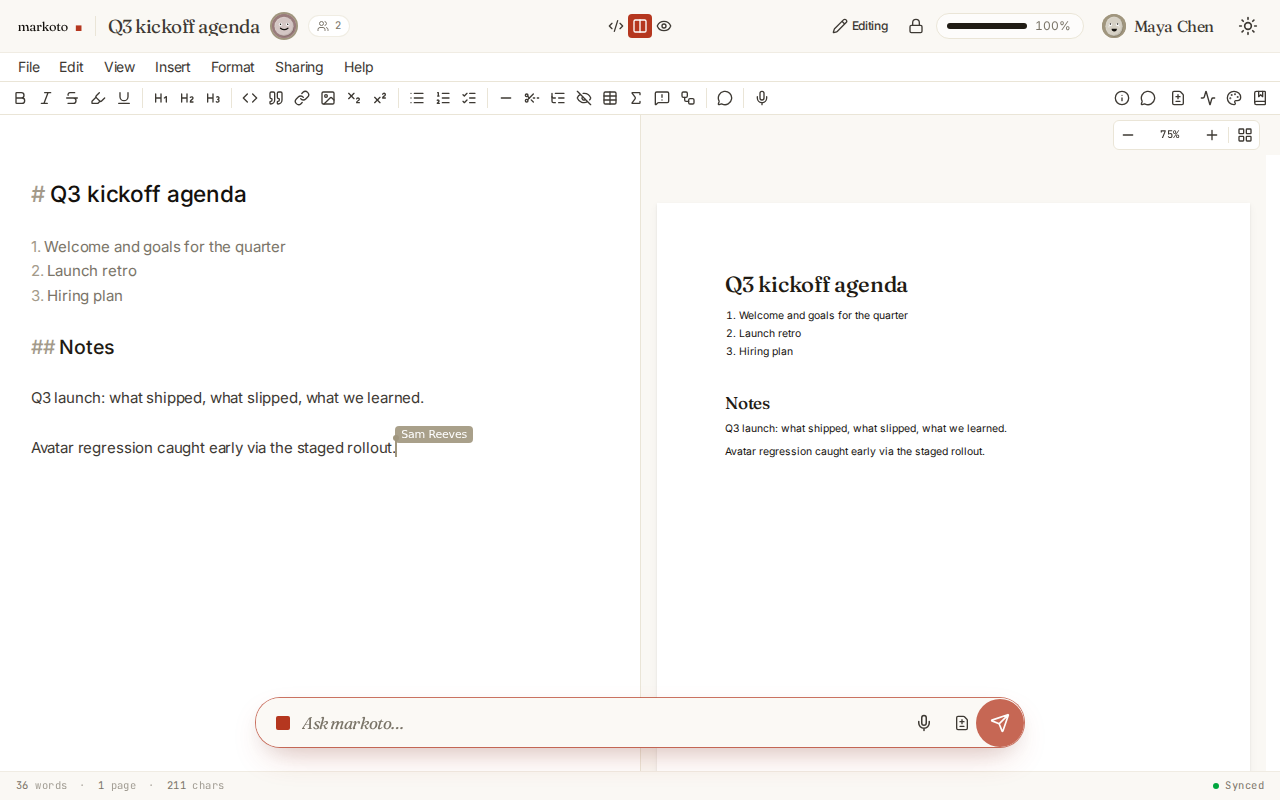
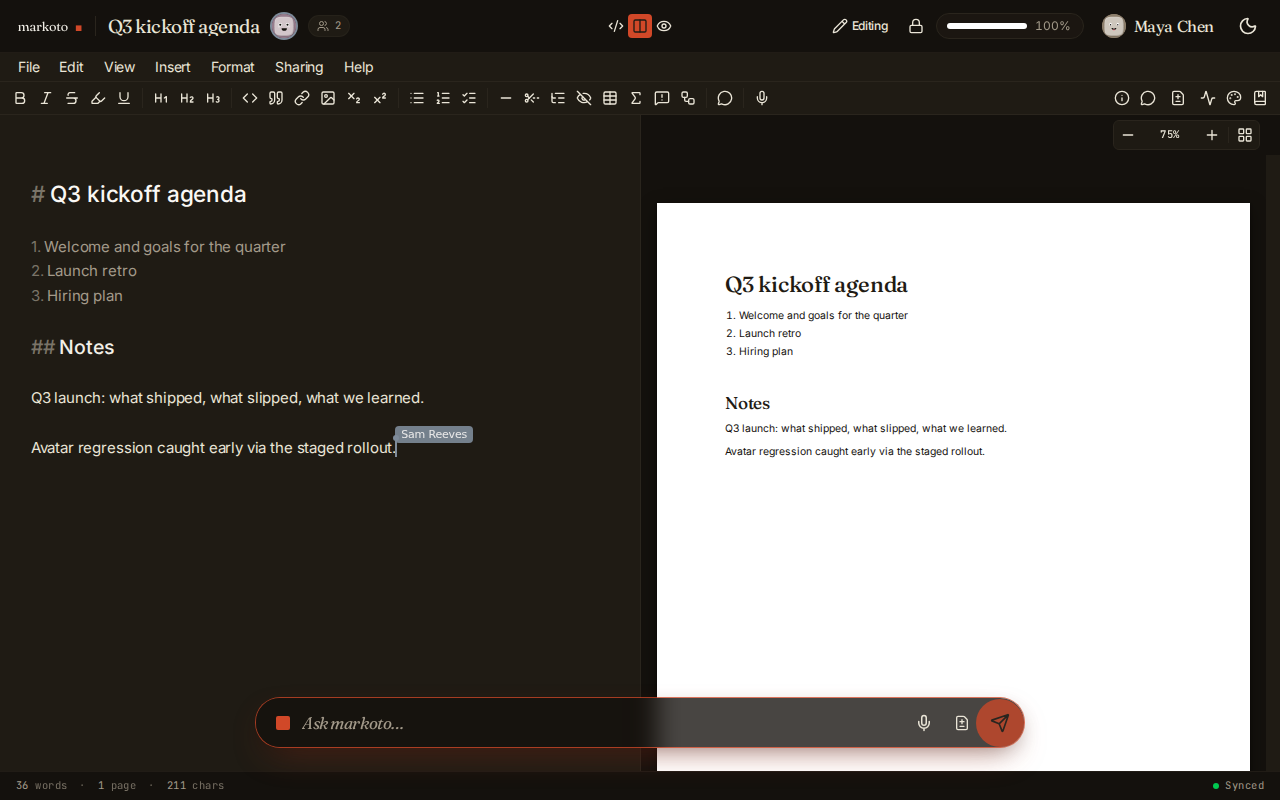
Write at the same time
Two people can type in the same paragraph without overwriting each other: markoto merges the edits as they happen. The bar at the top shows who is in the document, and each person has a cursor in their own colour. This works without an account, too: an anonymous document can be edited by anyone with its link.
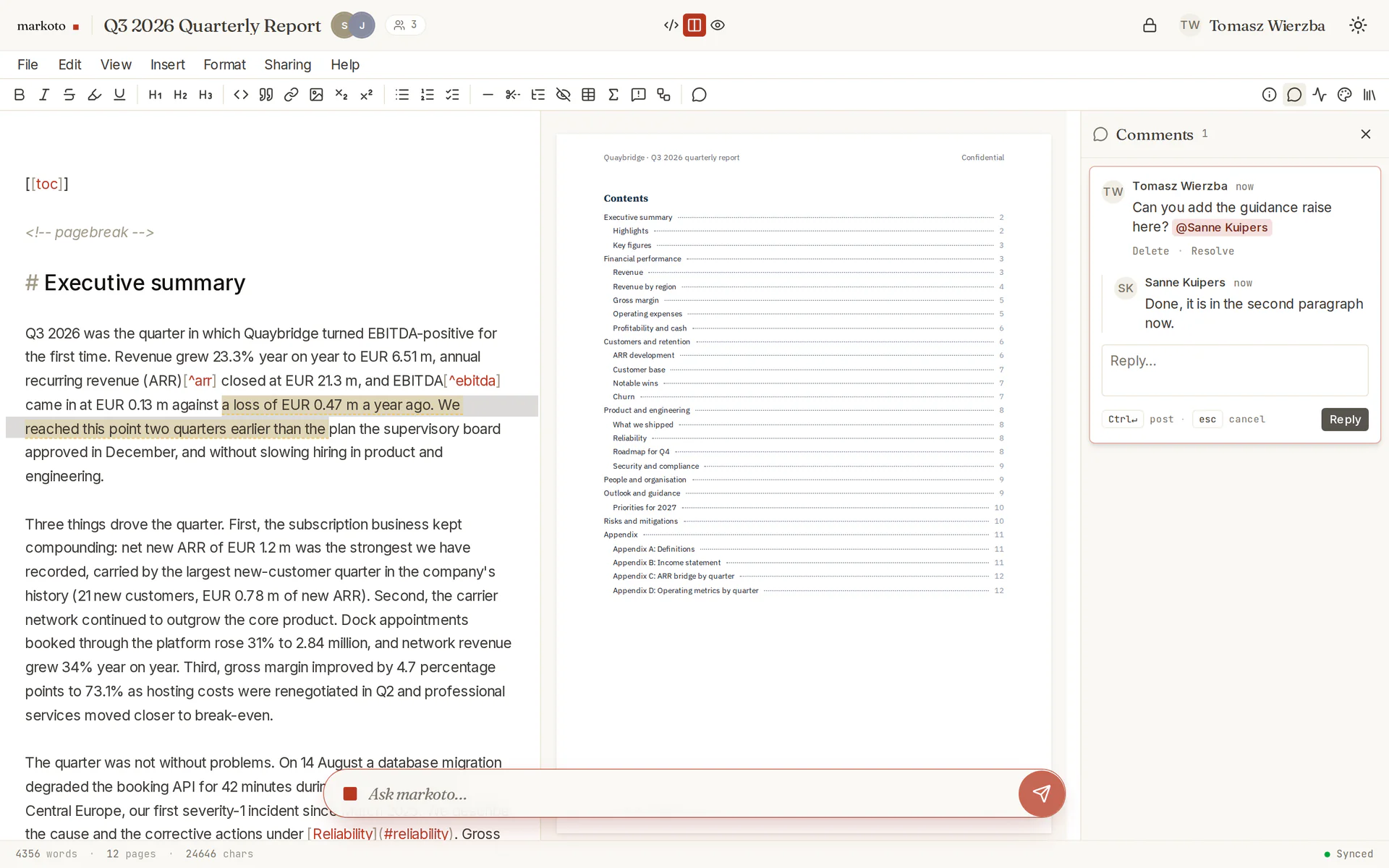
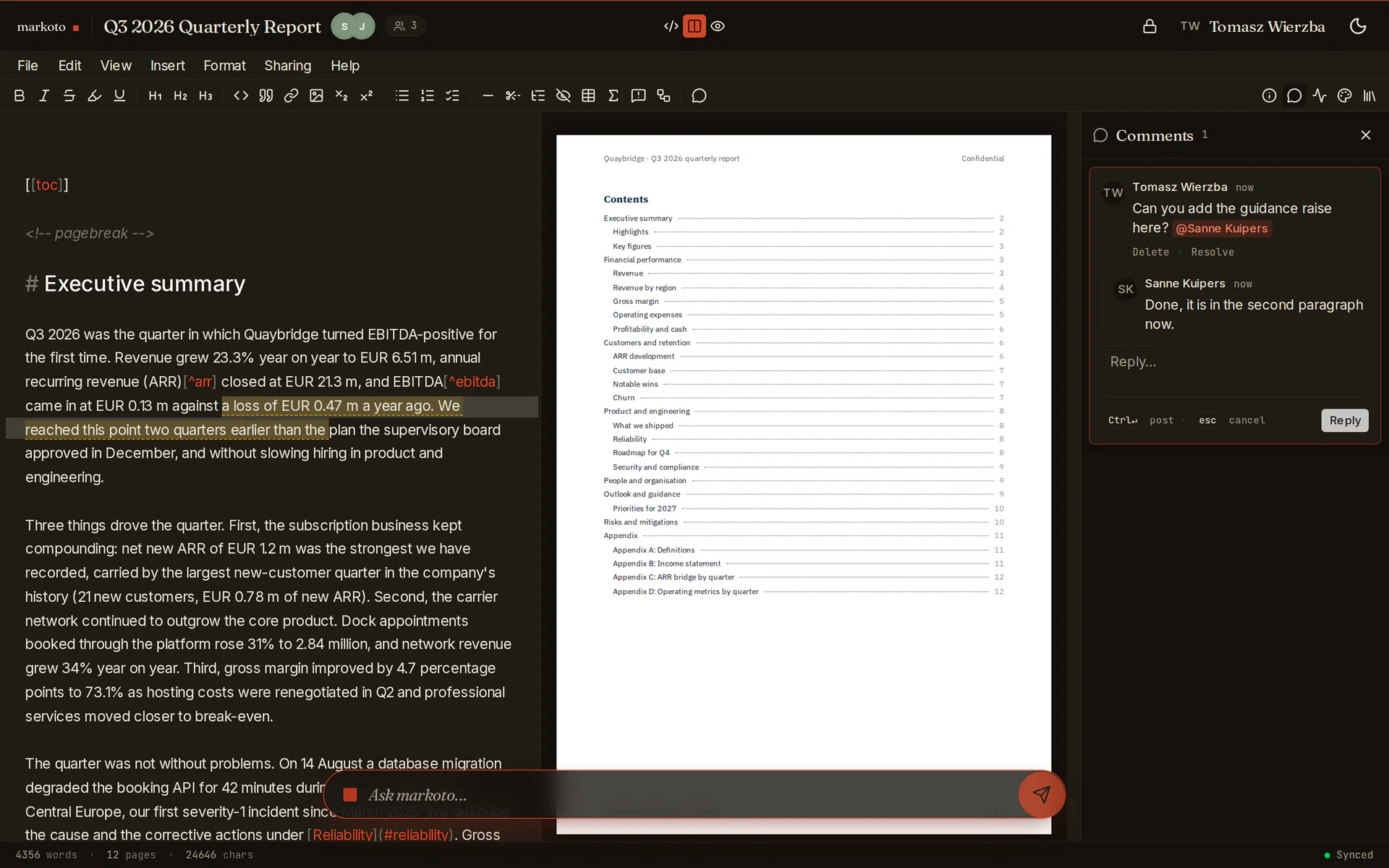
Discuss in comments
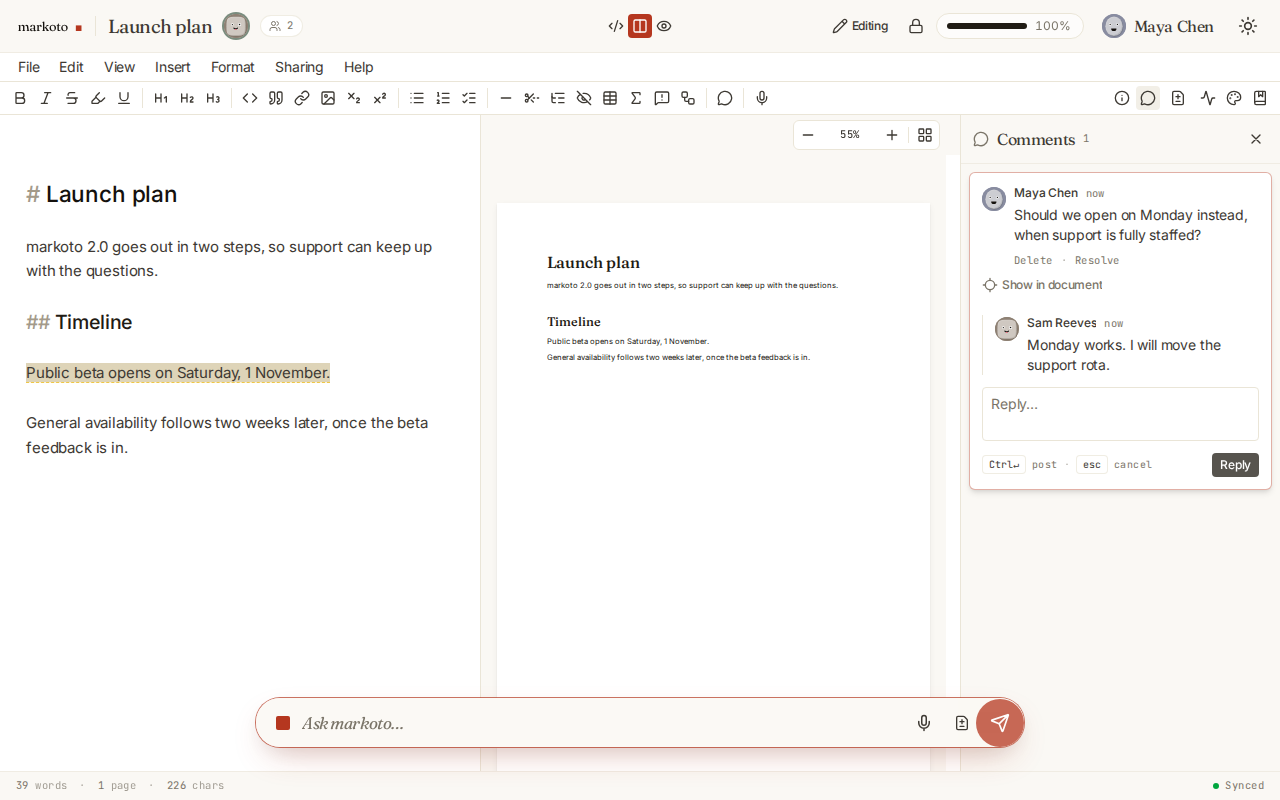
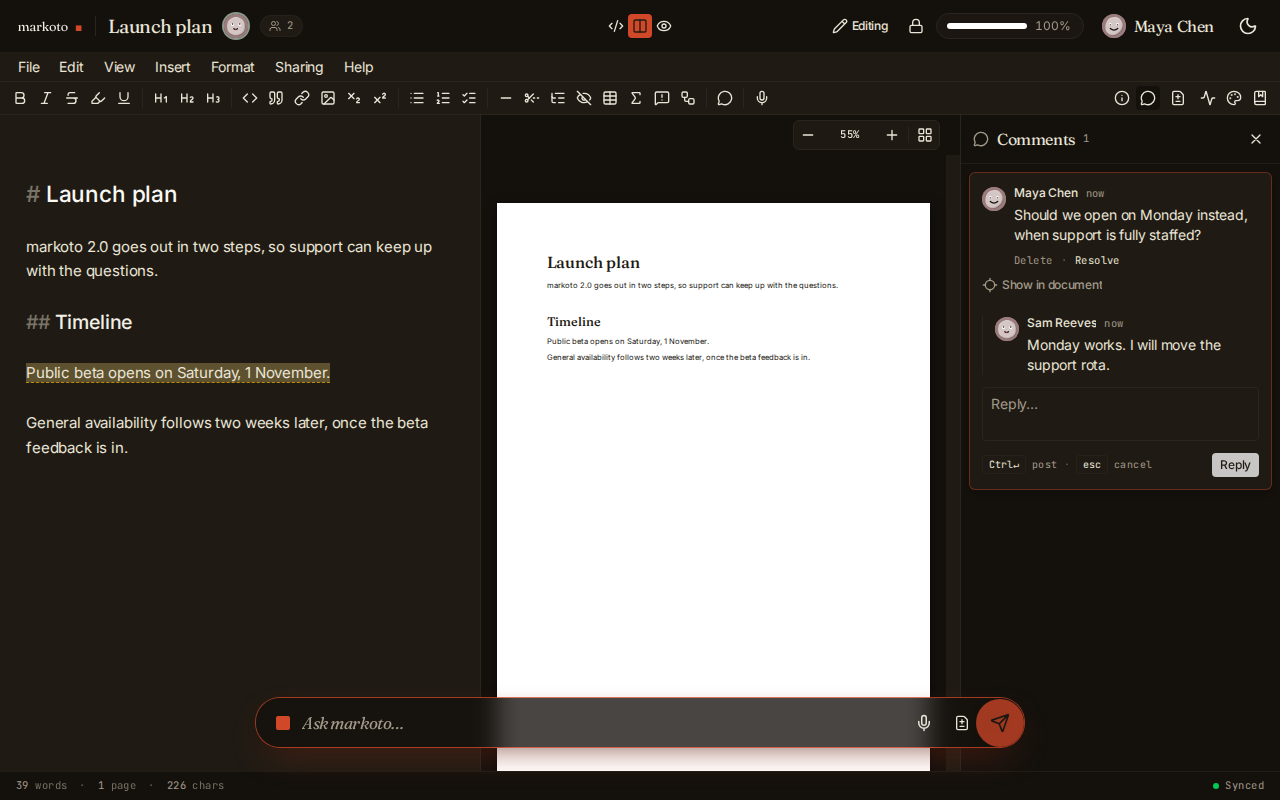
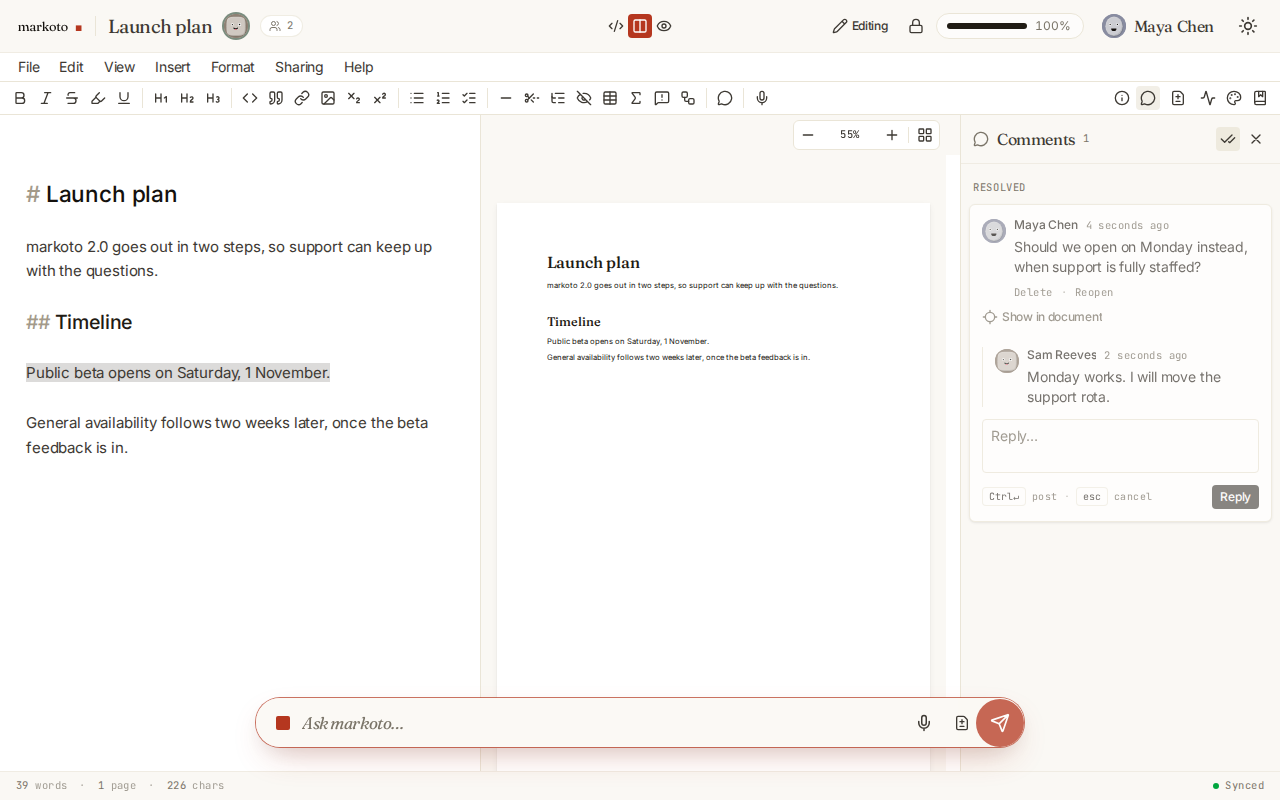
Select a passage and add a comment. The thread is anchored to those words and follows them when the text around them changes. Others reply under it, in a workspace you can mention members with @, and a resolved thread moves out of the way but stays readable. If the AI assistant is set up, @markoto in a comment asks it to answer or make the change.
Every change, with a diff
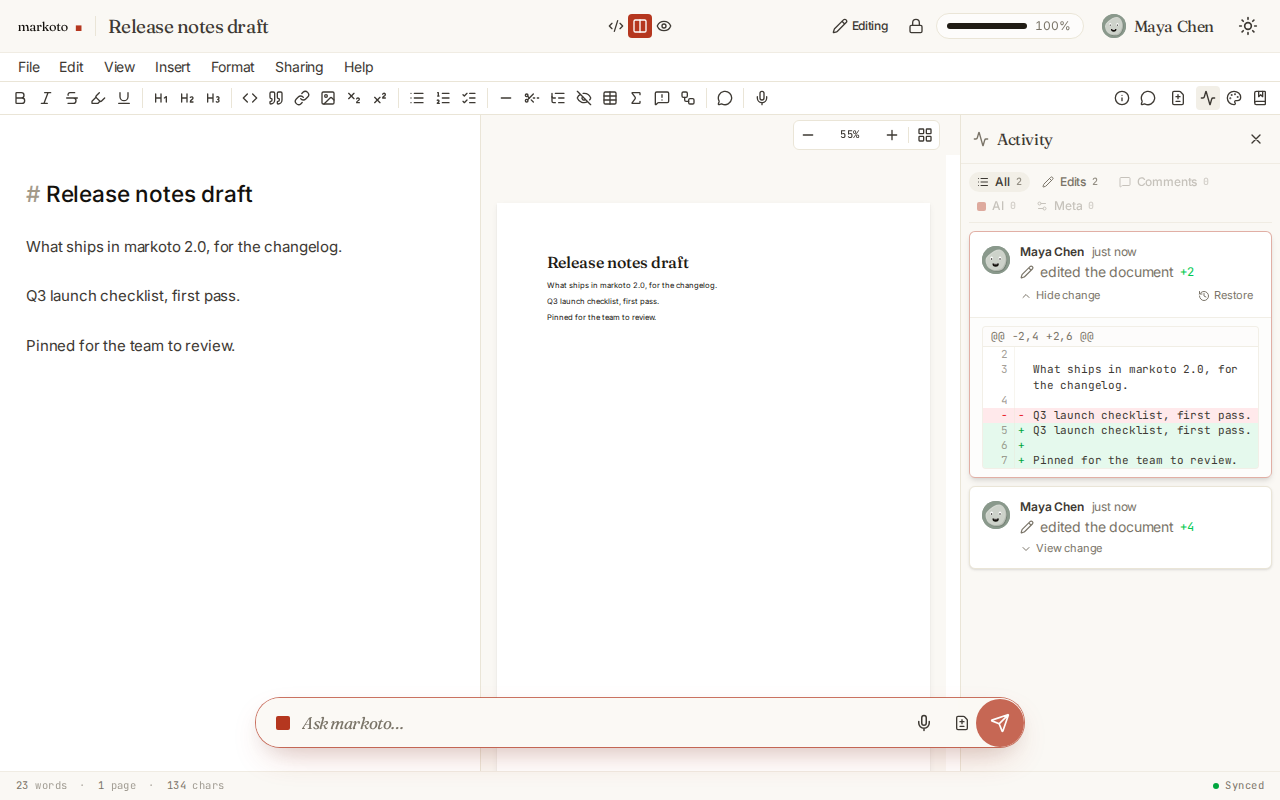
The Activity tab lists every edit with who made it, when, and how many lines changed. Open an entry to see the diff. Comments, title and theme changes and the AI's edits are in the same list. Restore puts the document back to how it was just before a change, for everyone, and the restore is itself listed, so it can be undone too.
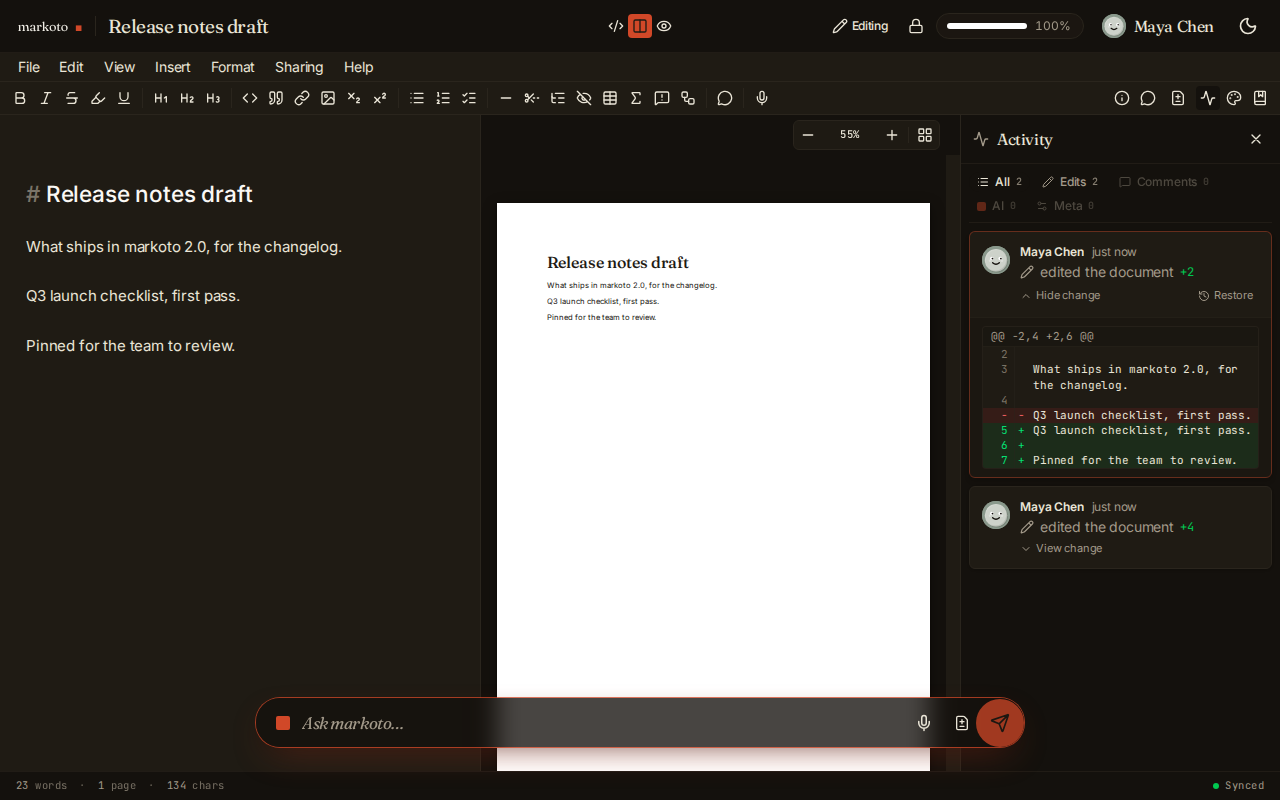
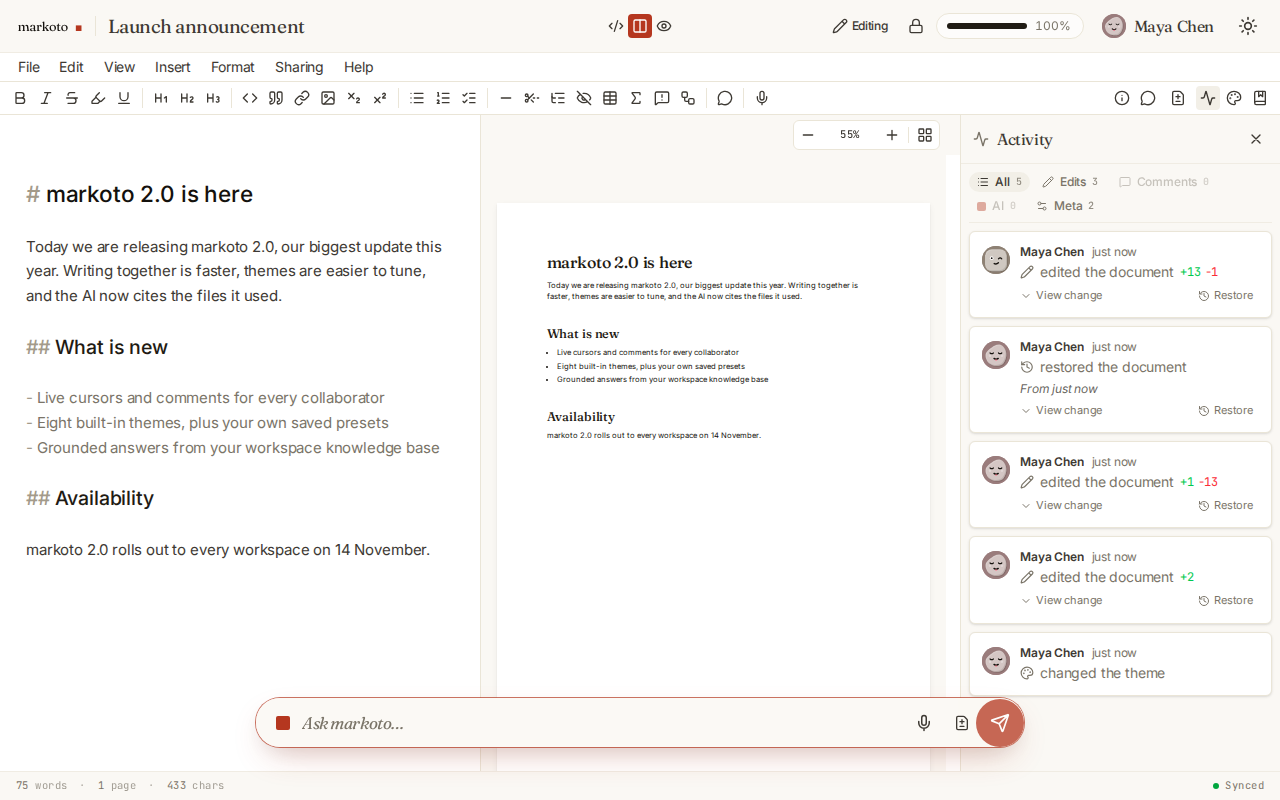
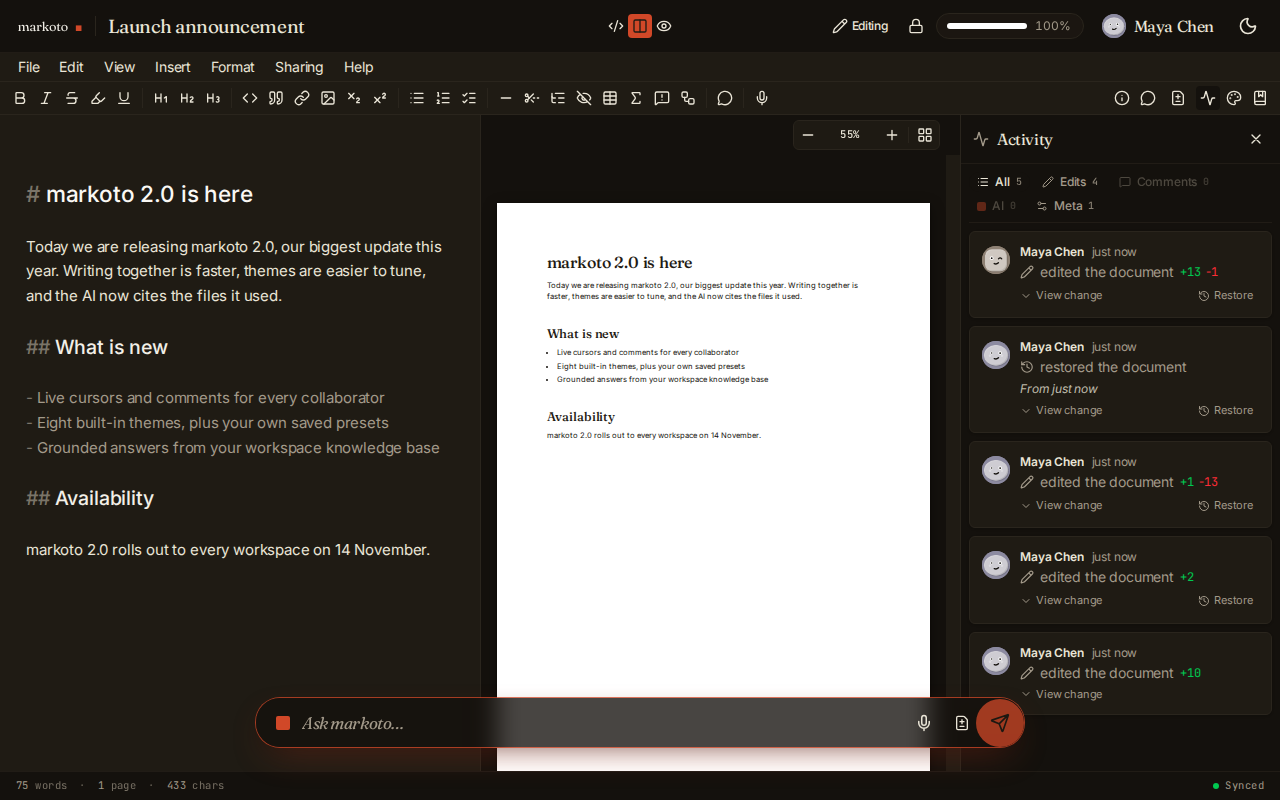
More in the docs: see what changed and restore an earlier version.
Workspaces and roles
A workspace holds a team's documents. You invite people by email, and they join when they accept. There are three roles: admins manage members and the workspace, editors write and comment, viewers read. A workspace always keeps at least one admin.
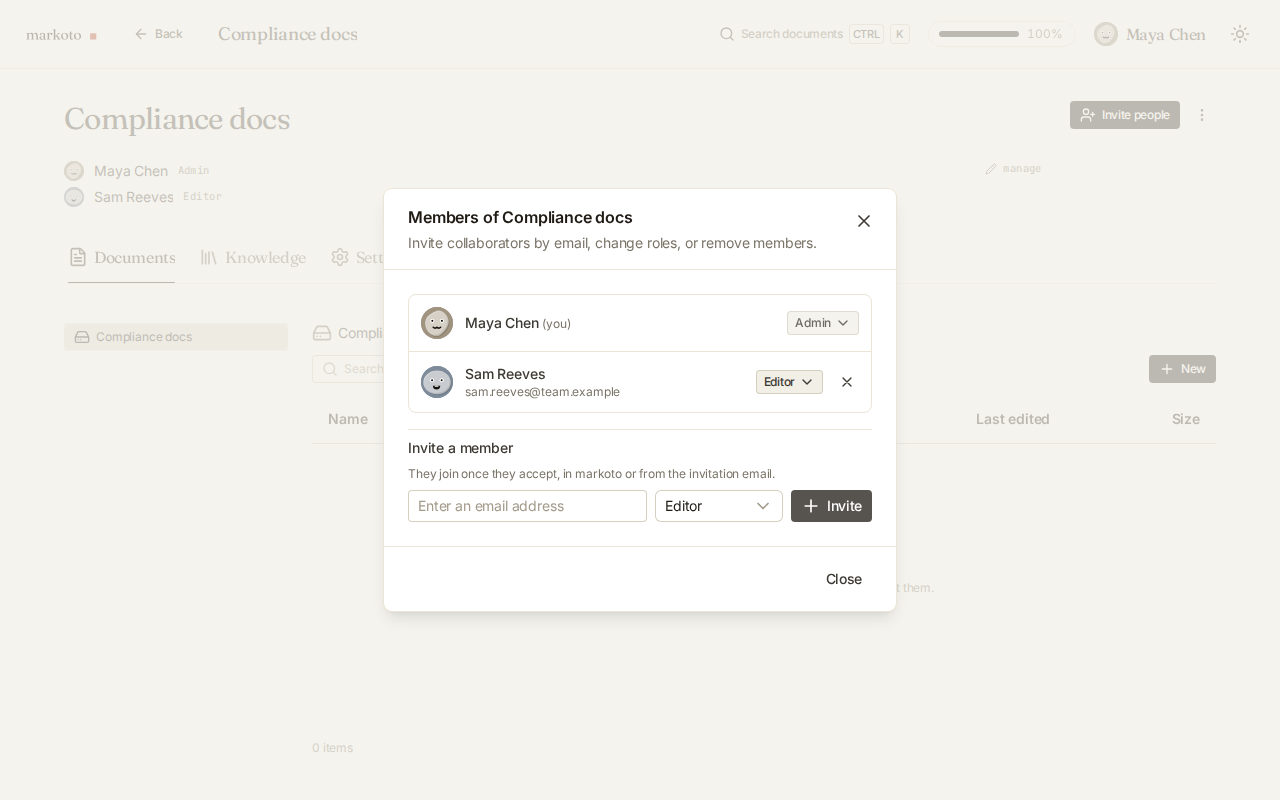
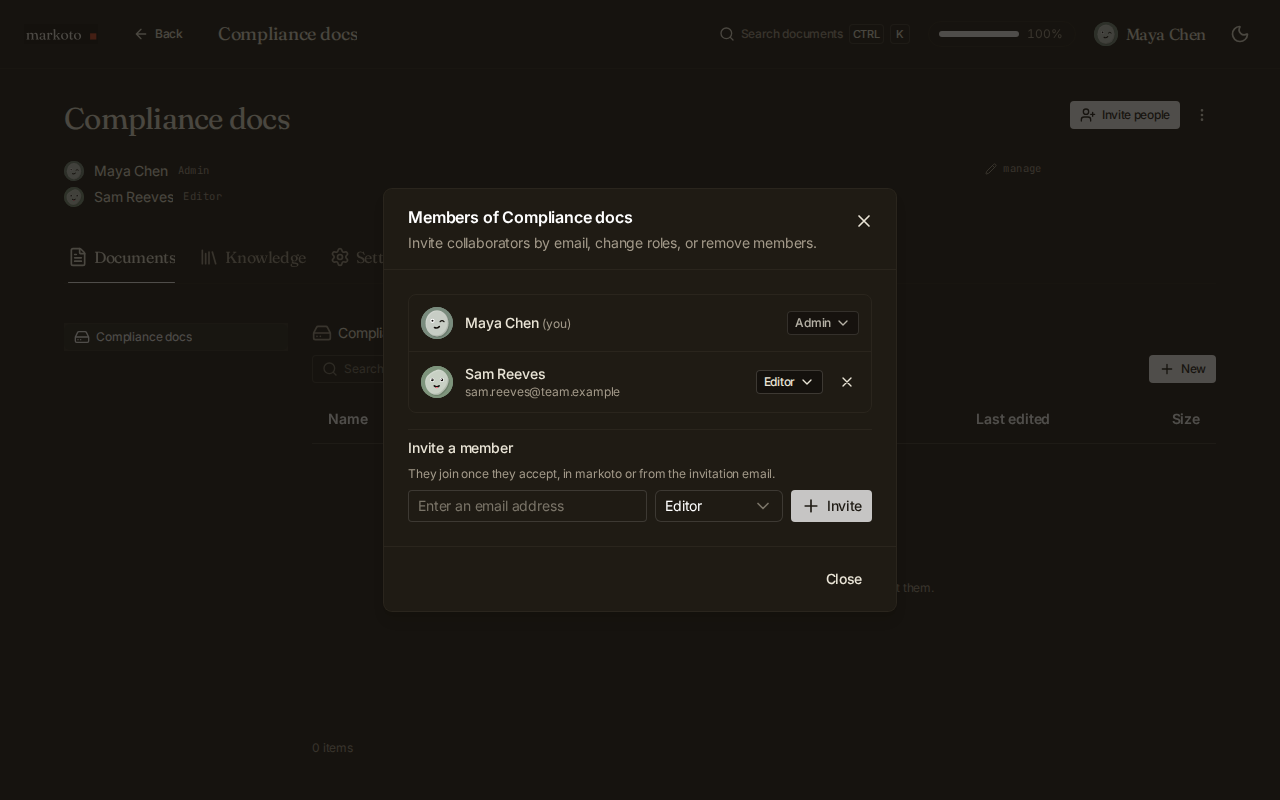
Documents outside a workspace are shared by link. The owner picks one of four modes: private, anyone with the link can edit, anyone with the link can view, or protected by a password. See the sharing docs and workspace docs.
The AI is a collaborator you can see
When the AI assistant edits a document, it joins like another person: its cursor and its changes show up live for everyone, in markoto's red, and its edits are in the history like anyone else's. You can restore what it changed. The AI needs an account; on markoto.app it runs on a small monthly allowance or on your own AI provider.
What it doesn't do
- No suggestion mode. There are no tracked changes to accept or reject. People with edit access change the text directly, and the history keeps every version.
- No offline mode. A document needs a connection to open. A short drop while you type is fine: your edits sync when you're back.
- Markdown, not a word processor. Everyone edits the Markdown source; the paged preview sits next to it.
Run it for your team
markoto can run on your own server, with sign-in through your company's identity provider. See self-hosting markoto.
Choosing between tools? See markoto next to HackMD, HedgeDoc and Google Docs. The free plan's limits are on the pricing page.
Questions
Is real-time collaboration free?
How many people can edit a document at once?
Do collaborators need an account?
Can I see who changed what?
Is there a suggestion or track-changes mode?
Can we host it ourselves?
Updated November 4, 2026