

Markdown templates with a print layout
Most Markdown templates are a file of headings you copy into your editor. These come with a page: each one opens as a markoto document with a theme, so the preview shows how it will print and the PDF matches it.
Every template is also in the new-document dialog, as a picture of its first page. Use this template on each page opens that dialog with the template selected, in its theme; you only add a title. Every template is written in English and German; the resume and report also in French, Spanish, Japanese and Chinese. Pick the language in the dialog.
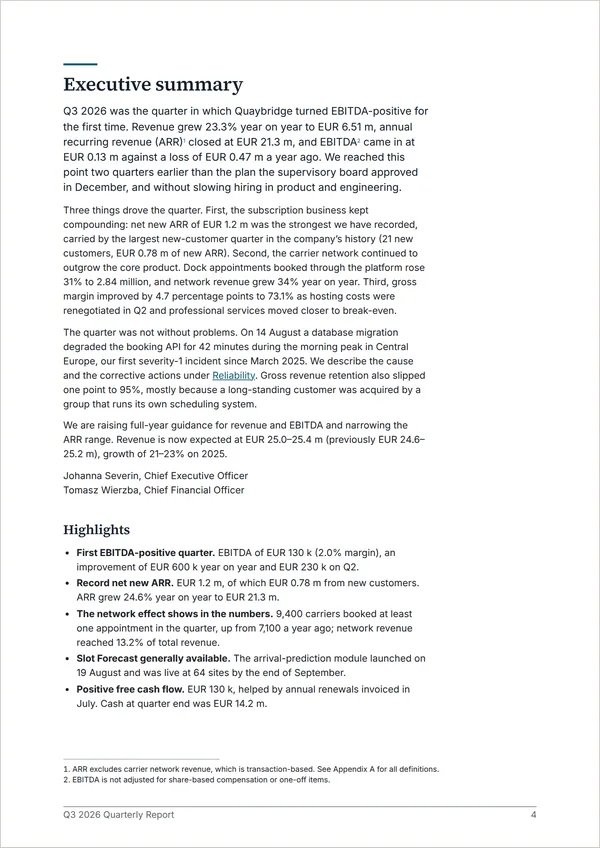
Report
Cover, table of contents, executive summary, key figures, results, outlook and appendix, for a quarterly, annual or project report with charts, tables and footnotes.
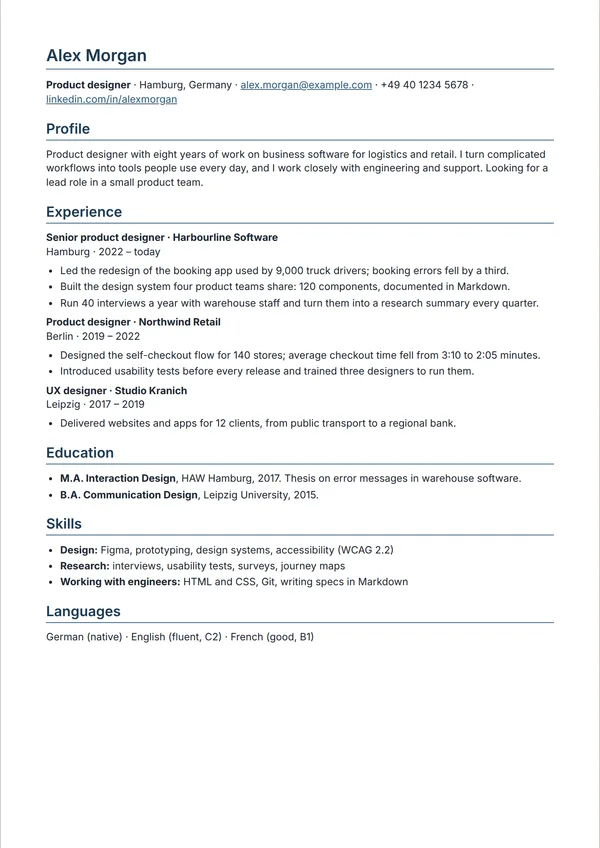
Resume
A one-page CV for a made-up person that you rewrite line by line, with its own one-page theme.
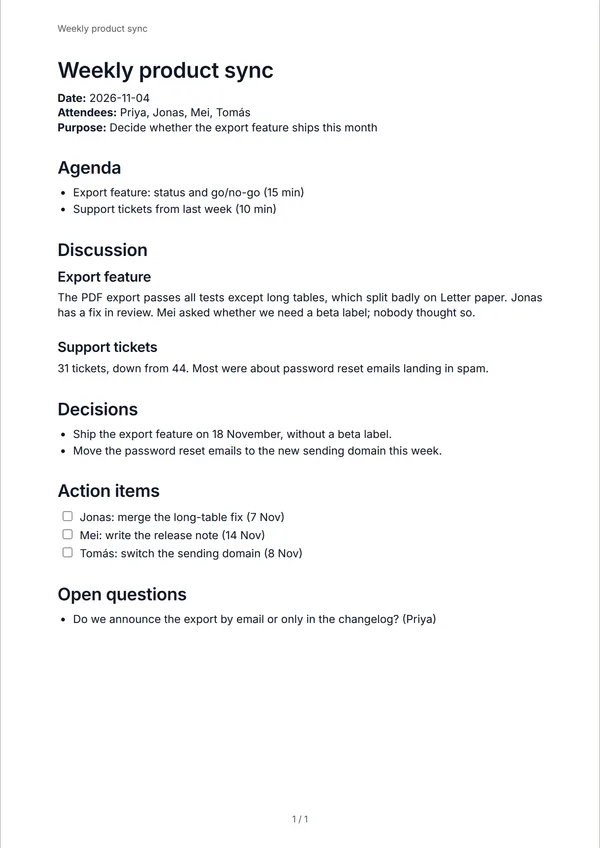
Meeting notes
Agenda, discussion, decisions, action items with owners and open questions, written by several people during the meeting.
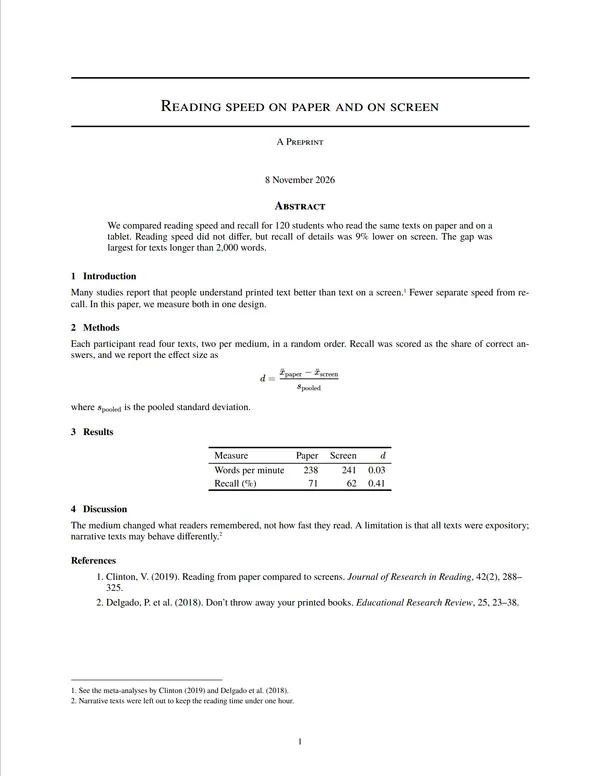
Academic paper
Abstract to references, set like an arXiv preprint, with LaTeX math, footnotes and citations from BibTeX.
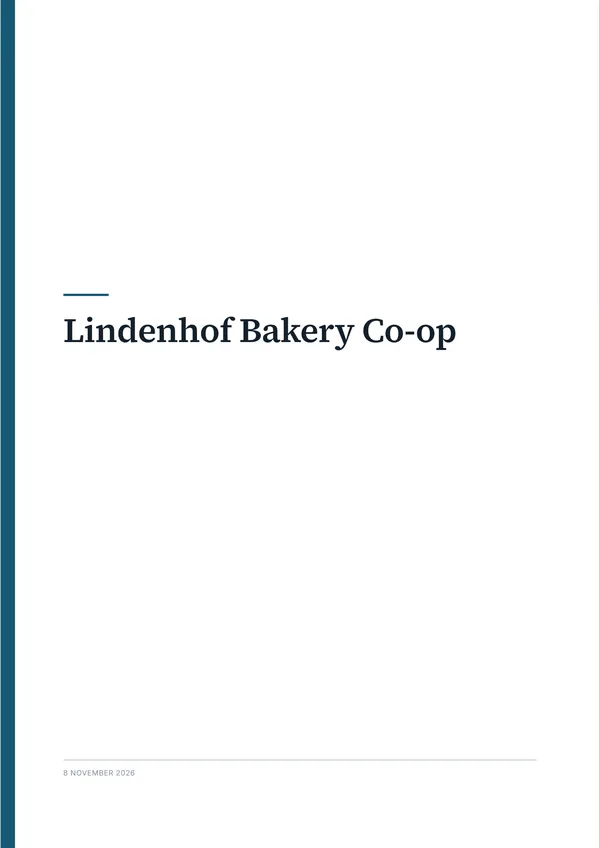
Business plan
Executive summary, problem, market, business model, roadmap, team, financials and risks, with a cover and a table of contents.
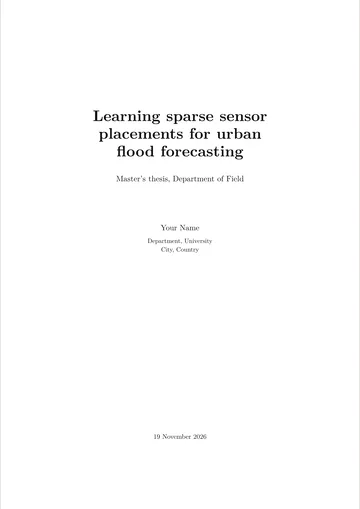
Thesis
Title page, abstract, contents, one chapter per page, numbered tables and figures, bibliography and appendix, for a bachelor, master or doctoral thesis.
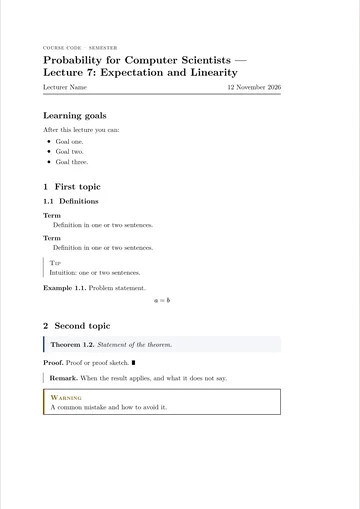
Lecture notes
Learning goals, definitions, theorems, worked examples and exercises with parts, with math in LaTeX syntax.
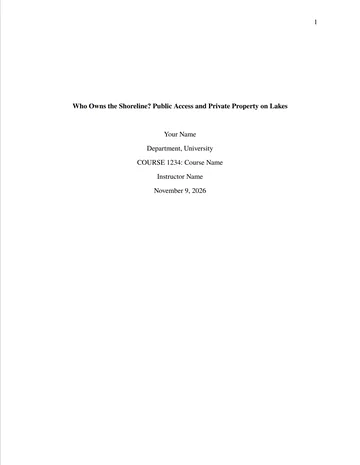
APA essay
An APA 7 title page, thesis statement, main points, counterarguments and a double-spaced reference list.
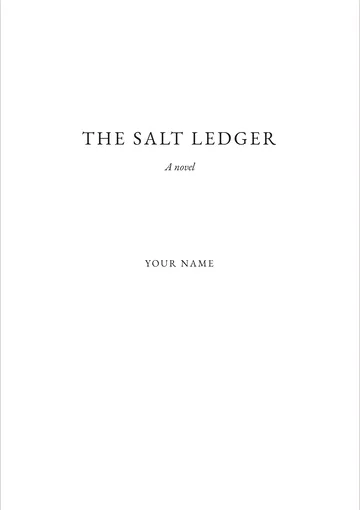
Novel manuscript
A title page, an epigraph, chapters that start on new pages and scene breaks, for a novel or story collection.
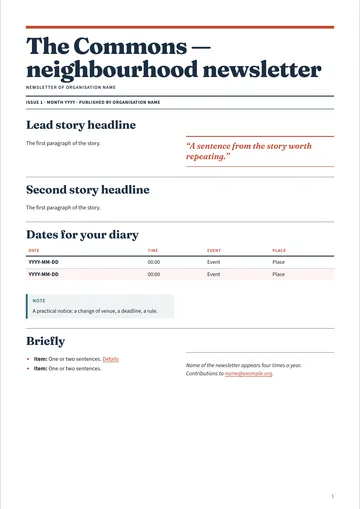
Newsletter
A masthead, issue line, lead story with pull quote, dates table and short items, in two columns.
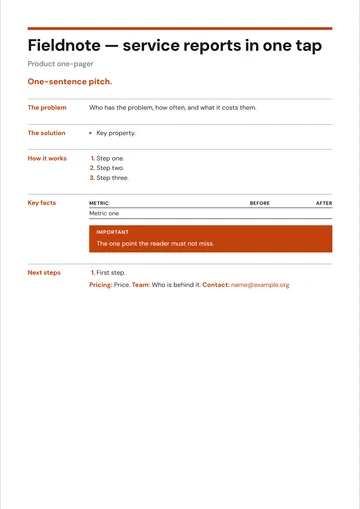
One-pager
The pitch, problem, solution, key facts and next steps on a single page.
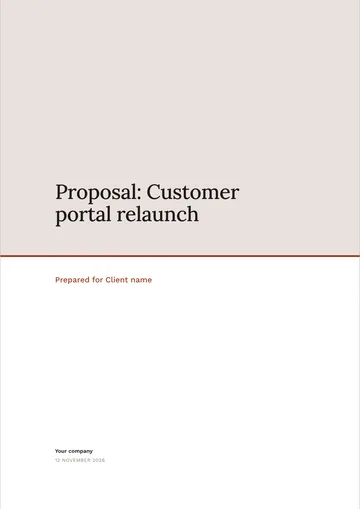
Client proposal
Cover page, summary, approach in phases, timeline, pricing table, terms and a signature block.
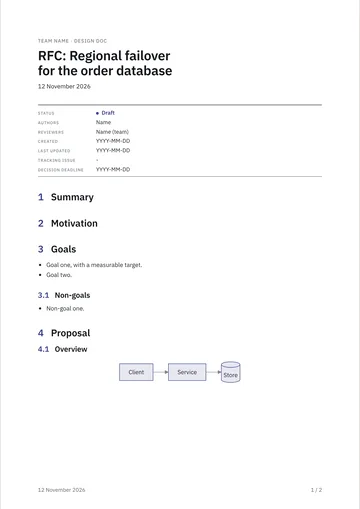
Design doc / RFC
Status header, motivation, goals, proposal with a diagram, alternatives, decisions, rollout and risks.
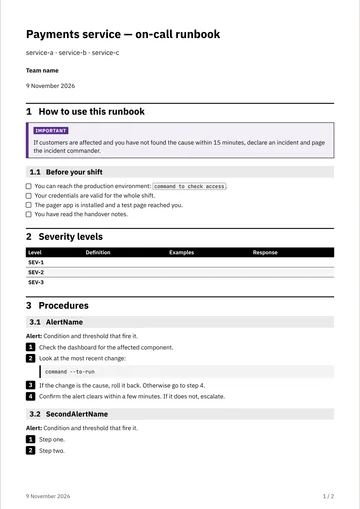
On-call runbook
Severity levels, a procedure per alert with commands, escalation contacts and a quick reference.
How the templates work
- Briefs, not filler. Apart from the resume, each template is an outline. Under every heading a short note says what goes there. The notes are Markdown comments: you and the AI assistant see them in the editor; the preview and the PDF don't show them.
- Plain Markdown. What you write is a Markdown file. Download it with File › Export whenever you like, or keep editing in markoto.
- The theme comes with it. Each template is a text and a theme chosen for it: the text sets the structure, the theme sets fonts, margins, columns, header, footer and cover. Switch to another theme in the document at any time; the text stays.
- More in the dialog. The dialog also has an API reference, a project README, an IEEE conference paper, a memo and a recipe, along with Demo, a short tour of Markdown and markoto, and Blank.
Updated November 19, 2026