Beautifully rendered Markdown.

A collaborative Markdown editor with a live, paginated preview. Write plain text; export a PDF that matches the preview page for page.
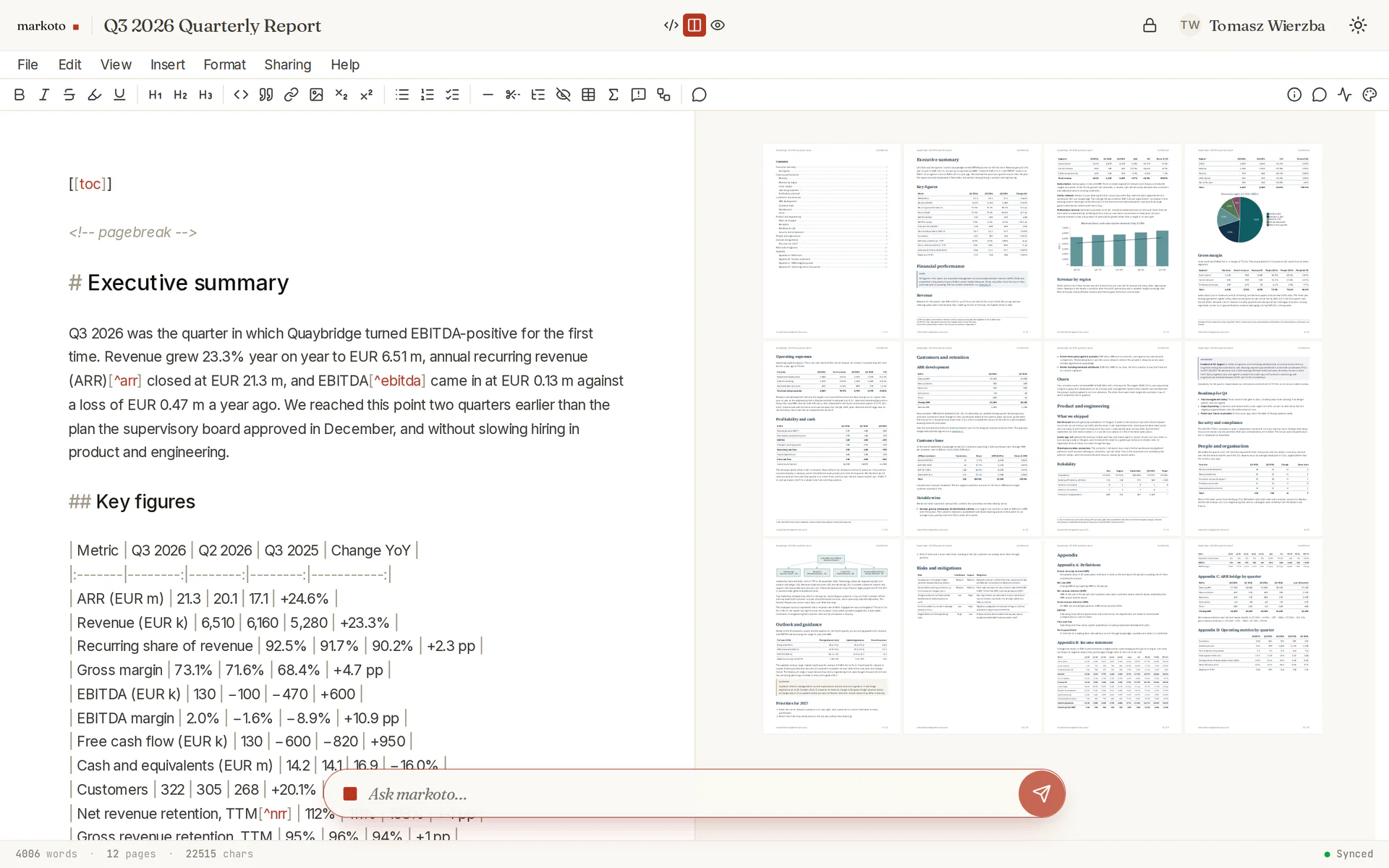
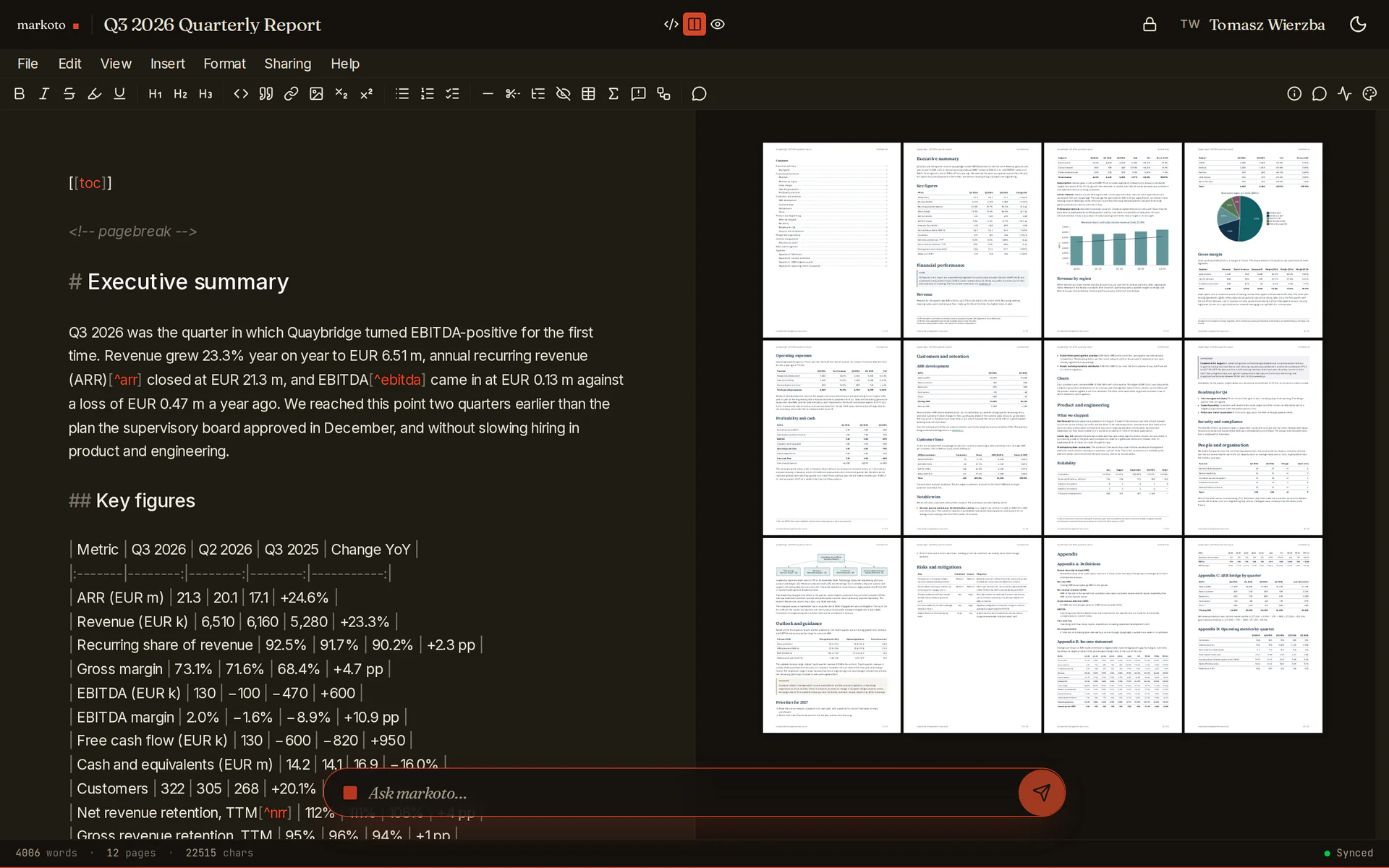
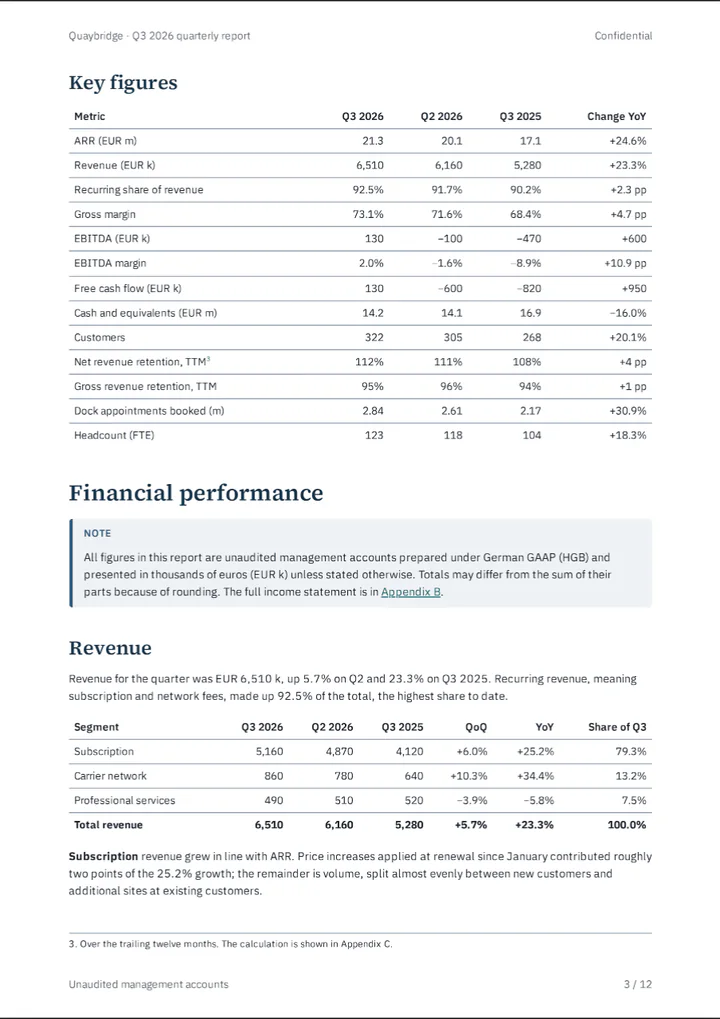
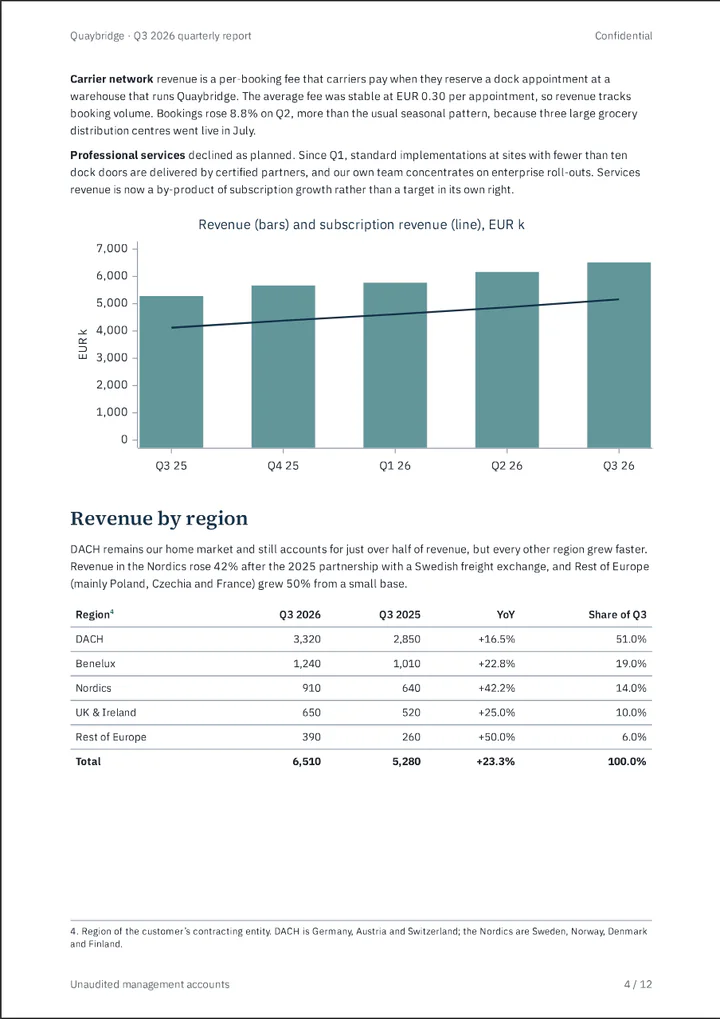
The markoto editor with a quarterly report: Markdown on the left, all its laid-out pages side by side on the right.

01 · Editor

Write Markdown, get paged documents.

Type on the left; the right side lays it out as real A4 or Letter pages as you go.

The executive summary of a quarterly report typed in Markdown while its page renders live, then the preview pulls back to show the whole report.

02 · Layout

Headers, footers and page numbers.

Set them once in the theme. Tables, charts, Mermaid diagrams, math and footnotes render on the page too.
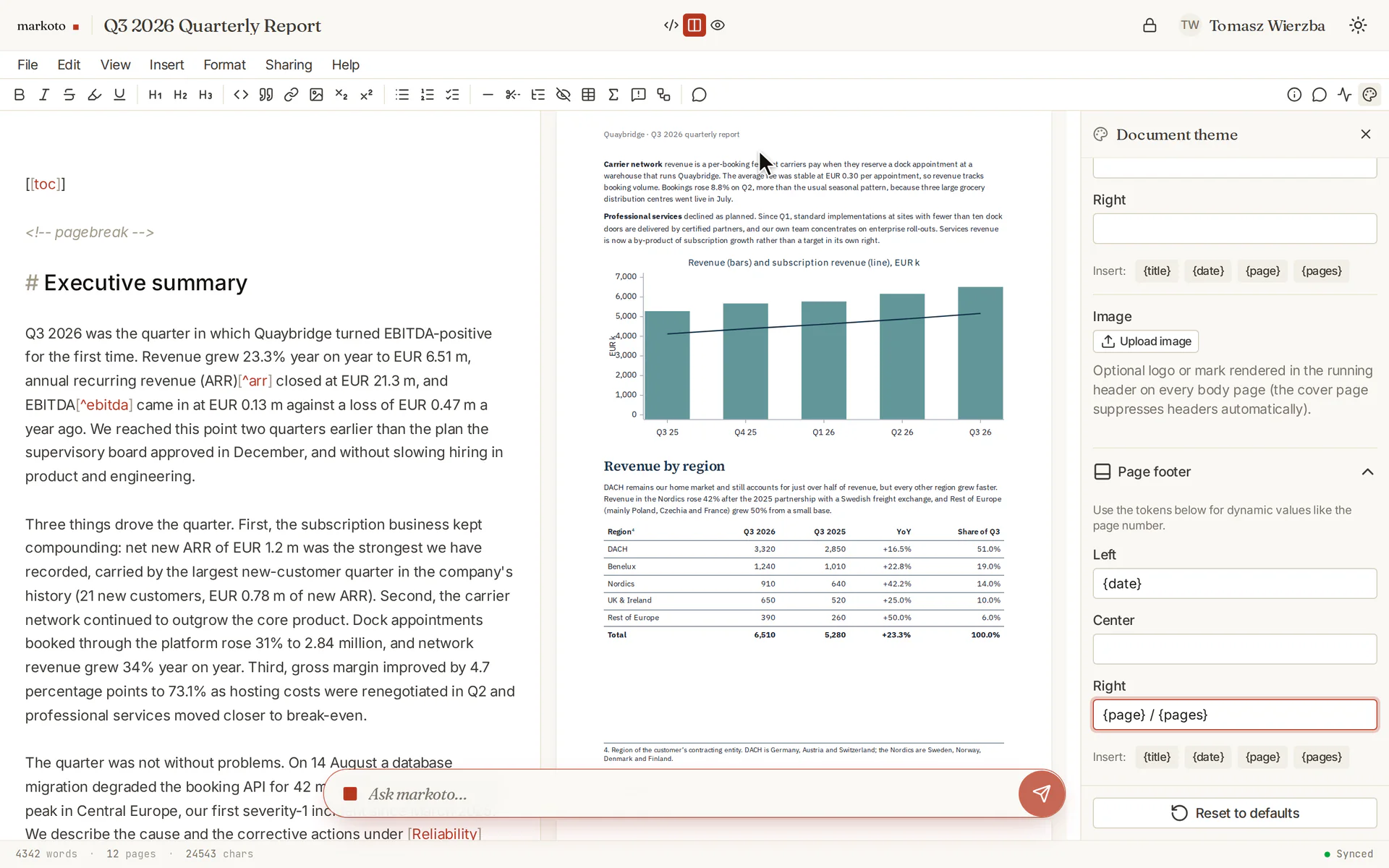
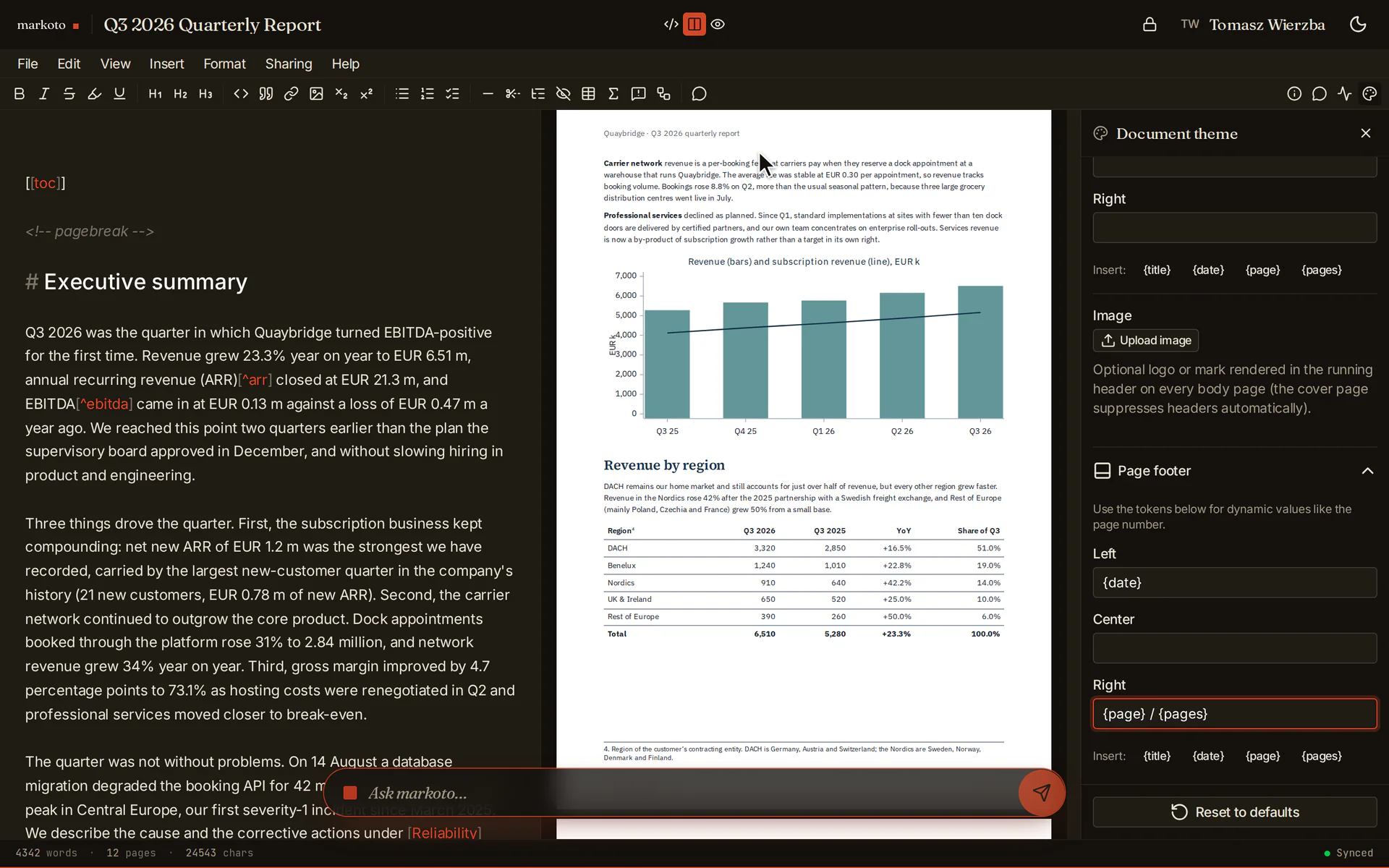
A running header and a footer with the date and page numbers are added in the theme panel and appear on every page.

03 · Themes

Change the look, not the Markdown.

Pick a ready-made theme, then adjust colours, fonts and the cover page. Your text stays untouched.
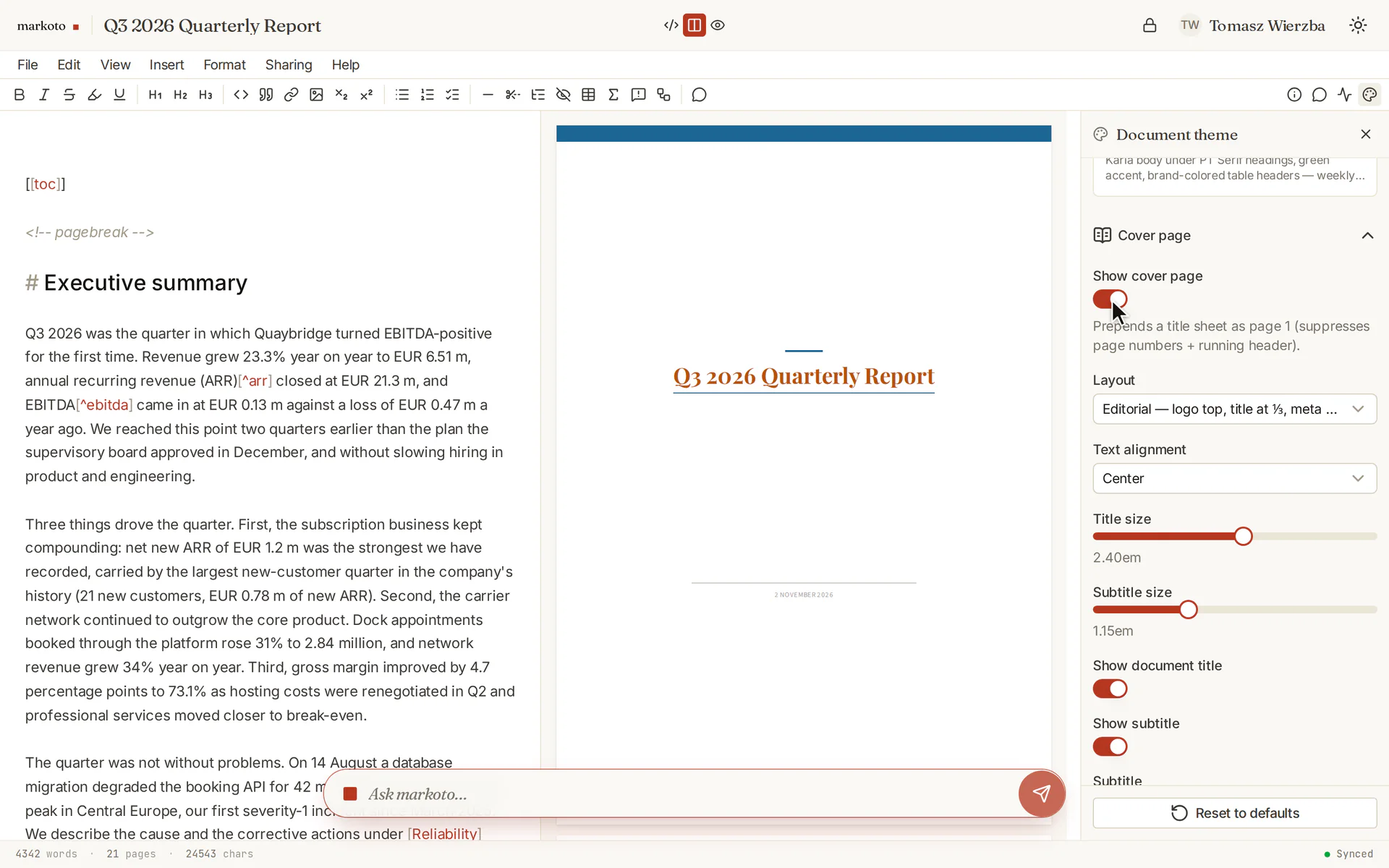
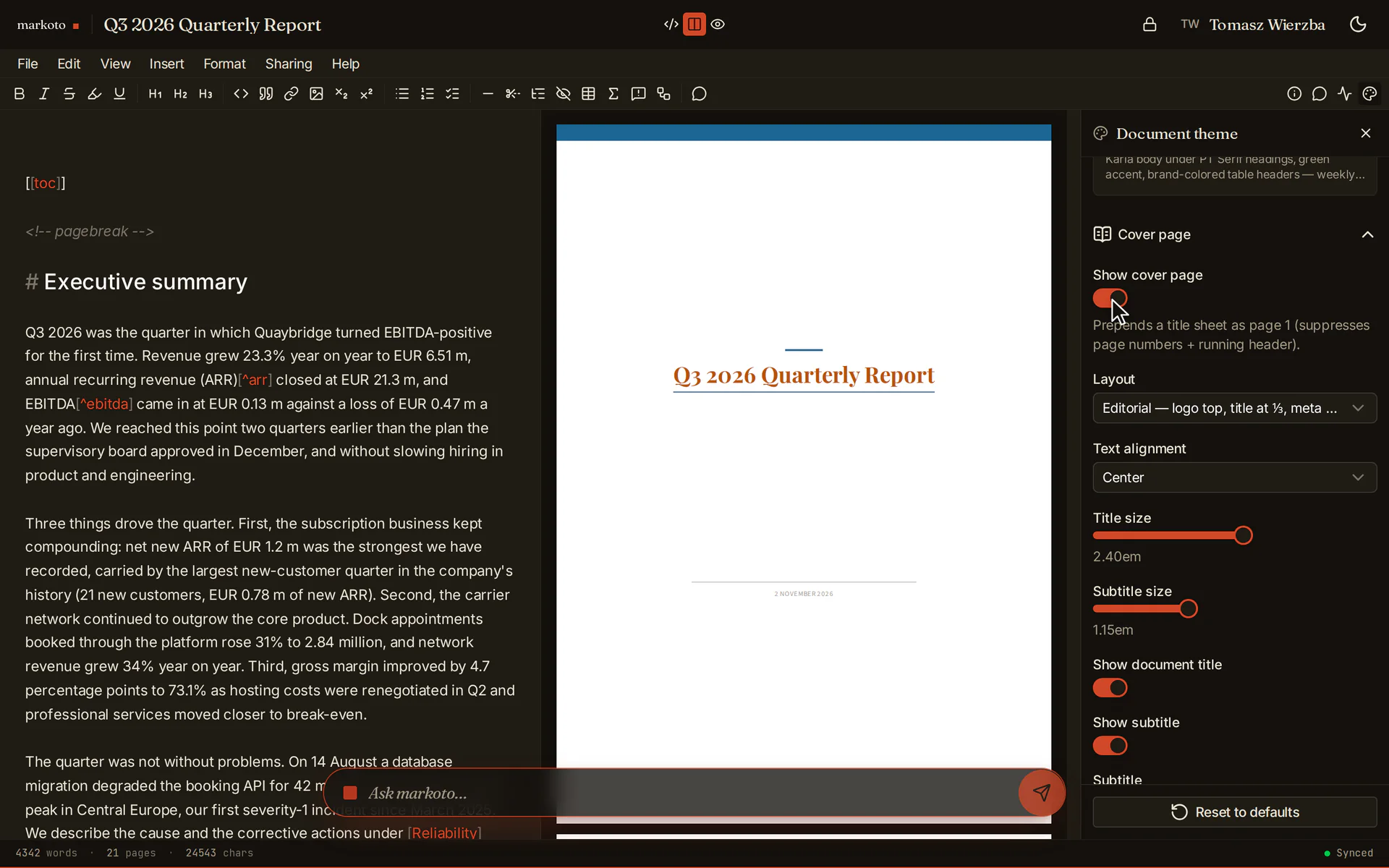
A different preset restyles the report, then a new accent colour, a new heading font and a designed cover page.

04 · Collaboration

Edit the same document at the same time.

Live cursors, comments and @mentions. Changes sync instantly: no save button, no merge conflicts.
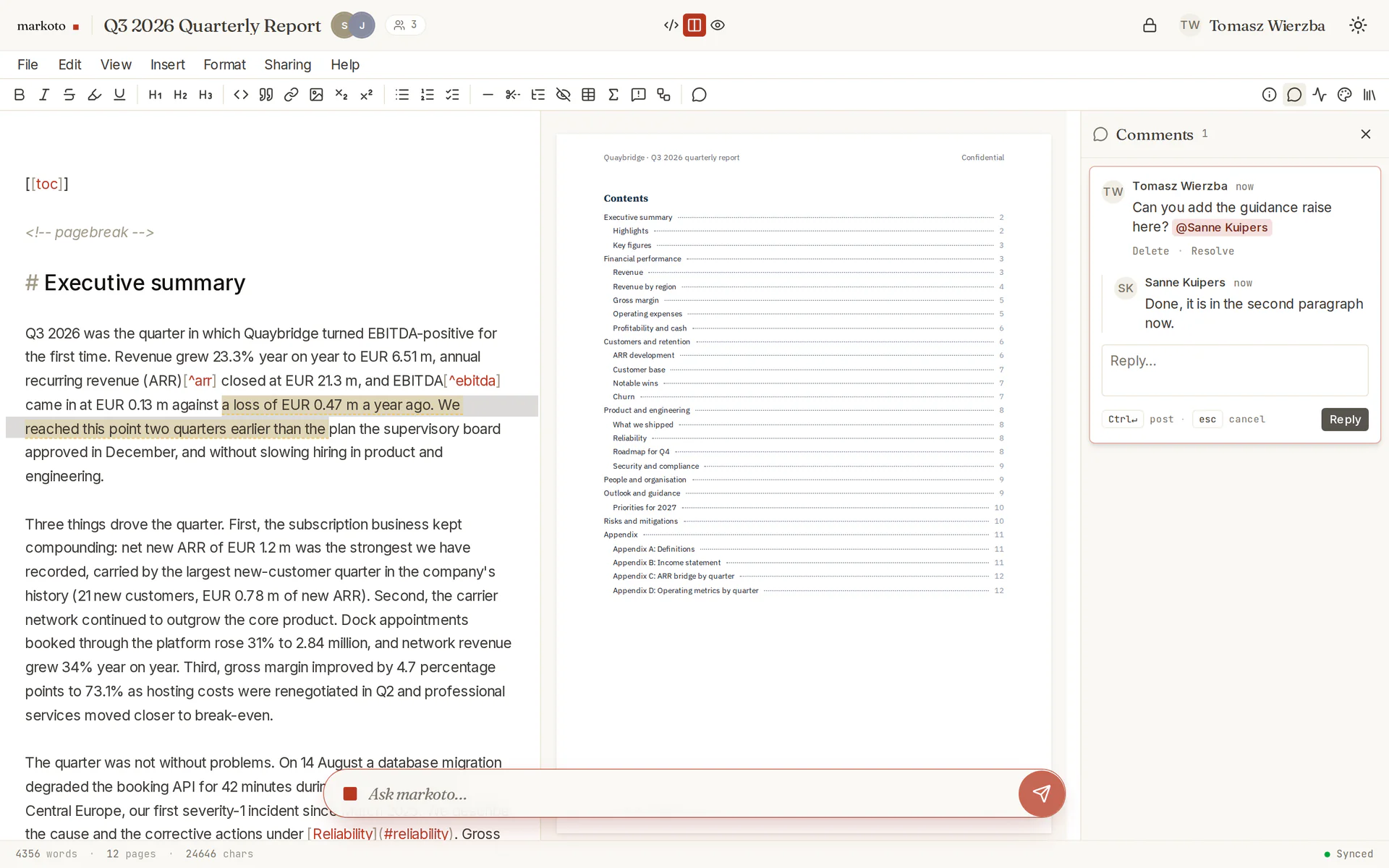
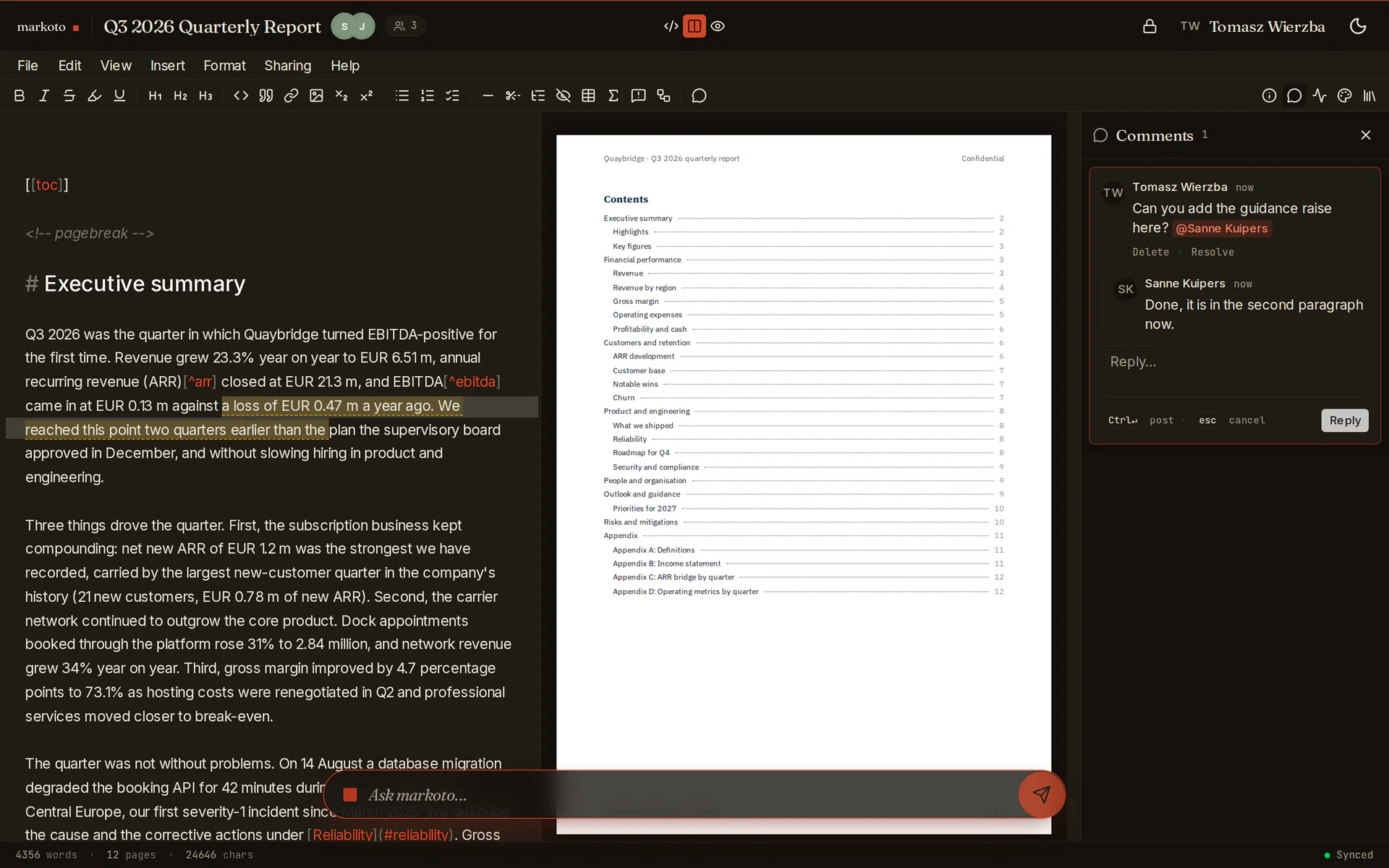
Three people in one report: two colleagues type in different sections, the author comments and mentions one of them, who replies.

05 · AI

An AI assistant that edits your Markdown.

Ask it to draft a section or fix a table. It writes into the document while you watch, and every change shows up in the history.
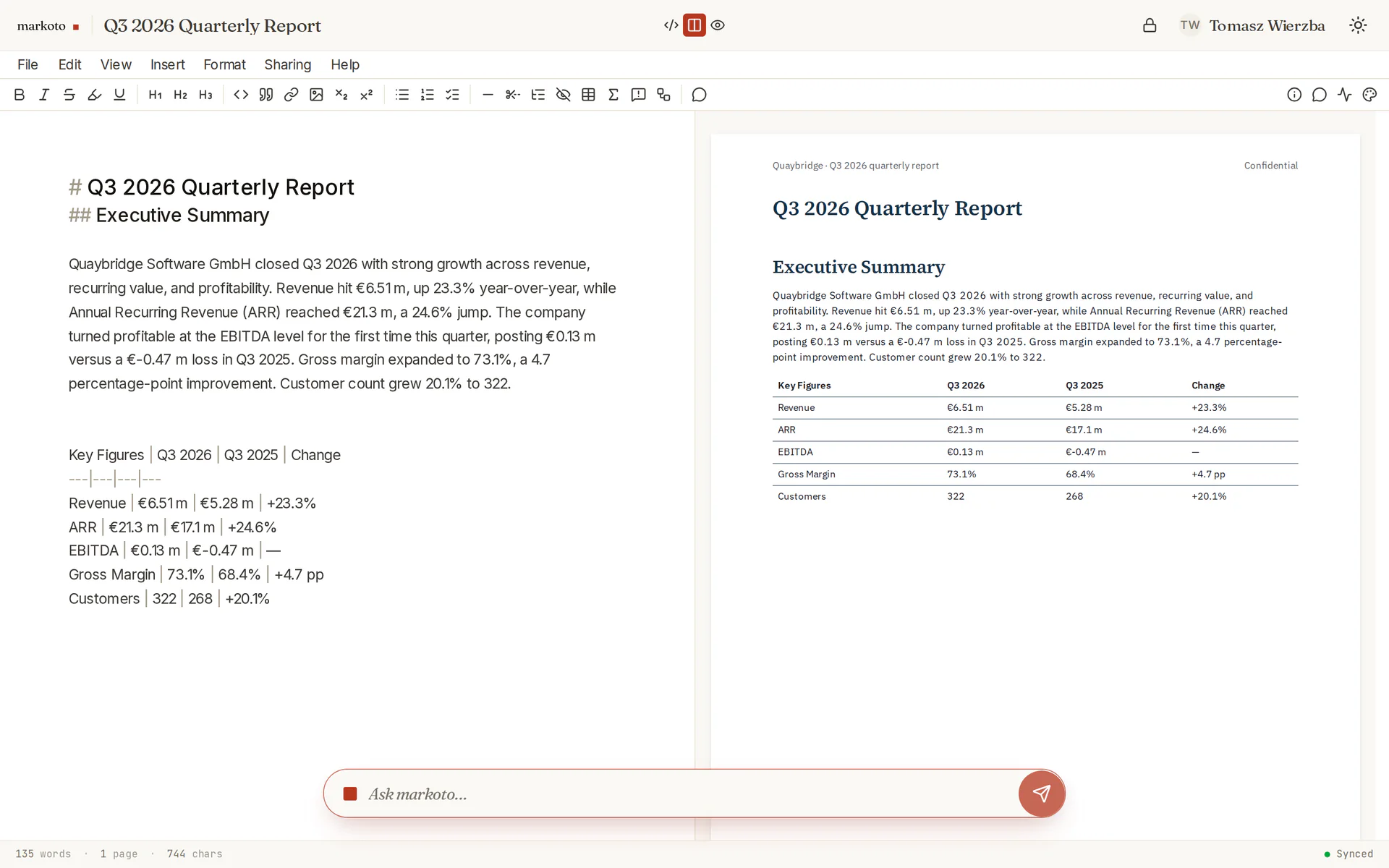
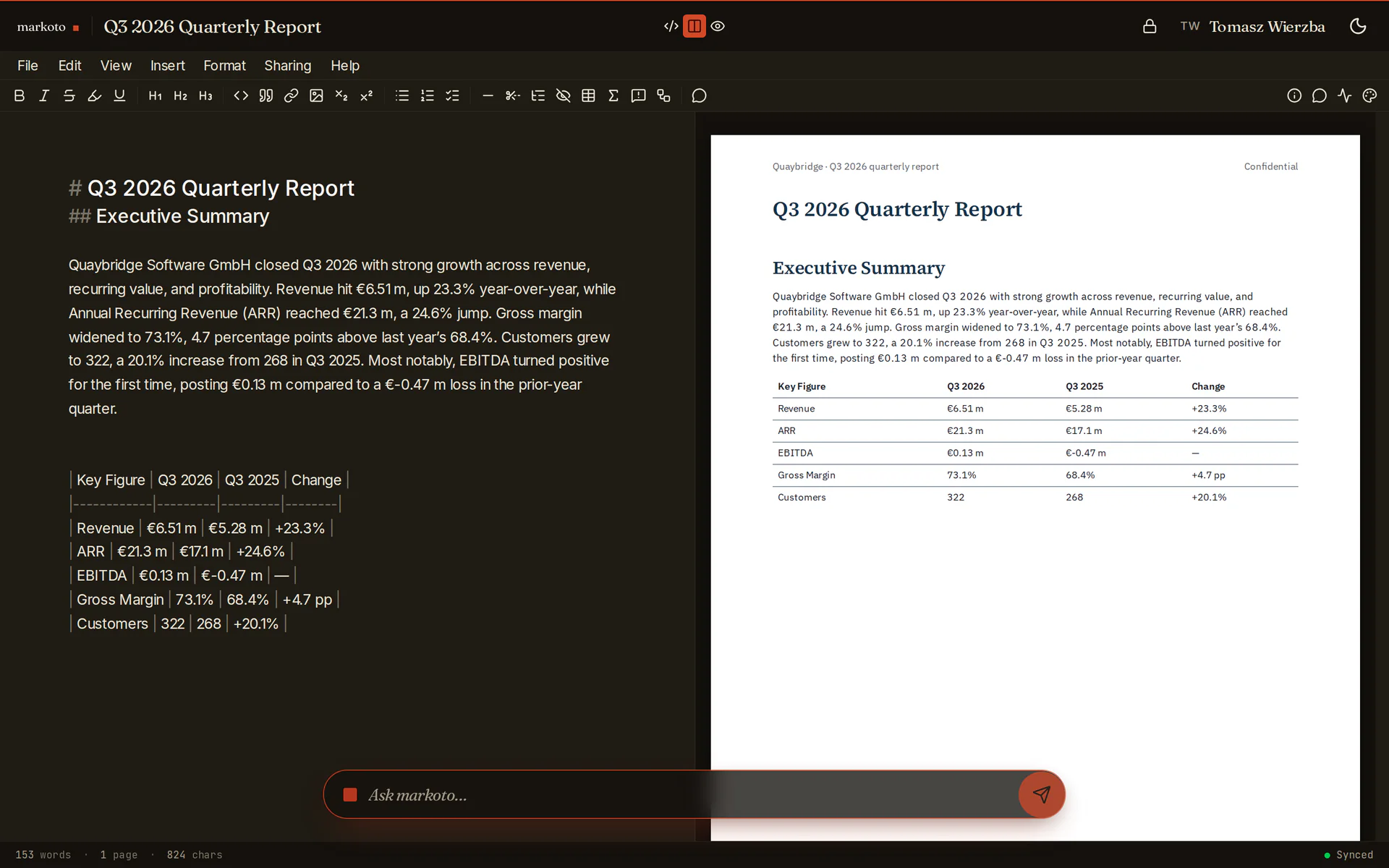
From a title alone, the AI writes an executive summary with a table of key figures into the report.

06 · Knowledge

Answers from your own files.

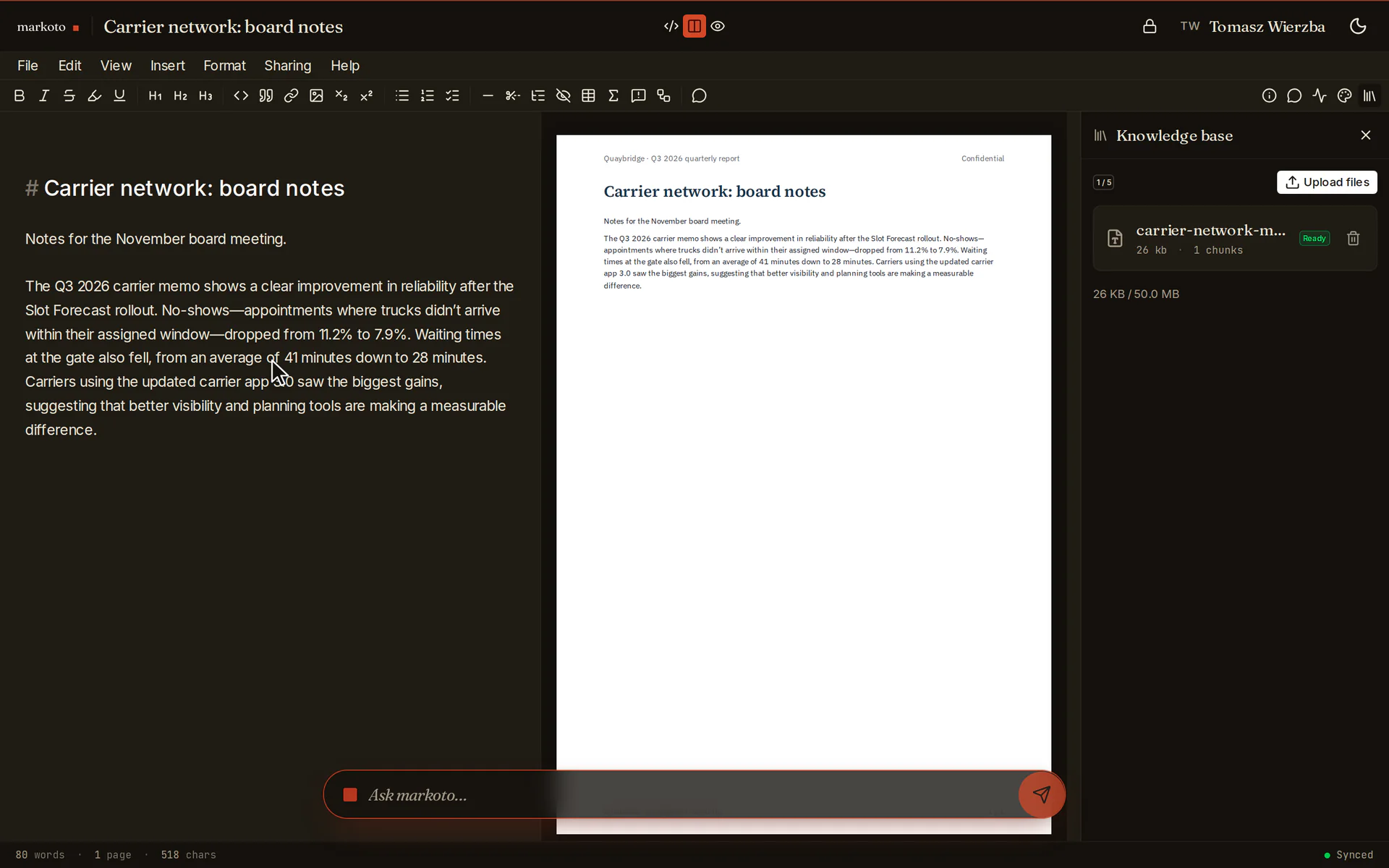
Upload PDFs, Word or Excel files to a workspace. The AI answers from them instead of guessing.
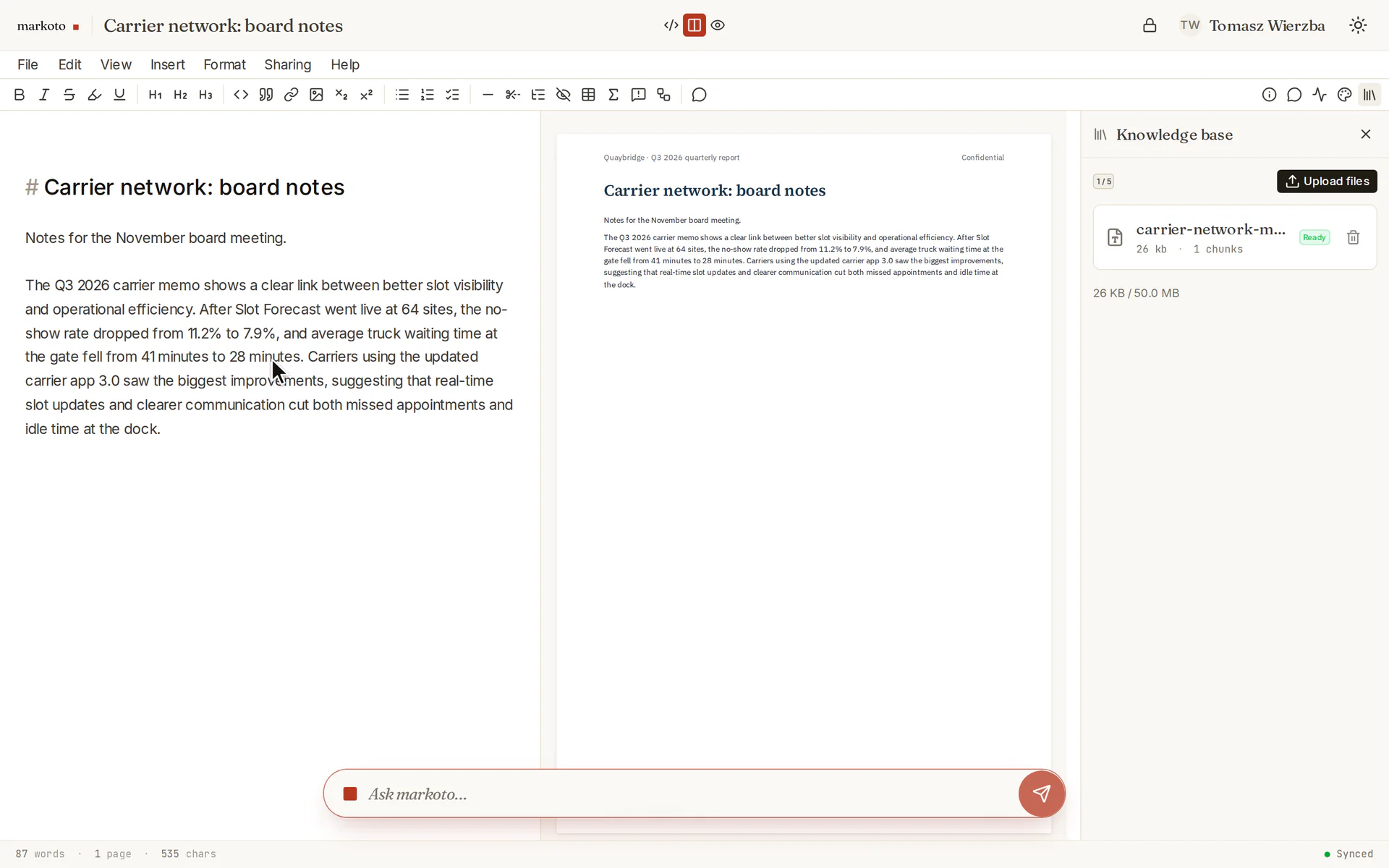
A memo is uploaded to the knowledge panel and processed, then the AI answers from it, quoting its figures.

07 · History

Every change, with a diff.

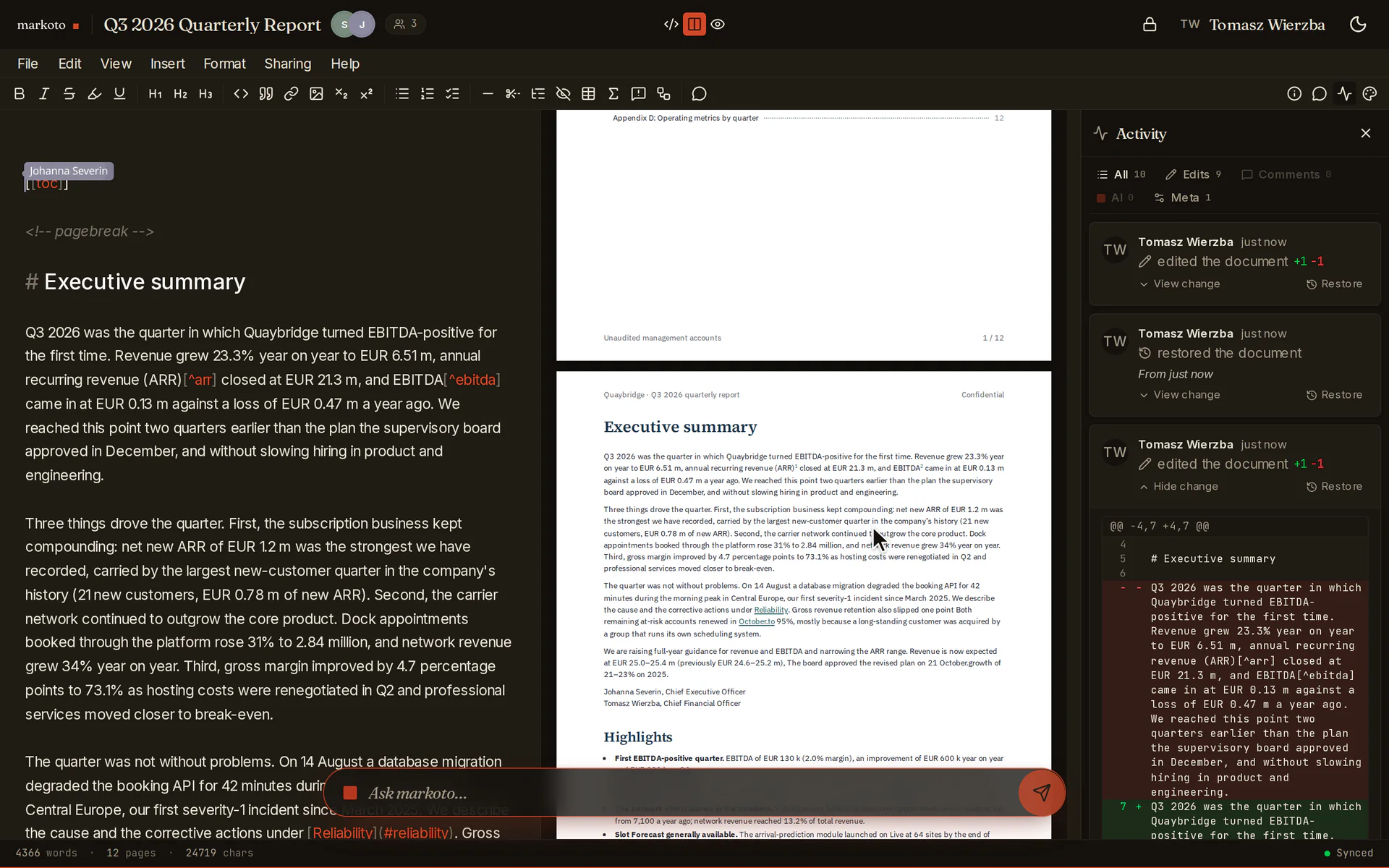
See who changed what, people and the AI alike, and restore an earlier version in one click.
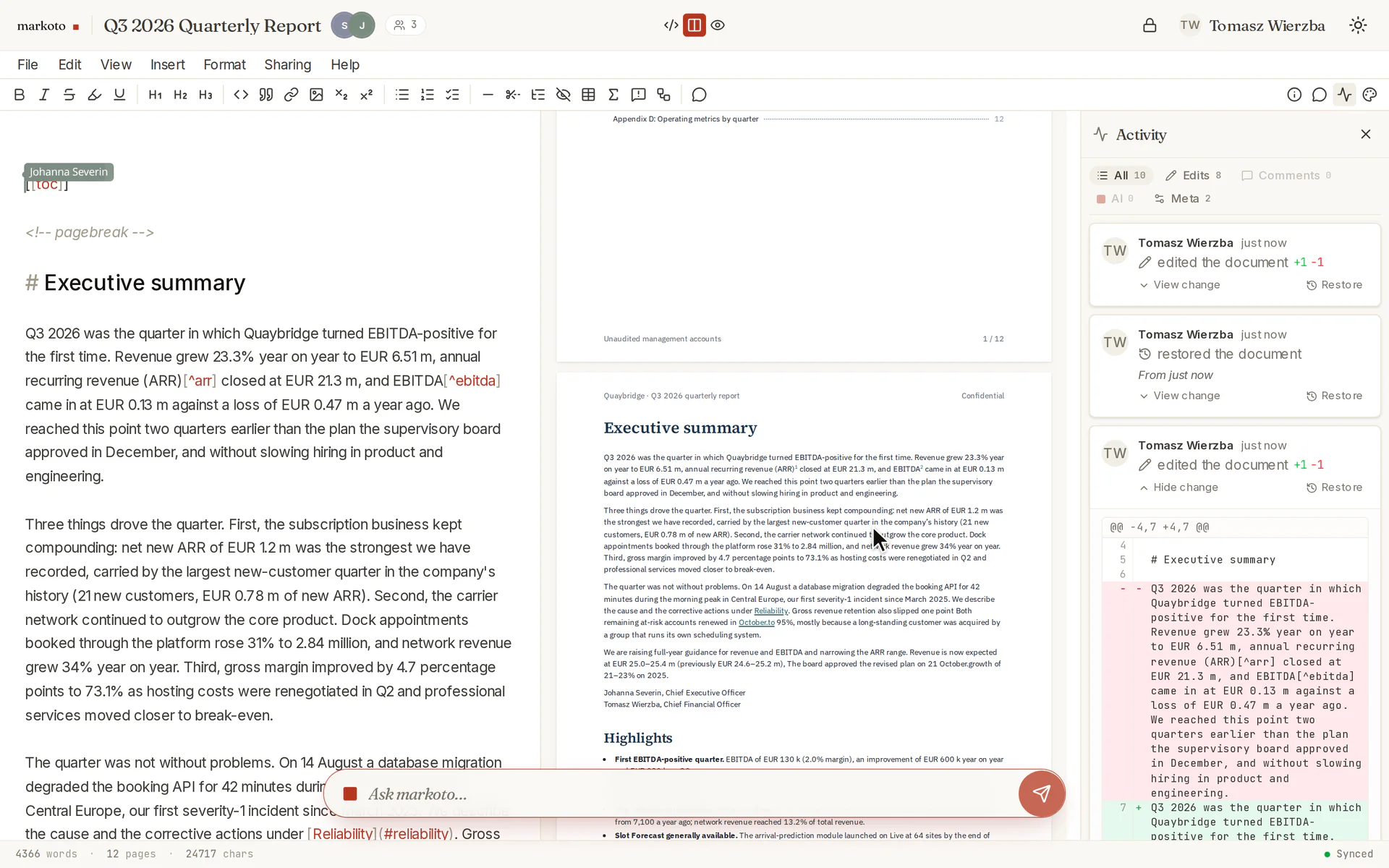
The activity log with edits by several people and the AI; one edit opened as a diff, then restored.

08 · Share & export

Share a link or export a PDF.

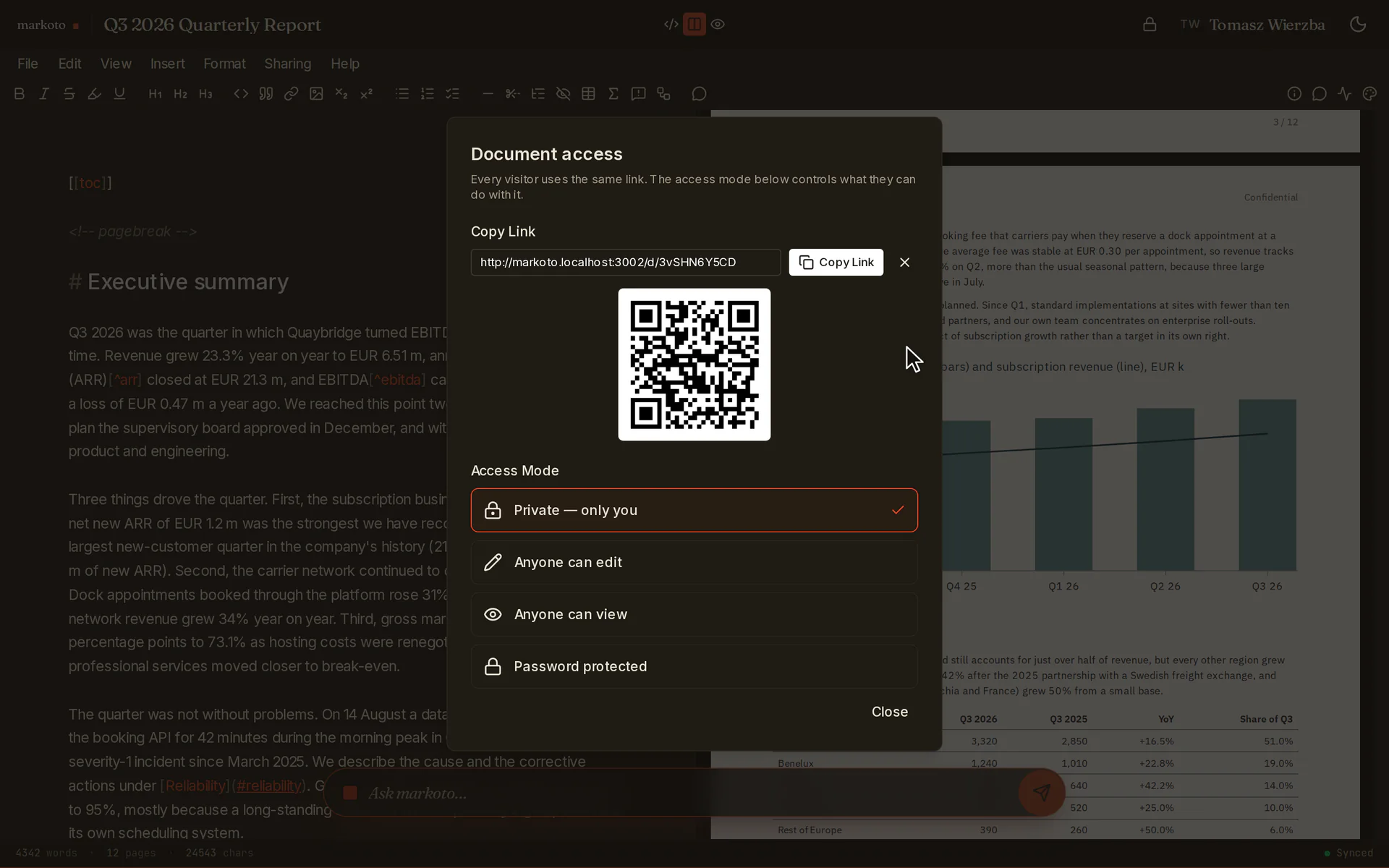
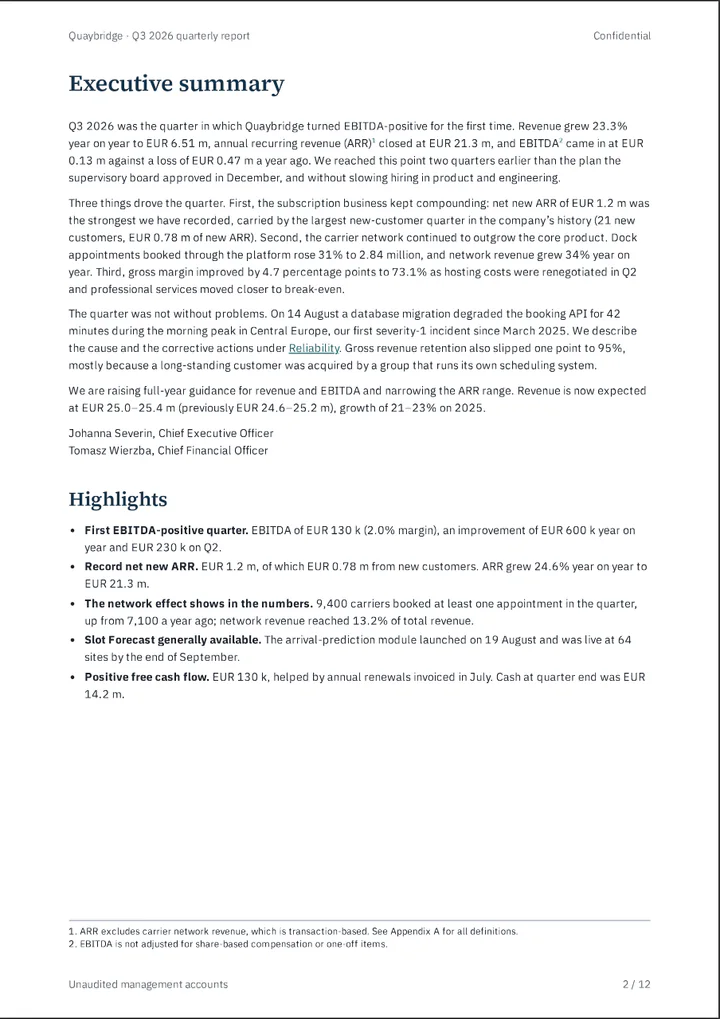
Open, view-only or password-protected links. The PDF matches the preview page for page.
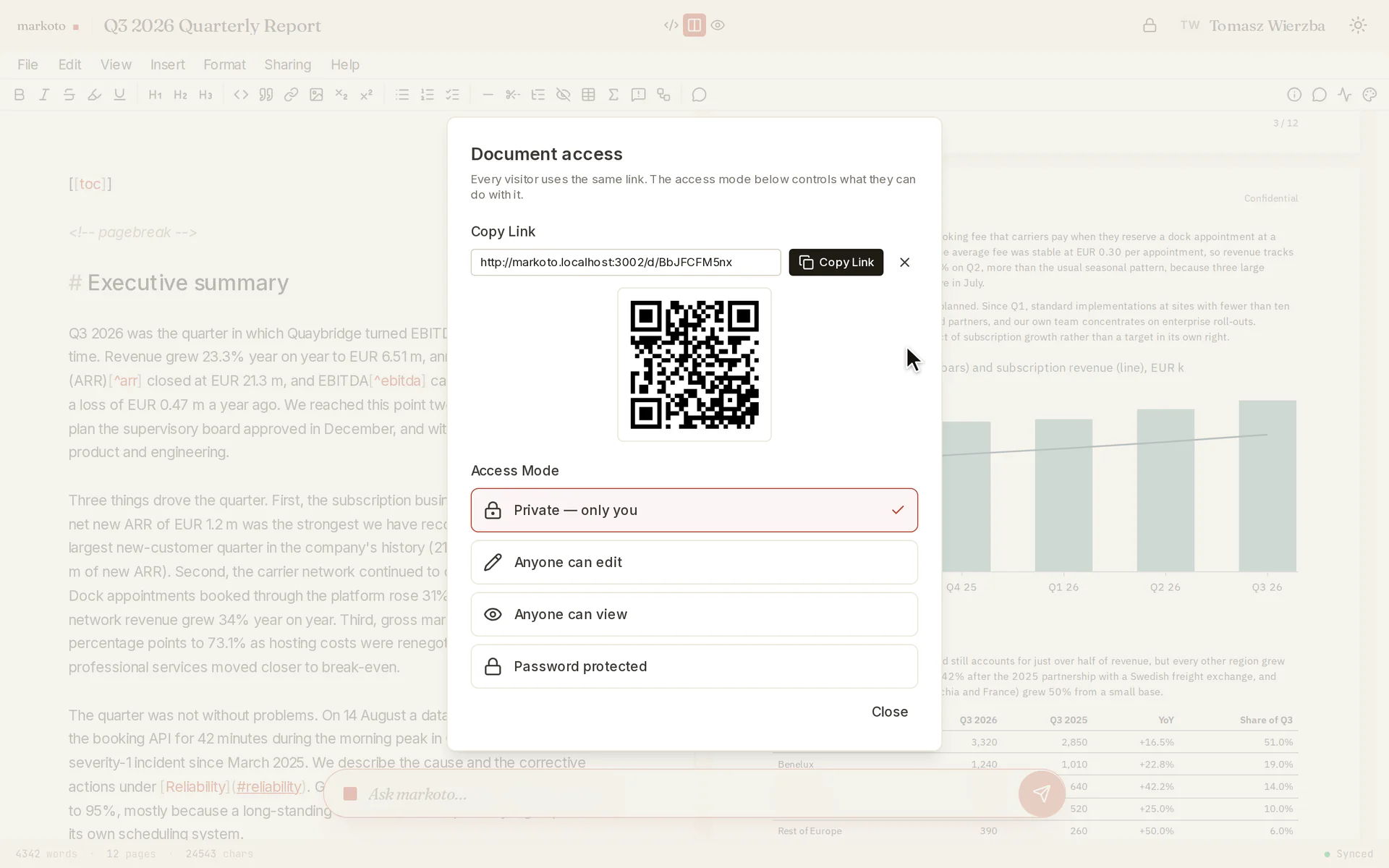
The share dialog with the document link, its QR code and who may open it.
Pages of the exported PDF fanned out: the cover, the summary and a page with a chart.

09 · Self-hosting

Source-available and self-hostable.

  • Bring your own AI key
  • Hosted in the EU
  • Source-available · self-host with one script
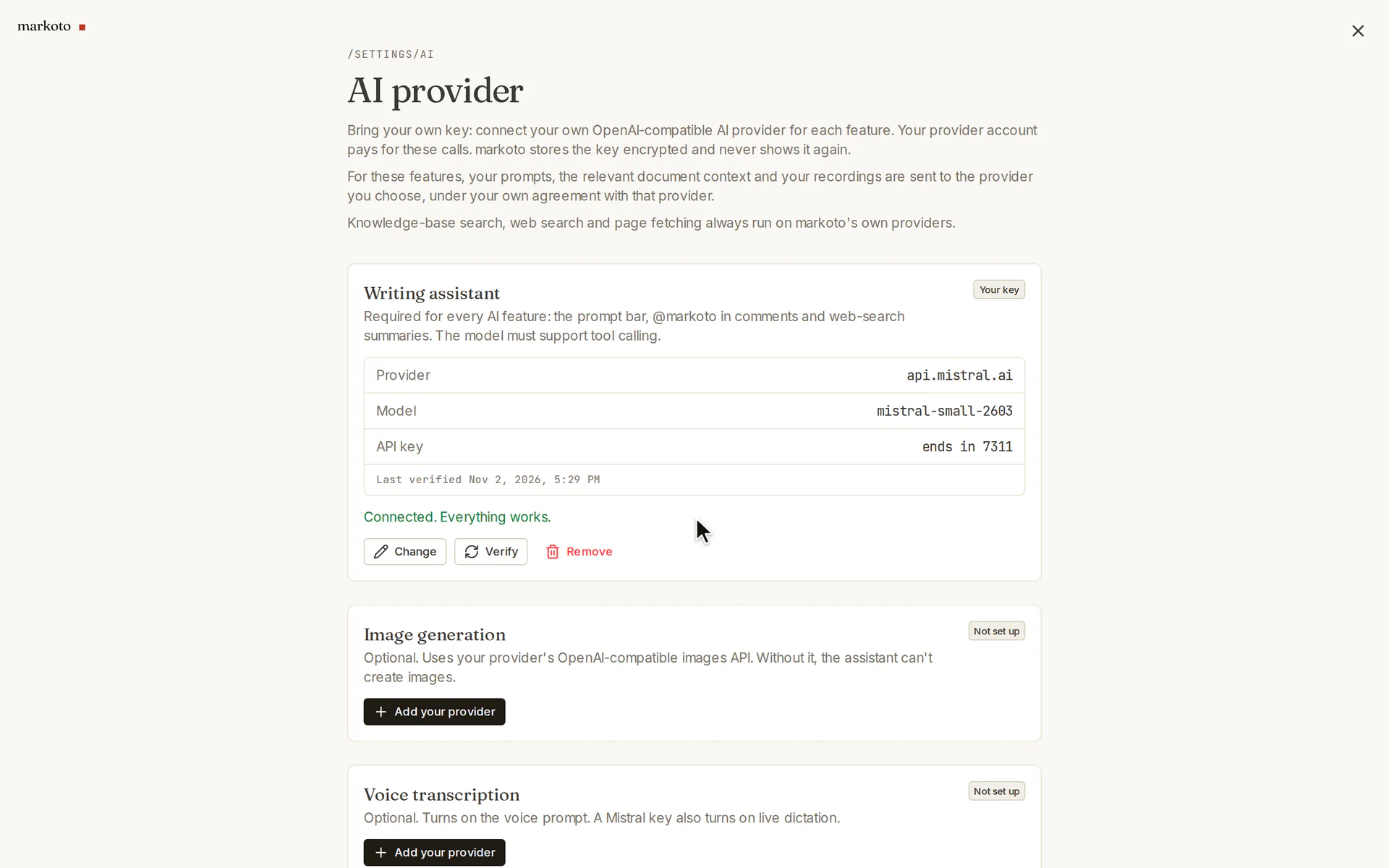
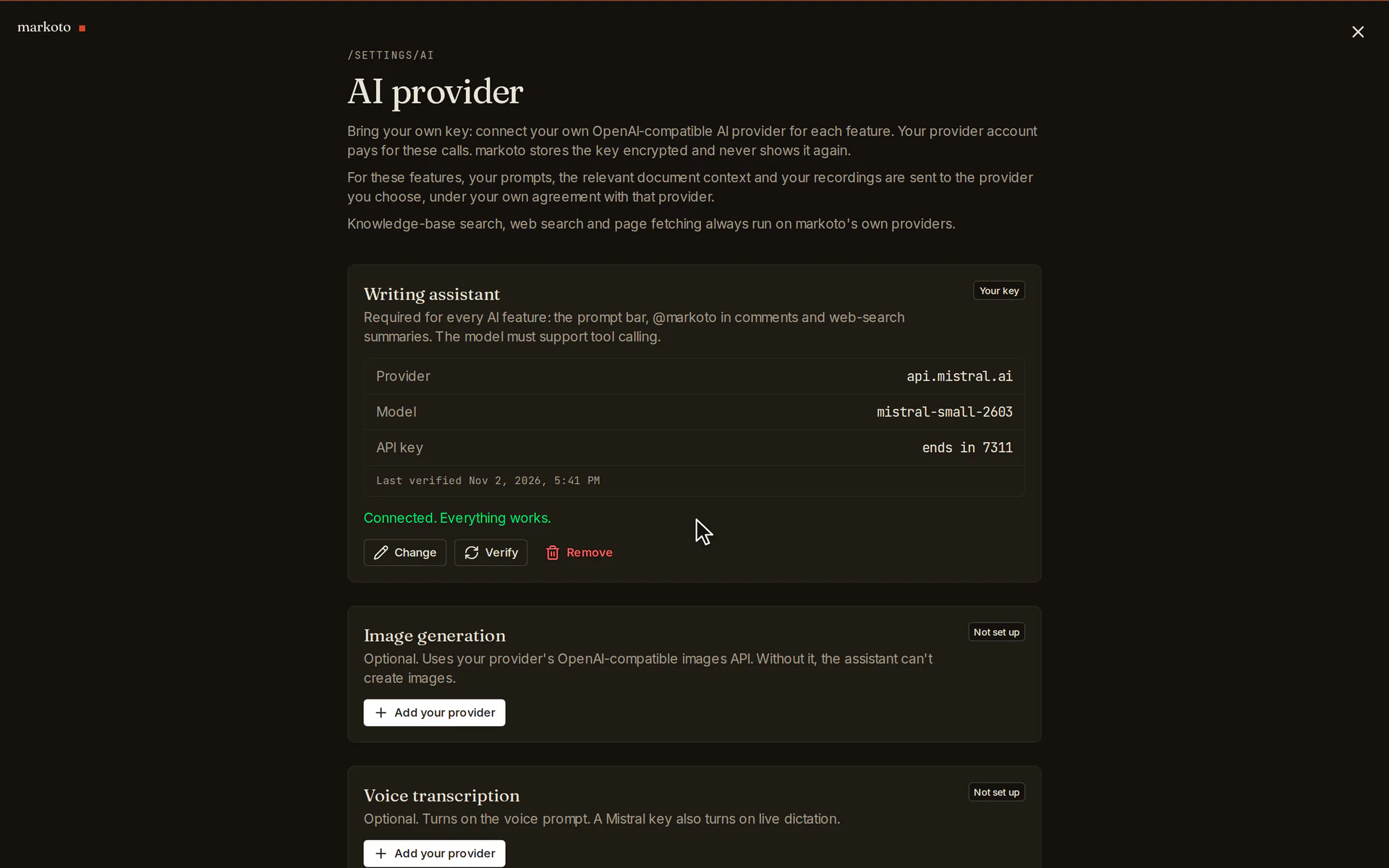
AI provider settings: the writing assistant connected to the user’s own provider and verified.

Try it with your own Markdown.

Free on markoto.app, no sign-up needed, or host it yourself.

Self-host