

Novel writing software that runs in the browser
You write the book as plain text, in Markdown. markoto lays it out as manuscript pages while you type, lets readers comment on the passages they mean, and gives you a PDF that looks like the preview. If you want help, an AI assistant can tighten a paragraph or answer a question about your notes. It does that when you ask, and every change it makes can be undone.
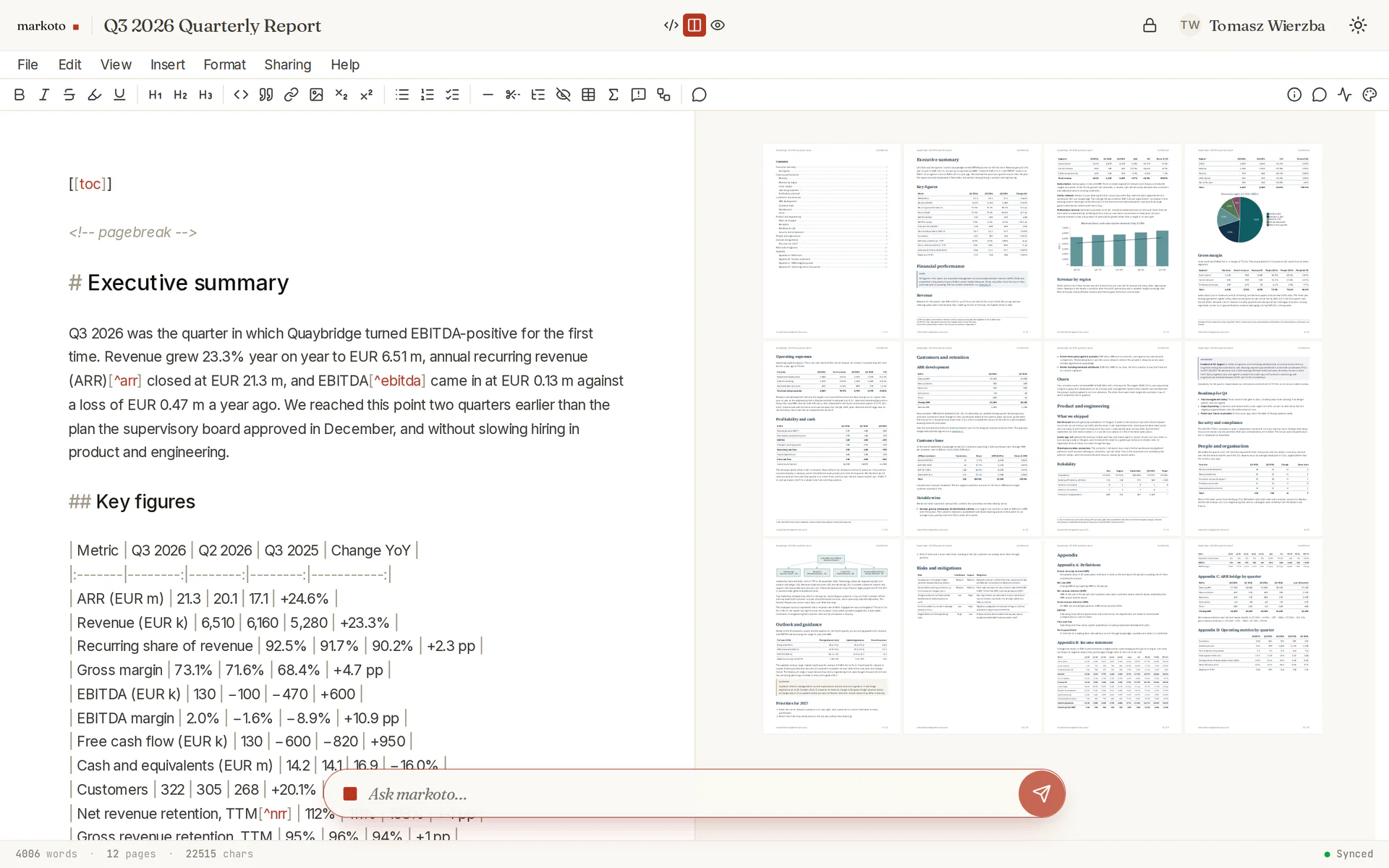
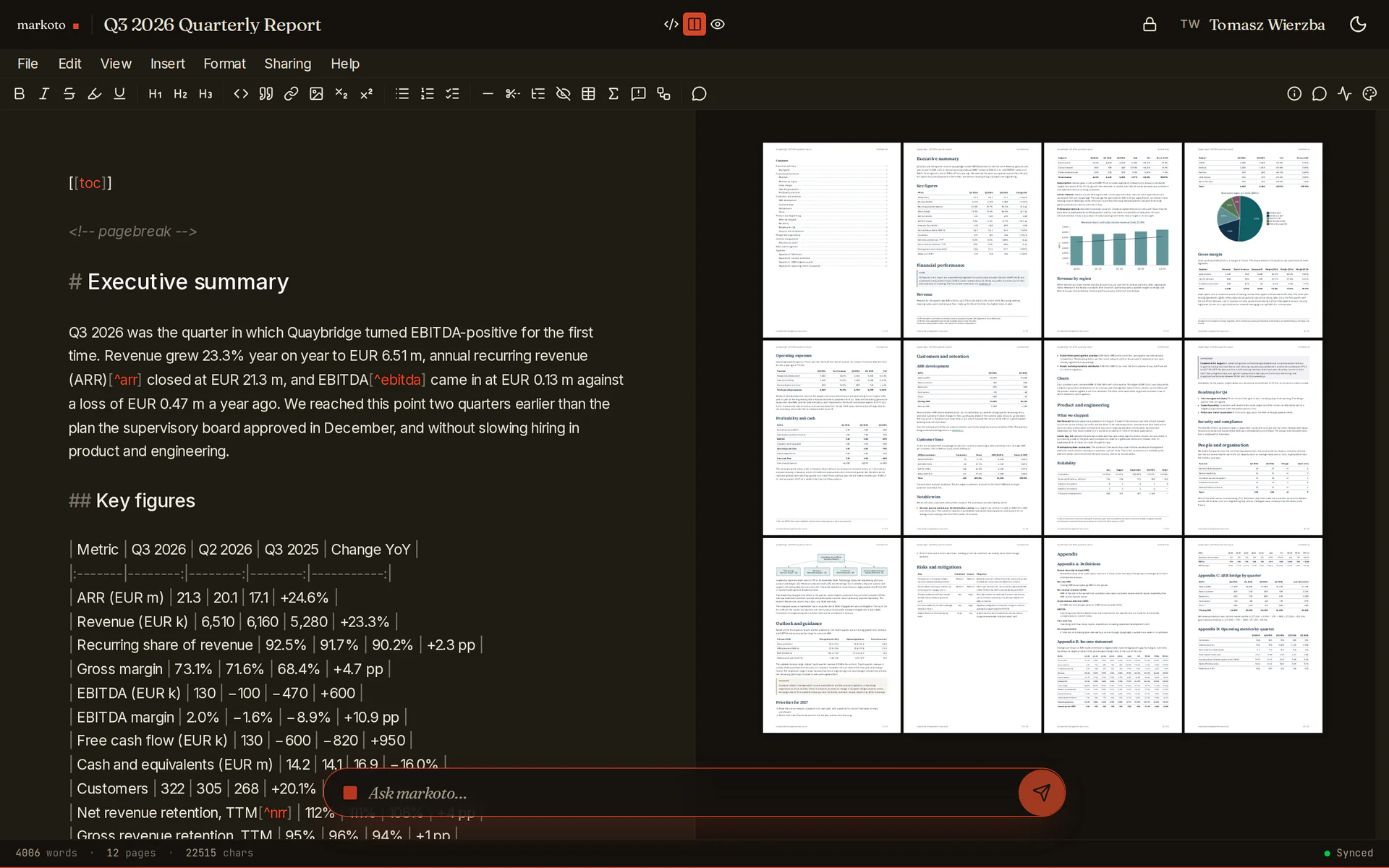
A manuscript, not a web page
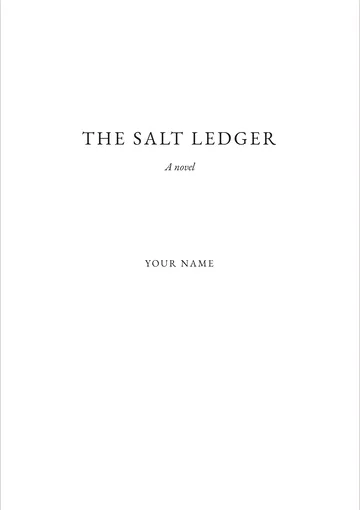
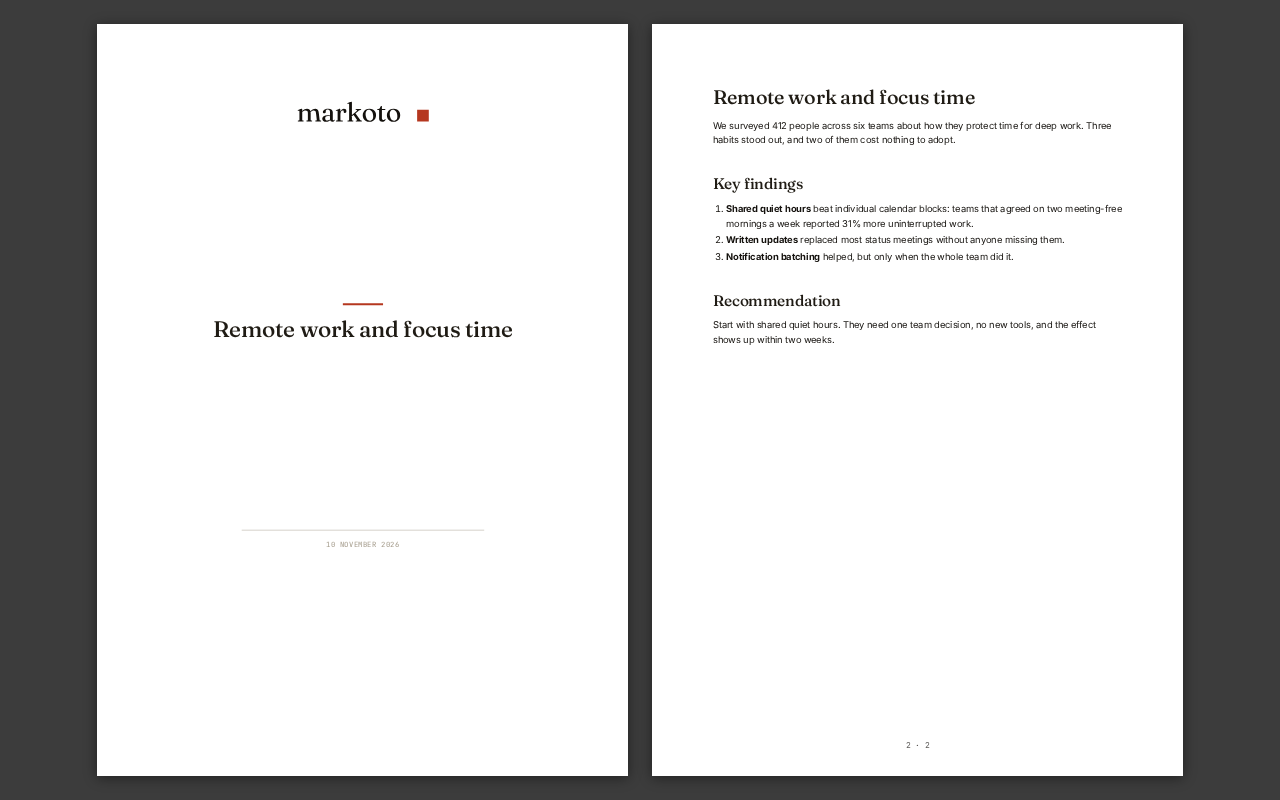
The Novel manuscript template sets the book the way a manuscript is set: a title page with the title and your name, an optional epigraph alone on its page, and chapters that each start on a new page, numbered by the layout. A chapter is a heading, so there is nothing to renumber when you move one. A scene break is a line with * * *; the layout sets it as three spaced asterisks and starts the next paragraph flush.
The status bar shows your word count as you write and, in the preview, the page count. Fonts, margins and the running header are set in the document theme if you want a different look. Details: the novel manuscript template.
Share chapters and collect comments
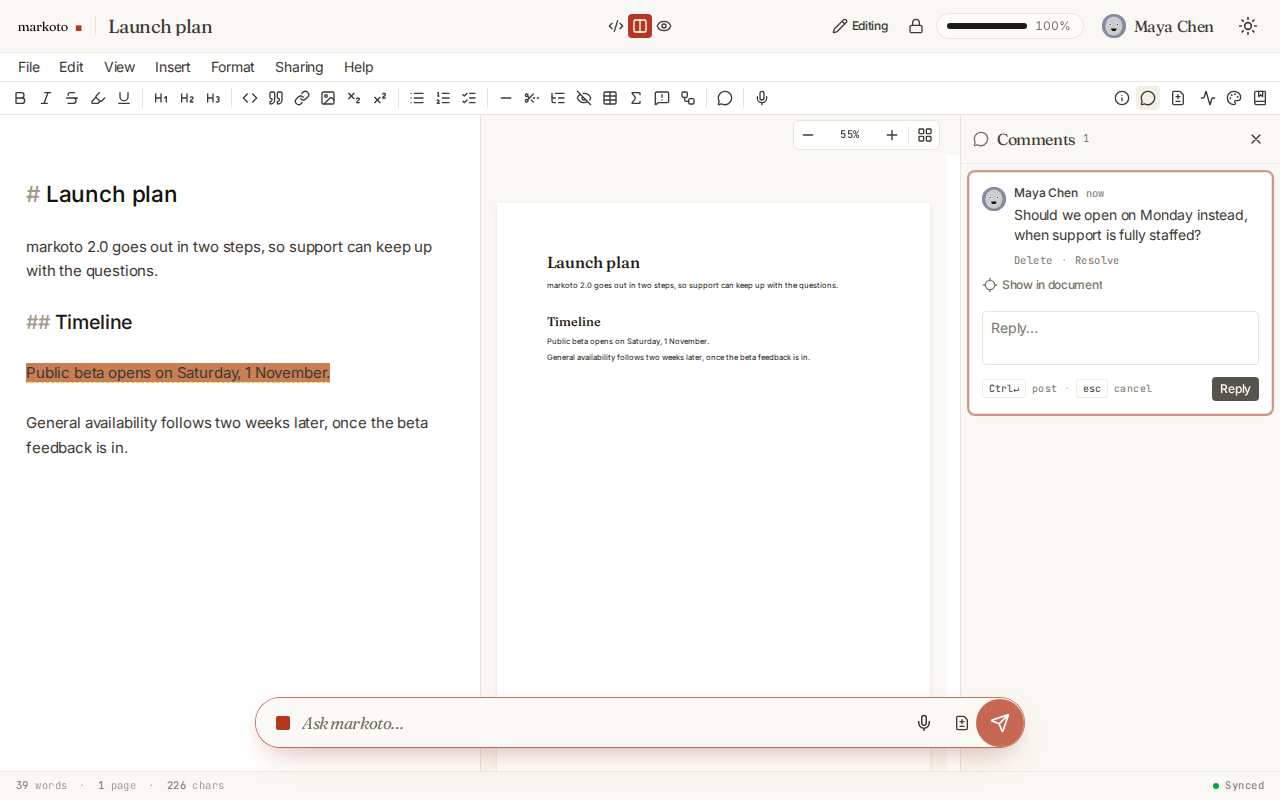
Send the link and your readers see the document in their browser: no install, no account for reading. Readers comment on a passage, you reply, and when the point is dealt with you resolve the thread. Comments stay attached to their words as you rewrite around them.
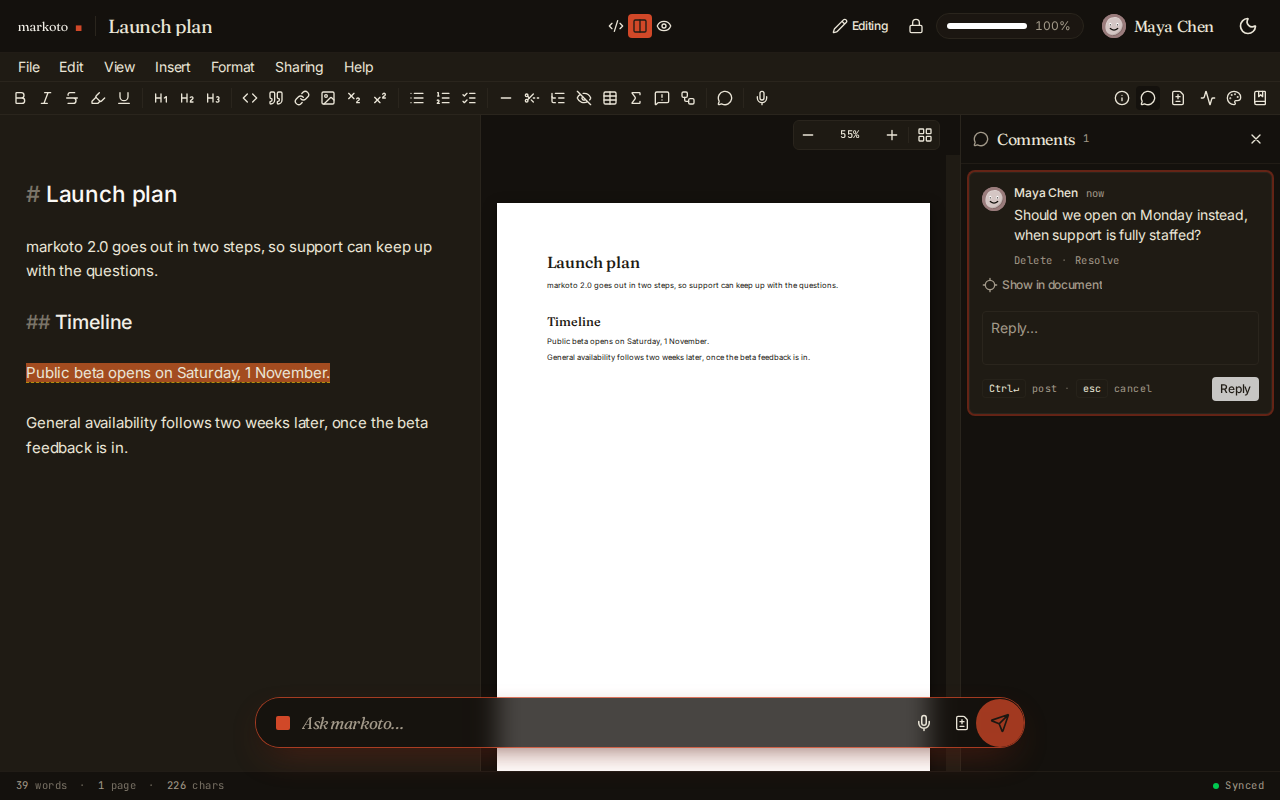
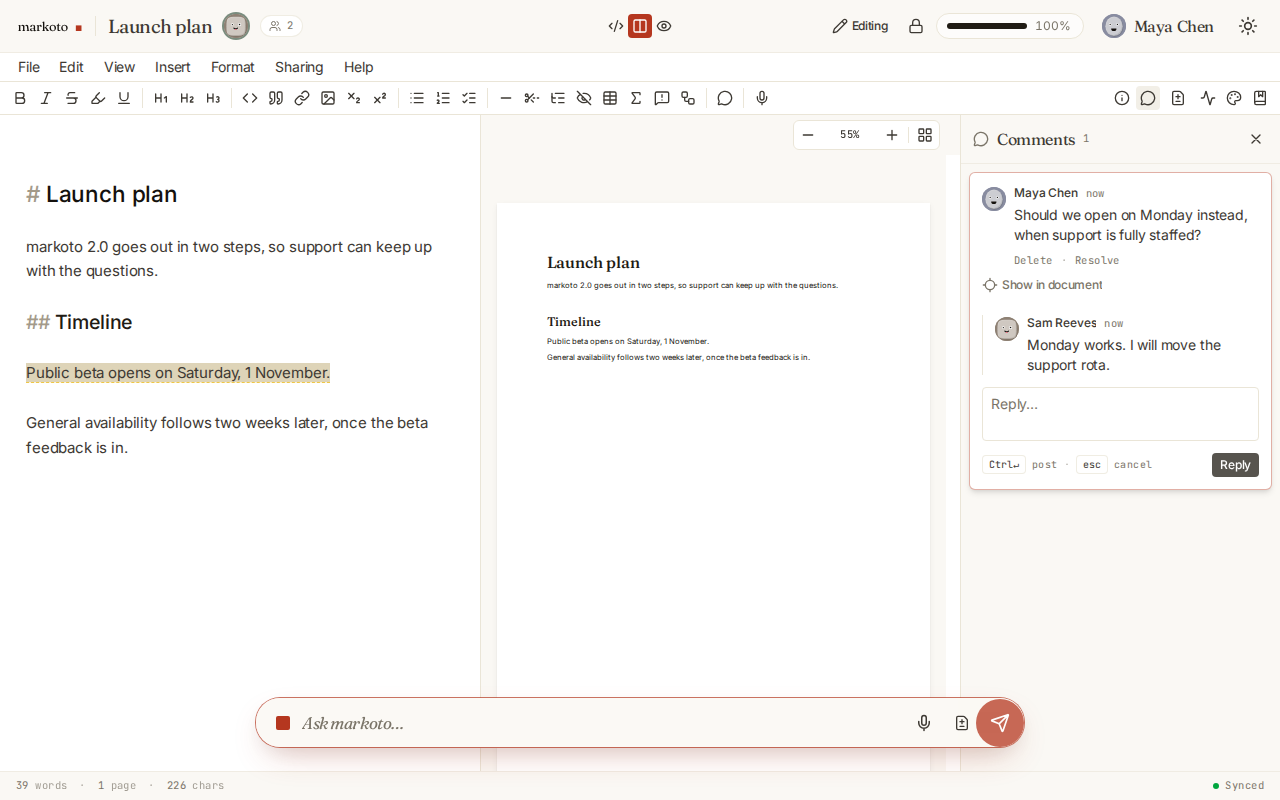
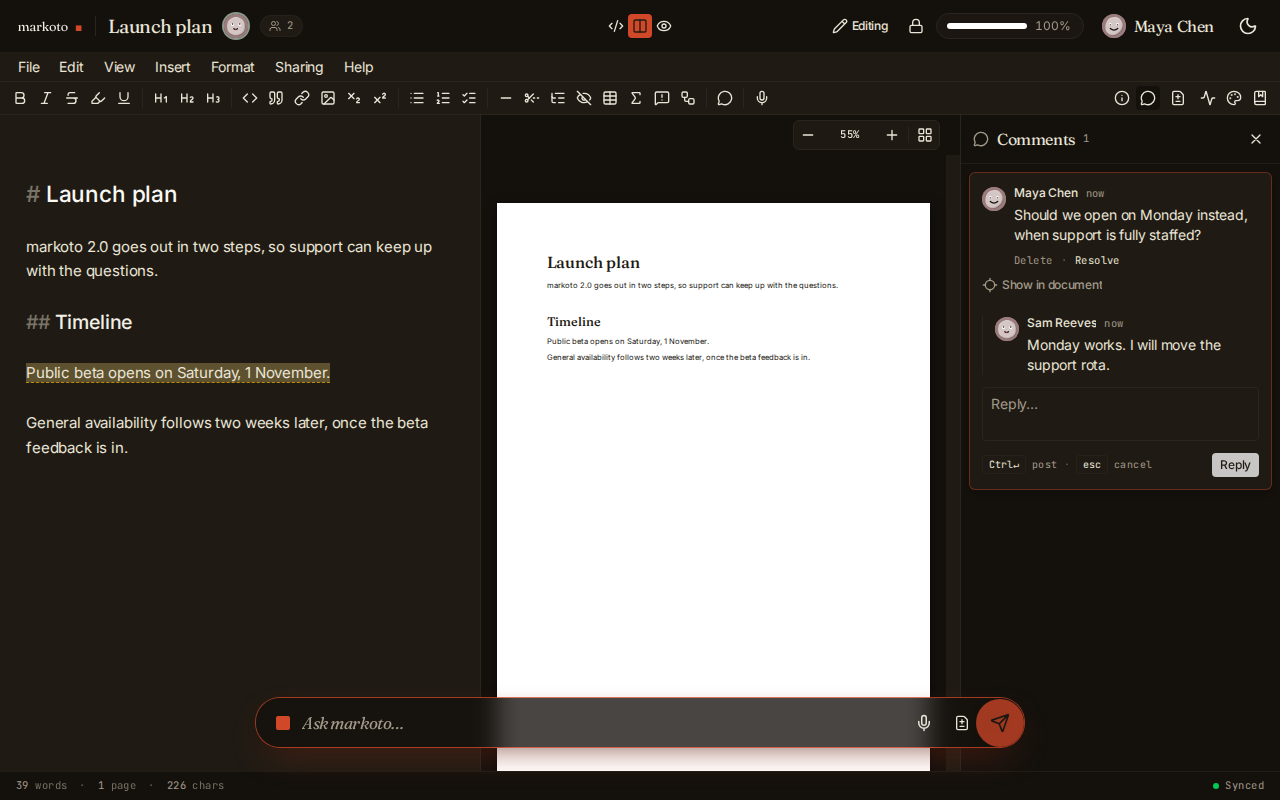
A few things to know before you send the link:
- Comments need edit access. A read-only link lets people read but not comment. A link with edit access lets them comment, and also change the text; the history lets you see every change and restore an earlier state.
- A password can protect the link, so only people you give it to can open the document.
- No account is needed to read. Readers who want to comment still open the link in the browser.
A PDF that matches the preview
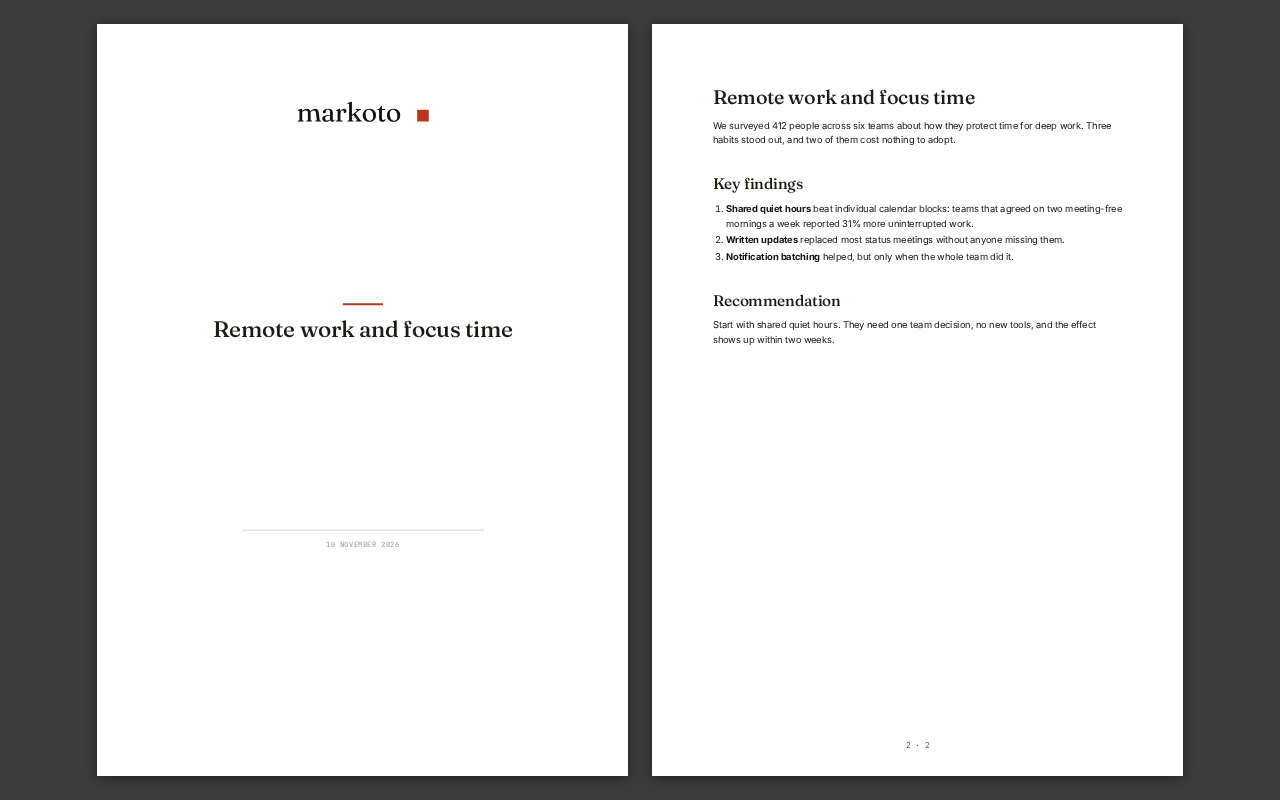
File › Export › PDF downloads the pages you saw in the preview, with the title page, chapters on new pages and the running header. Send it to a reader who prefers paper, or print it. The PDF is made on our server from the saved document, so it takes a few seconds the first time.
The AI as an editor, not a ghostwriter
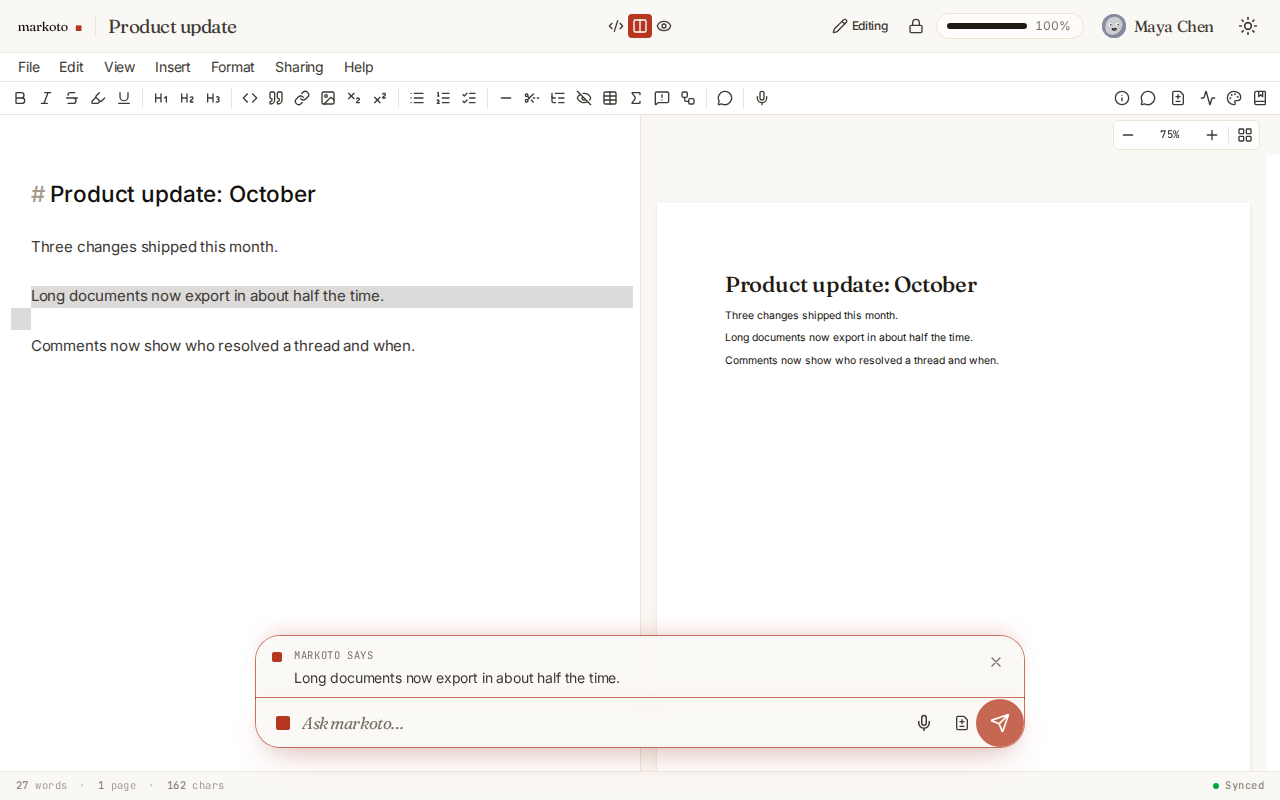
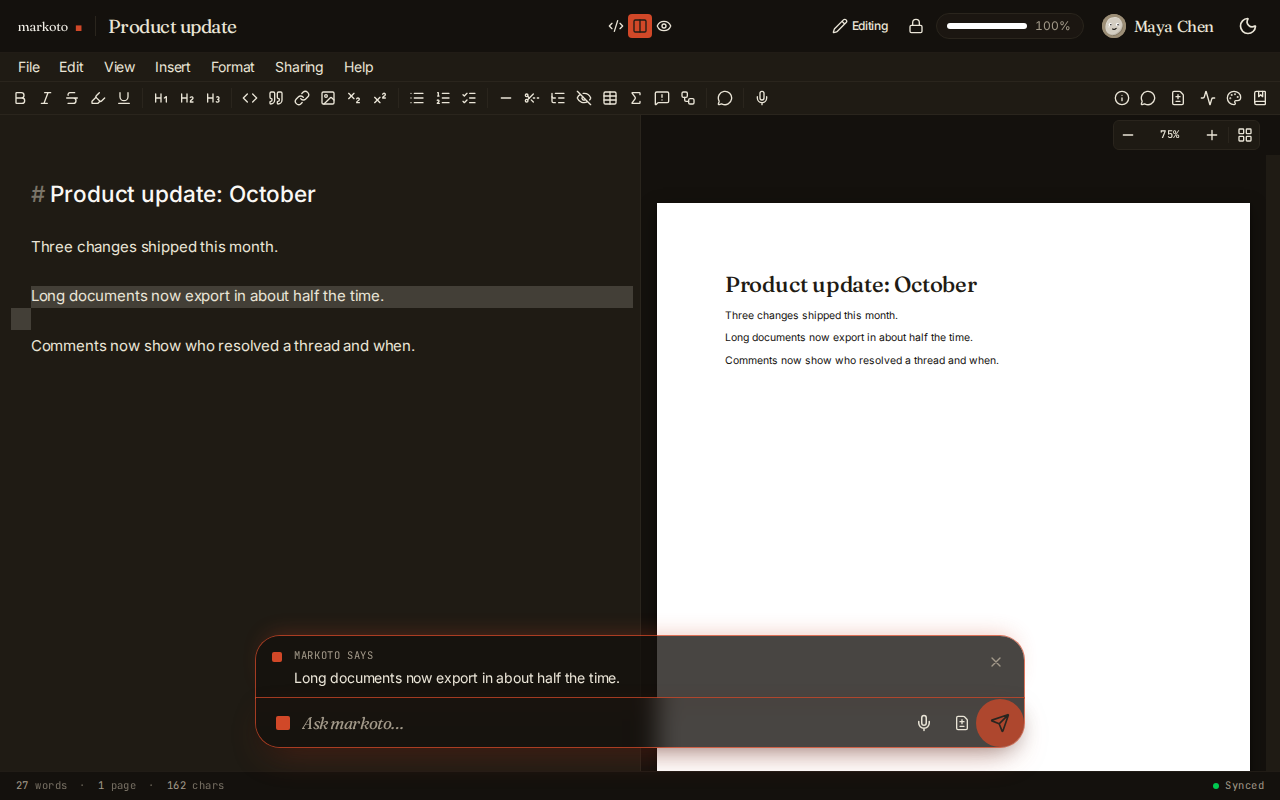
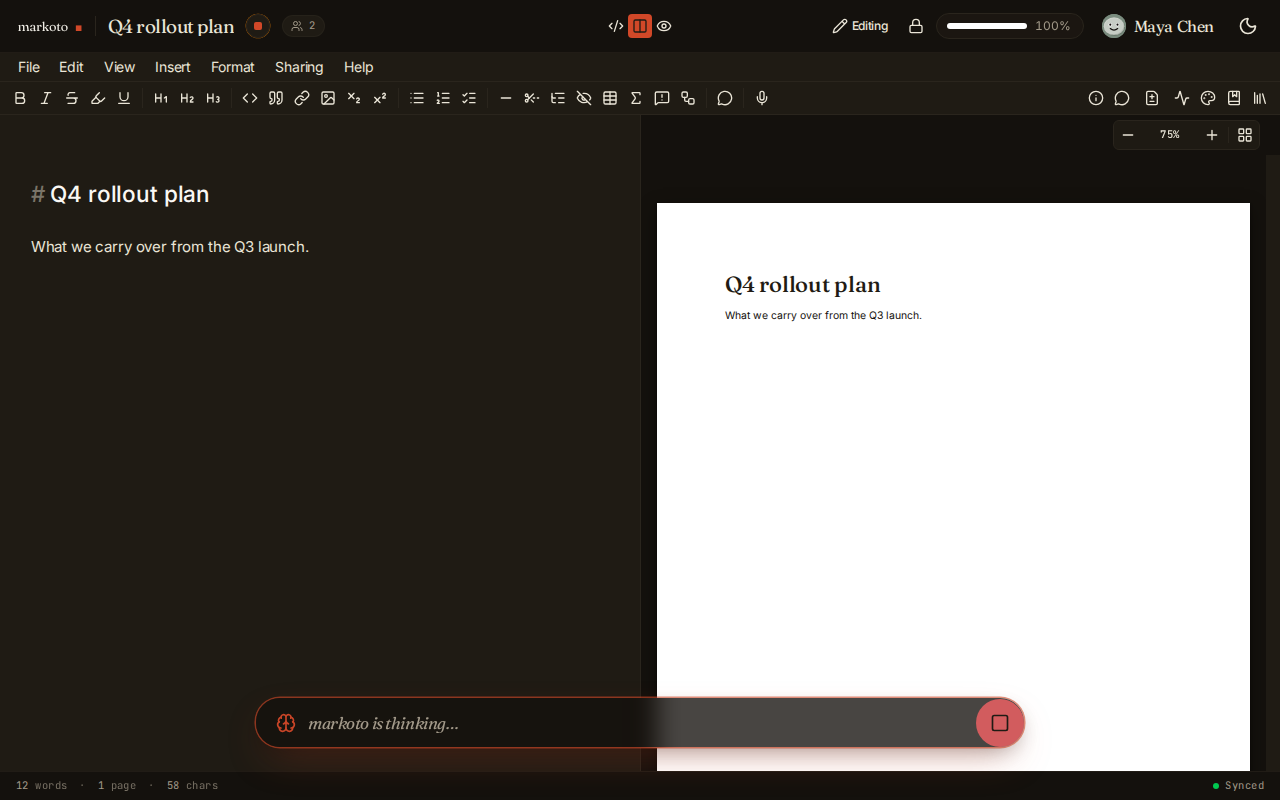
The assistant sits in a prompt bar at the bottom of the document. It works on your text when you ask, in the places you point it to.
- Rewrite a passage. Select a paragraph and say what you want: shorter, calmer, less repetition. The selection is replaced in place, and the paragraphs around it are untouched.
- Ask about a passage in a comment. Mention
@markotoin a comment on a sentence and it answers in the thread: does this paragraph sound like the character in chapter 2, what does this sentence assume the reader knows. - Change many chapters in one go. Translate chapters 2 to 5, or change the register throughout. It tries the change on a sample, tells you how many sections it will touch and how long it takes, then works through them while you keep writing. You can cancel, and undo the whole job.
- Check what you wrote. Every AI edit shows in the Activity tab with a diff and a Restore button.
The AI doesn't write a book from a prompt on its own initiative and never edits while you are not asking. Use it as little or as much as you like; the chat can also run on your own AI provider (Settings › AI provider), and without any AI the editor works the same.
Research help
Notes, interviews, a historical source: upload them to a workspace's Knowledge tab (PDF, Word, slides, spreadsheets, HTML, Markdown and plain text). markoto reads them and indexes them by meaning and by exact words. When you ask the AI a question about them, it searches your files first and answers from what it finds, instead of from nothing.
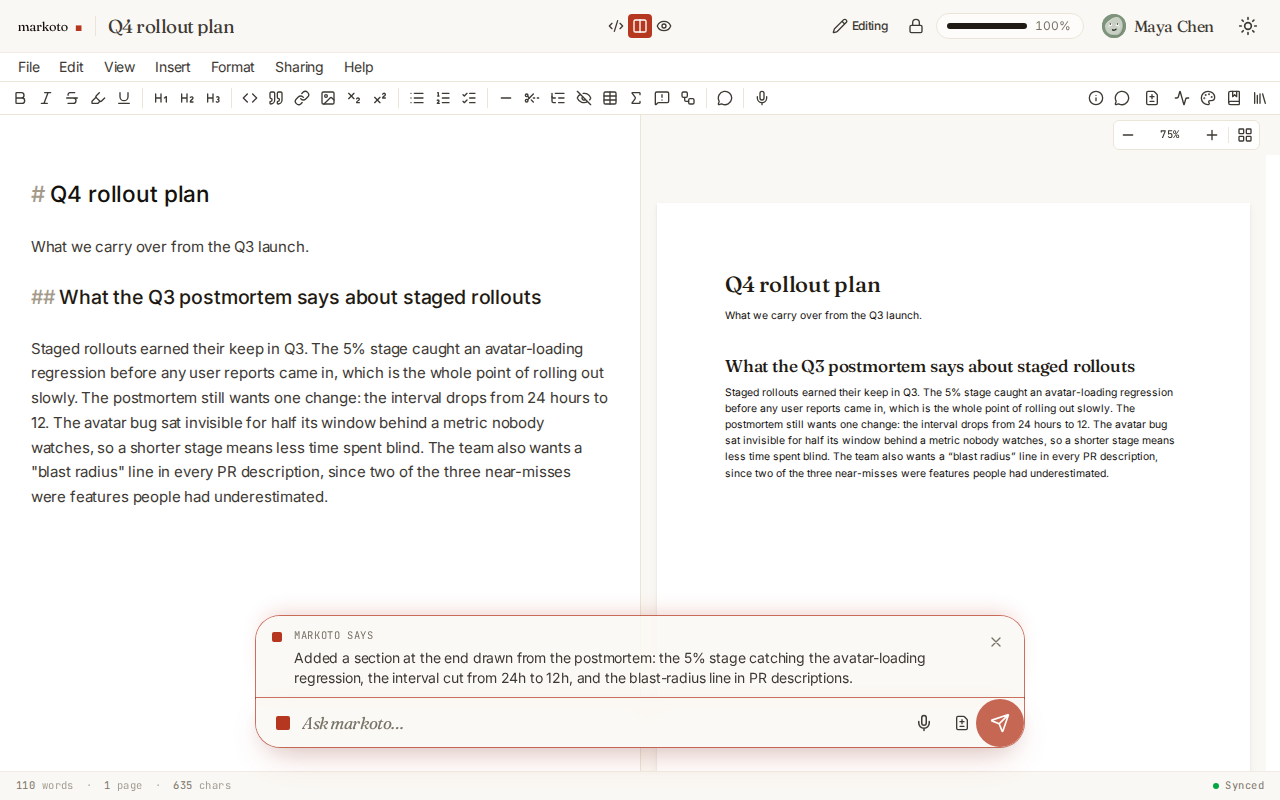
It can also search the web and read a page you link, and it says where the answer came from. Knowledge storage on the free plan on markoto.app is small, a handful of files; on a self-hosted instance it is as large as the operator sets it.
Keep every draft
Every edit is recorded, whoever made it. Restore the book to how it was yesterday, or compare what a reader changed. On markoto.app's free plan history reaches back 30 days; a self-hosted instance has no limit. The text is a Markdown file that you can download at any time, and you can import a manuscript you already have in Word (File › Import).
Where it stops
- A manuscript is one document. Chapters are headings in it. You can keep chapter drafts as separate documents in a folder, but markoto doesn't assemble them into one book.
- No corkboard, binder or writing targets. There are no index cards, no research folder beside the draft and no daily word goal. The status bar counts words.
- Output is a PDF, a Markdown file or a published web page. For a typeset book for print you will want a layout tool after the writing is done.
- Images need an account. Without one you can't upload images into a document.
See markoto vs Scrivener for a longer comparison.
Private by default, hosted in the EU
With an account, your documents are private until you share them. markoto.app is hosted in the EU and operated by a Swiss company; documents are stored in France. The AI uses EU-based providers and sends nothing to them unless you use an AI feature. Details are on the EU hosting page.
Questions
Can I write a whole novel in markoto?
Can beta readers comment on my chapters?
Will the AI write my book?
Can I upload my research and ask questions about it?
Can I move my manuscript out of markoto?
Where is my manuscript stored?
Updated November 19, 2026