

An online Markdown editor with a page preview
Type Markdown and the preview next to it shows the text as pages, as they will print. It runs in your browser and needs no account. Try it here:
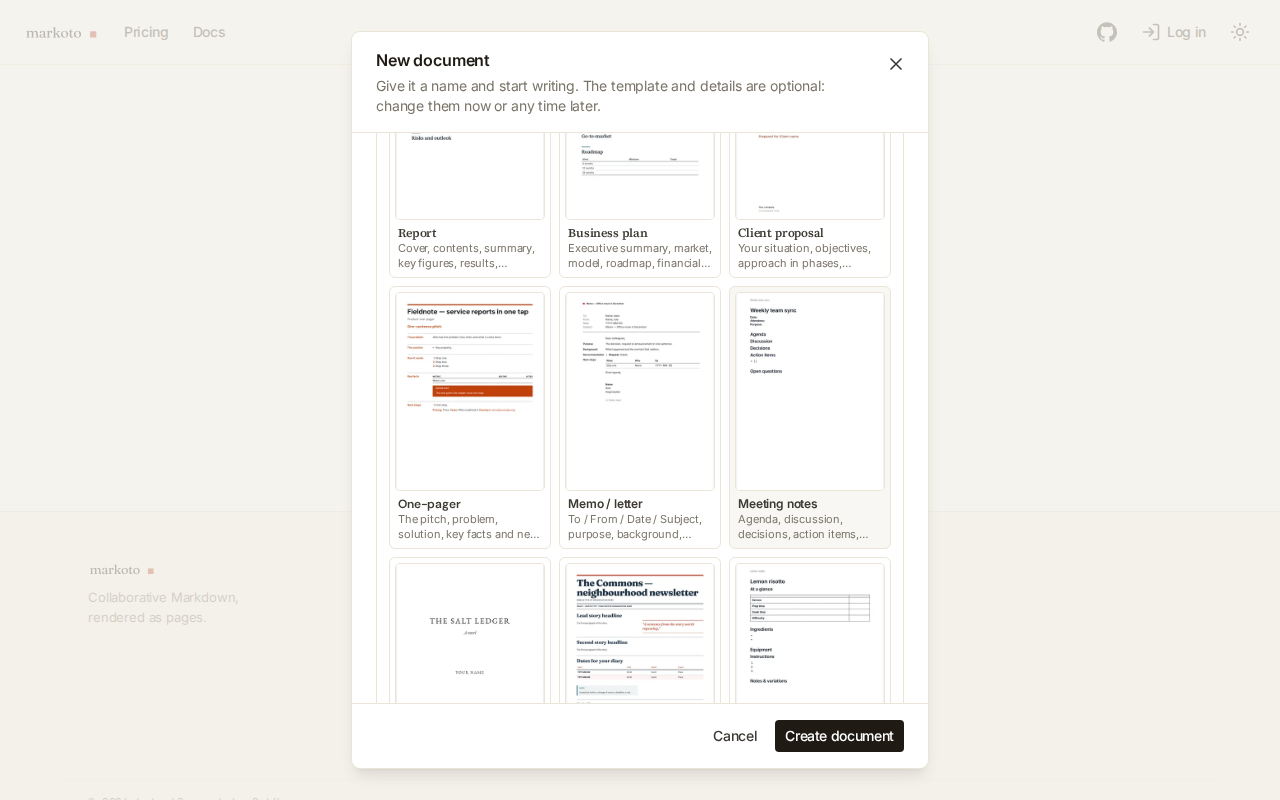
# Meeting notes

**Date:** 4 November · **With:** Maya, Sam

## Decisions

1. Ship the beta on ==Monday==.
2. Keep the old export for one more release.

## Action items

- [ ] Maya: write the release notes
- [ ] Sam: check the PDF on Letter paper
- [x] Book the room

| Topic   | Owner | Due    |
|:--------|:------|:-------|
| Beta    | Maya  | Mon    |
| Pricing | Sam   | Fri    |
Date: 4 November · With: Maya, Sam
- Ship the beta on Monday.
- Keep the old export for one more release.
- Maya: write the release notes
- Sam: check the PDF on Letter paper
- Book the room
| Topic | Owner | Due |
|---|---|---|
| Beta | Maya | Mon |
| Pricing | Sam | Fri |
When you want to keep the text, Open as a document turns it into a real document with its own link. The full editor adds a formatting toolbar, menus, themes, comments and history.
What you can do without an account
On markoto.app you can start writing straight away. Without an account you can:
- create documents and edit them with the full editor,
- share the link: anyone who has it can read and edit, live,
- import files and download Markdown or a PDF.
A document created without an account is deleted after 30 days without edits. The first time, markoto asks you to accept the terms and runs a short bot check in your browser.
A free account adds documents that belong to you and stay private until you share them, view-only and password-protected links, workspaces for a team, image uploads and the AI assistant. The pricing page lists the limits.
The preview shows pages
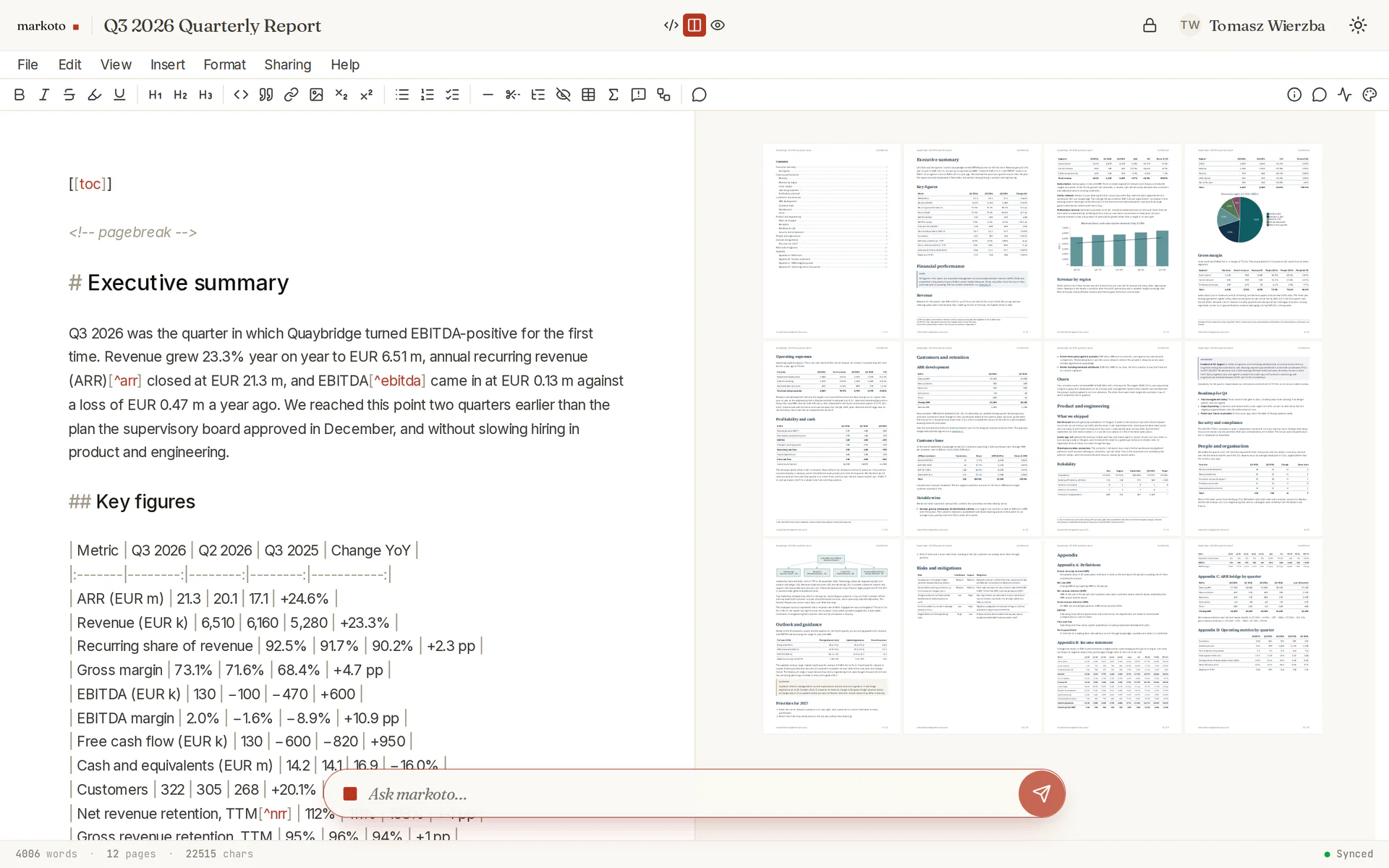
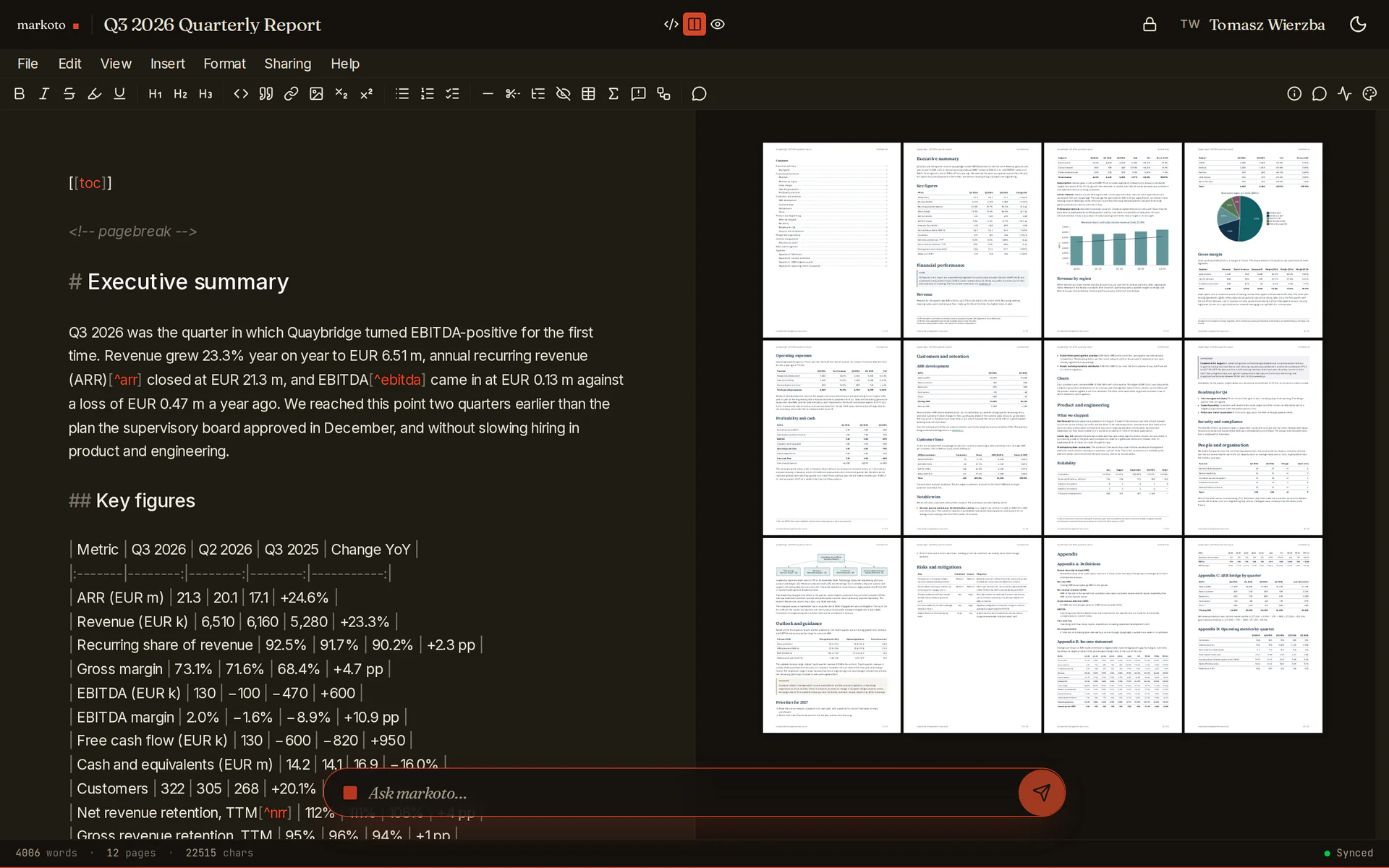
Most online Markdown editors show one long web page. markoto shows A4 or Letter pages with margins, headers, footers and page numbers, so you see where a table breaks or a heading lands before you print. The PDF uses the same layout.
More than basic Markdown
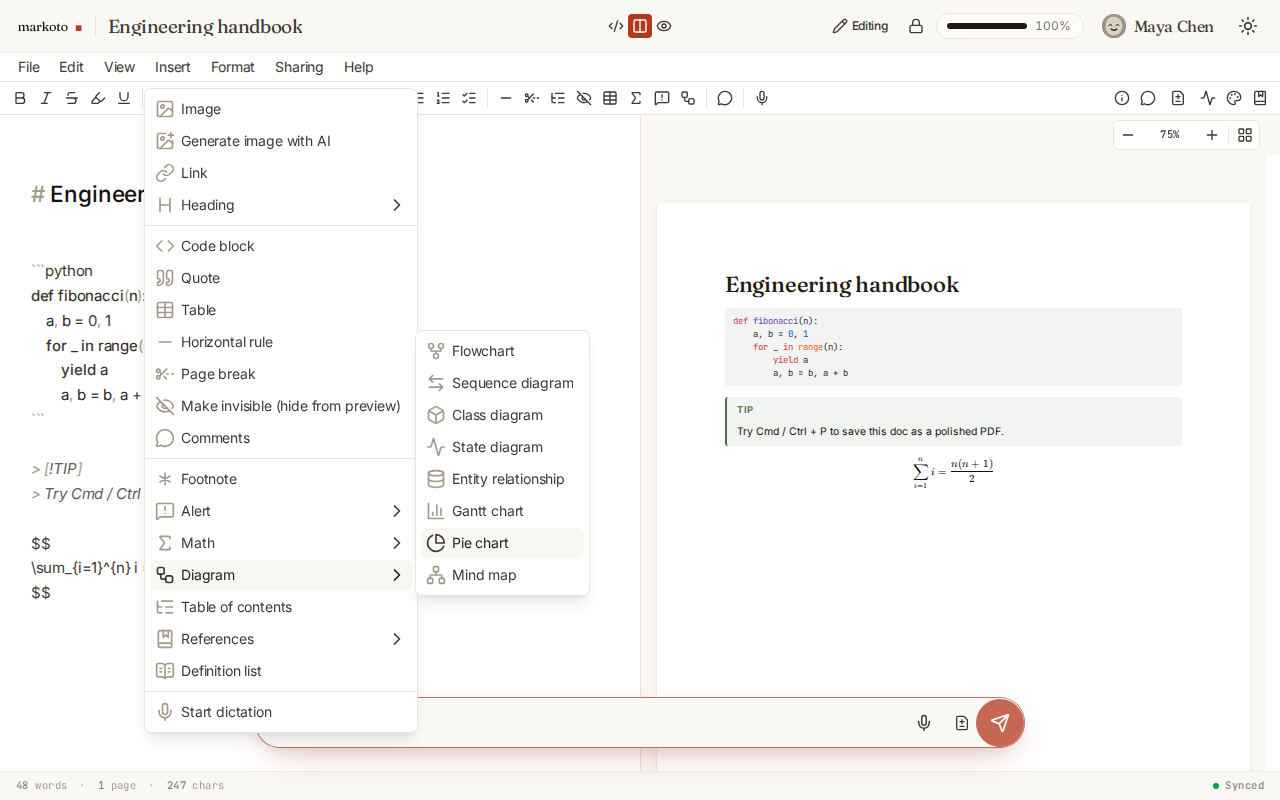
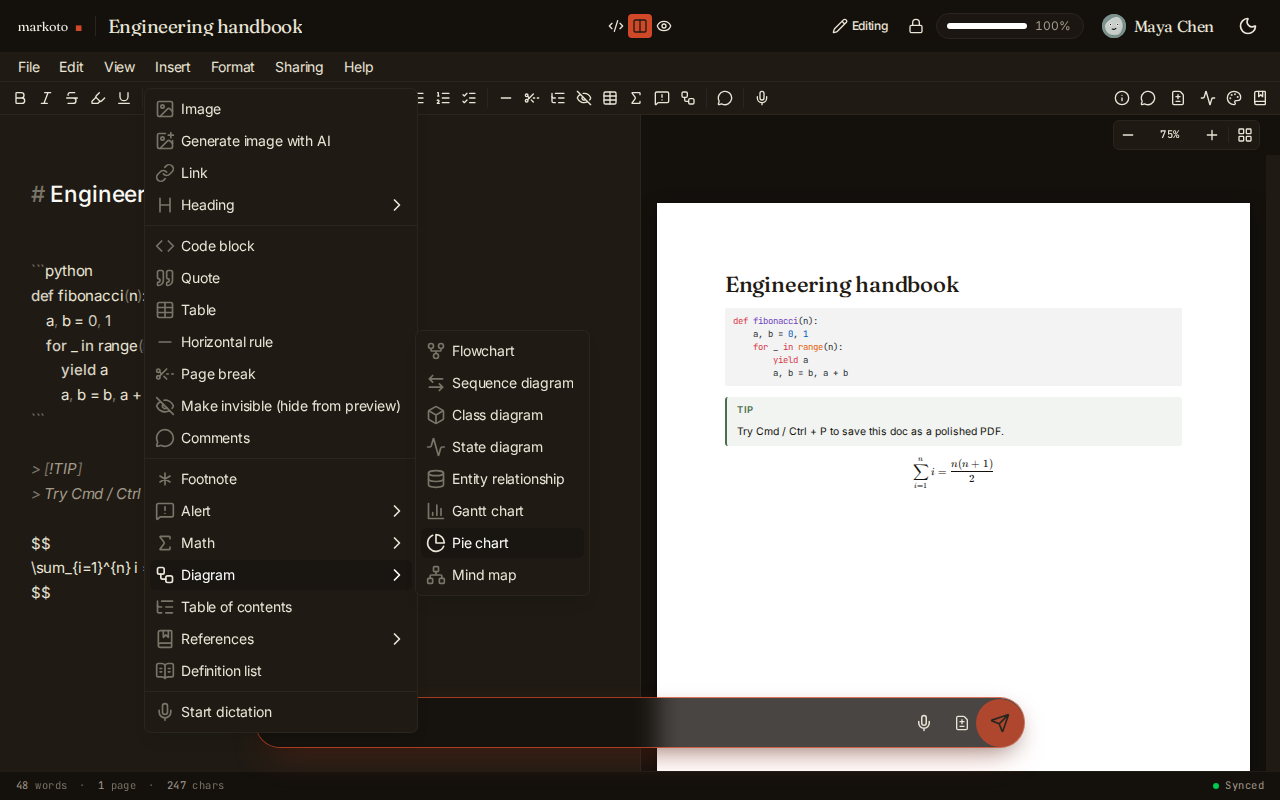
Besides CommonMark and GitHub Markdown (tables, task lists, footnotes, alerts), the editor renders LaTeX math, Mermaid diagrams, highlighted code, a table of contents and page breaks. The Insert menu adds each of them for you if you don't remember the syntax. The Markdown cheat sheet shows every example next to its result.
Share a link
Every document has its own link. Copy it from the share dialog and send it; whoever opens it sees your changes as you type. Owners can make the link read-only or put a password on it, and the dialog also shows the link as a QR code. Details in the sharing docs.
Your text stays Markdown
The document is plain Markdown, and File › Export › Markdown downloads it as a .md file. The theme and document settings go into a short frontmatter block at the top, which other tools ignore and markoto reads back when you import the file. File › Import opens .md files and converts Word, PDF, PowerPoint, Excel, HTML and EPUB files to Markdown.
Limits
- No offline mode. The editor needs a connection to open a document. A short drop while you type is fine: your edits sync when you're back.
- You edit the source. The left side is Markdown text with a toolbar, not a word-processor view. The preview is read-only.
- No suggestion mode. Everyone with edit access changes the text directly. Every change is kept in the history with a diff and can be restored.
- No desktop app. markoto runs in the browser, on a computer or a phone.
Comparing editors? See markoto next to HackMD and HedgeDoc.
Questions
Is the online Markdown editor free?
Do I need to sign up?
Is my text saved?
Can several people edit at the same time?
Can I download my document?
Does it work on a phone?
Updated November 4, 2026