

Review AI agent plans and specs with your team
A coding agent writes a plan, a spec or a design in a Markdown file in your repository. Nobody else reads it there. markoto gives the plan a place where people can: the agent writes it into a document over MCP, your team reads it as a rendered page, comments on the sentences they disagree with, and the agent reads those comments and revises the plan.
The loop
- The agent writes the plan. Through the MCP server it creates a document, with the Markdown as the body, and gives you the link.
- People read the page. The Markdown is shown as a page with headings, tables, task lists and diagrams, not as source. Open it in the browser, no install.
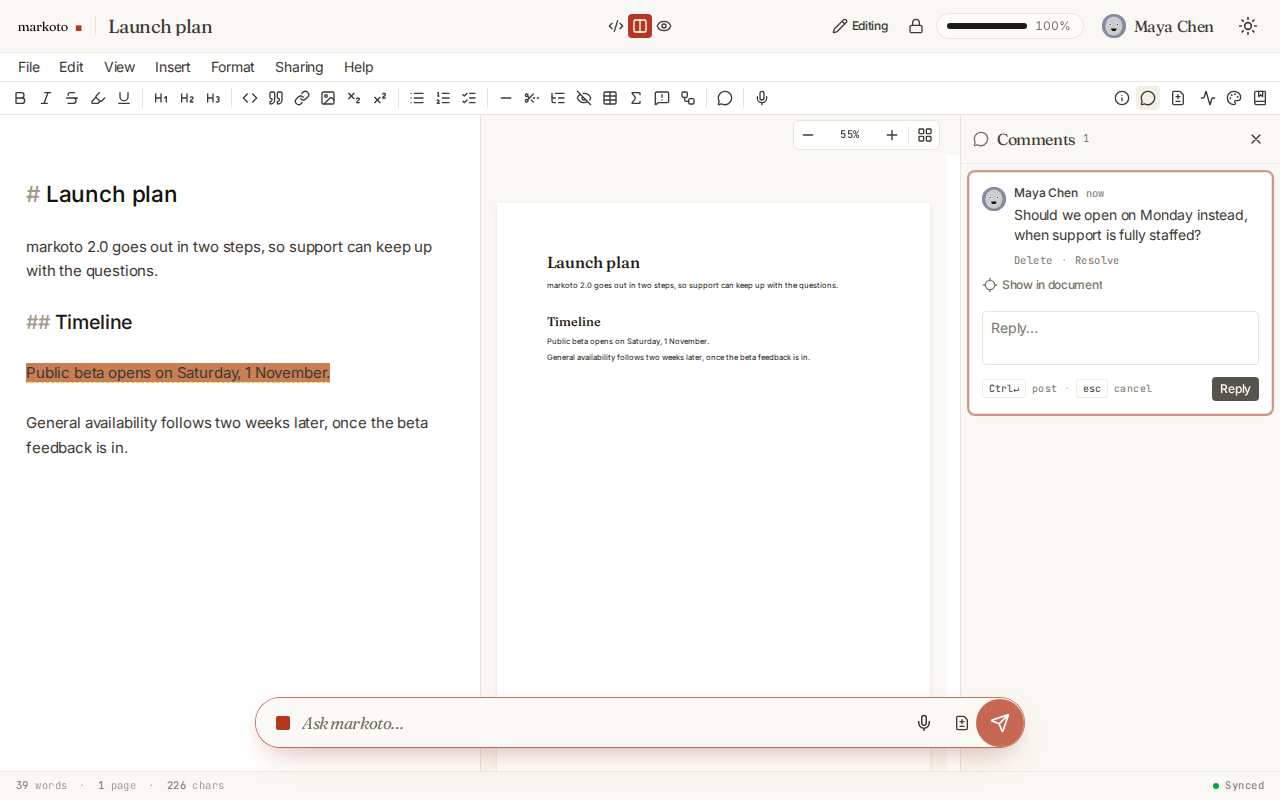
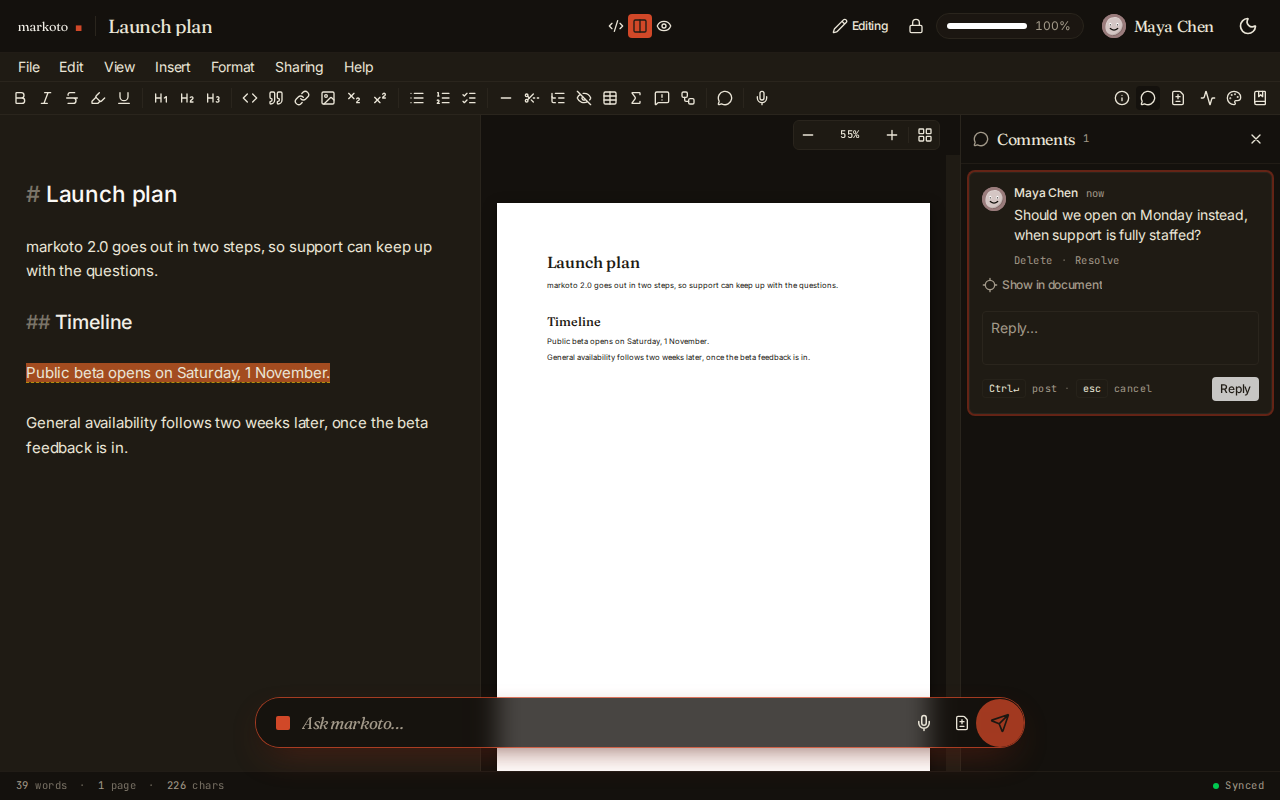
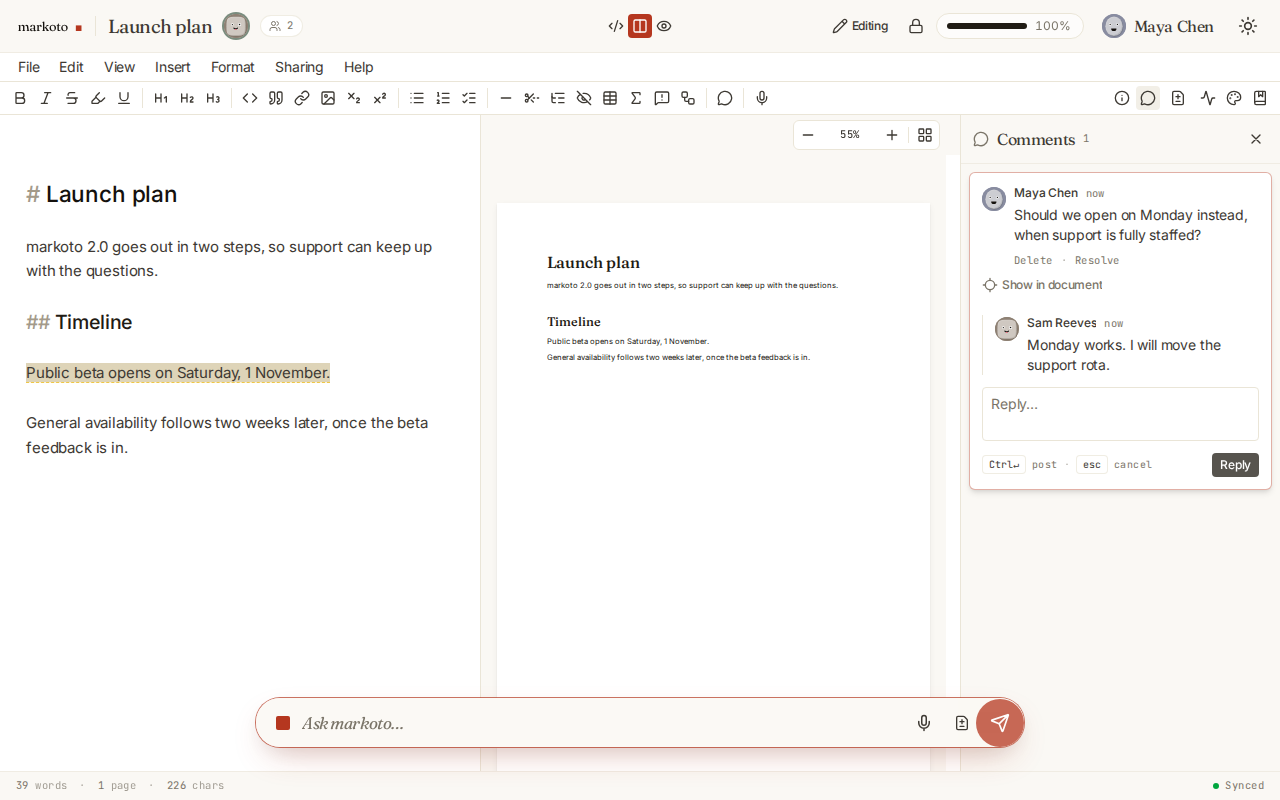
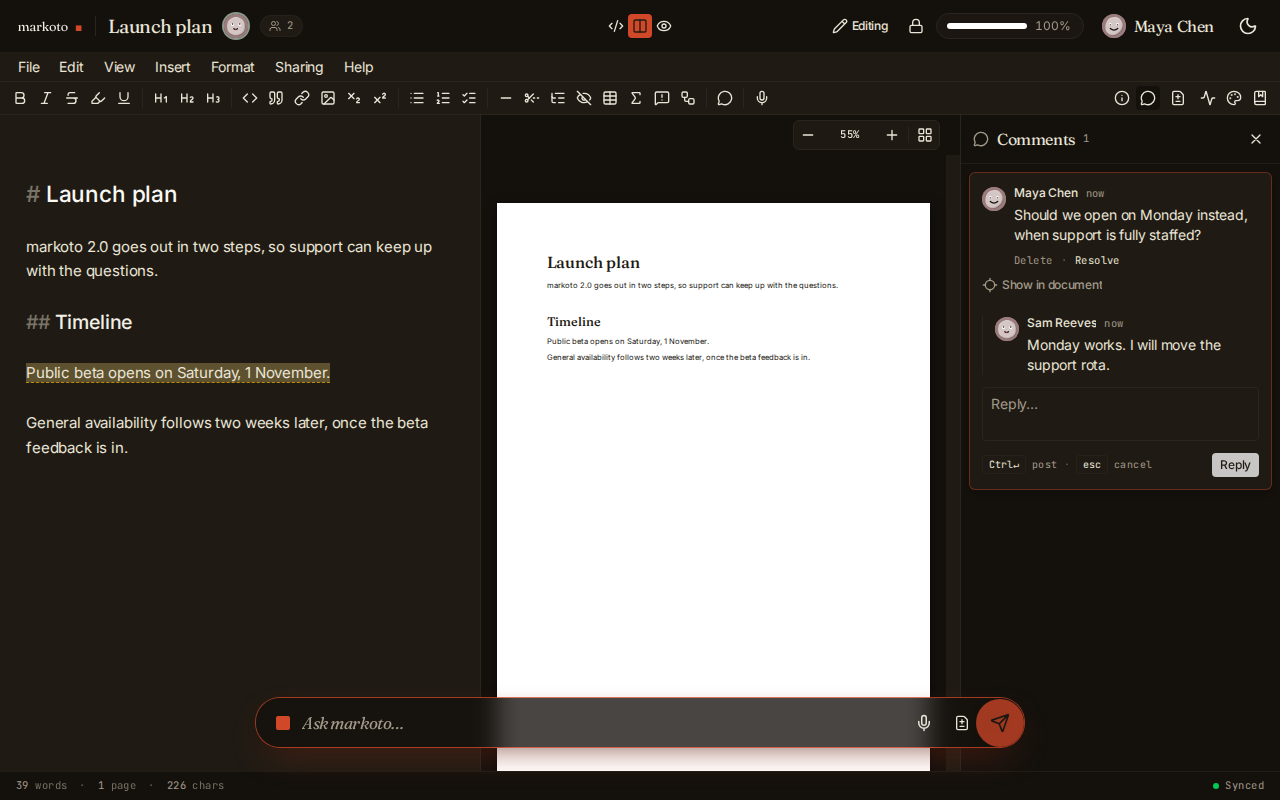
- People comment. Select a sentence, comment, mention a colleague. Several reviewers do it at the same time; each comment is anchored to the passage it is about.
- The agent reads the comments. You tell the agent to check the document; it reads every thread with the line range it is attached to, the replies and whether it is resolved.
- The agent revises and answers. It rewrites the sections concerned, replies in the thread and resolves the ones it has dealt with. You see its edits arrive in the open document, attributed to your MCP client, and you can restore the earlier version.
Which tools the agent uses
markoto's MCP server offers these tools for the loop. Which ones your client sees depends on the token's scopes.
| Step | Tool | Scope |
|---|---|---|
| Write the plan | create_document (with the Markdown as initial text), insert_markdown | documents:write |
| Read a long plan | outline, read_section, view_document | documents:read |
| Read the feedback | read_comments: thread ids, the line range, the resolved status, bodies and replies | documents:read |
| Revise | replace_section, edit_lines, replace_text, move_section | documents:write |
| Answer | reply_to_comment, resolve_comment, create_comment | documents:write |
| Check the layout | view_pages (pictures of the printed pages), export_document_as_pdf | documents:read |
replace_section touches only changed words, so comments on text the agent left alone stay where they are, and it can refuse an edit when the section changed since the agent read it.
Connect your agent
In Claude Code it is one command, with a personal access token from your profile menu under Integrations (MCP):
claude mcp add --transport http markoto https://markoto.app/mcp --header "Authorization: Bearer <your-token>"
Cursor and other clients take the same URL and header. The MCP server page and the MCP docs have the details. A token acts as you and never more: it can't open a document you can't open.
What to know first
- Writing needs write access. On markoto.app's free plan the MCP server is read-only (100 tool calls a day): an agent can read a document and its comments, but not create the plan or reply. MCP write access is a paid-plan feature once plans launch. On a self-hosted instance the whole loop works today, with no daily cap.
- The agent doesn't get a notification. The MCP server answers tool calls and doesn't push anything. Tell the agent to read the comments when the review is done.
- Reviewers need edit access to comment. Share the document with a workspace, or with a link with edit access. A read-only link can read the plan but not comment.
- The agent's model is yours. It thinks in your MCP client, with its own confirmation settings. markoto doesn't ask you to confirm each tool call.
- Everything is recorded. The Activity tab shows what your MCP client changed, with a diff and a Restore button.
Why a document and not a file
- A reviewable page. Tables, task lists, math and Mermaid diagrams are drawn; review happens on the page, not in raw Markdown.
- Comments on a sentence. Reviewers discuss a specific line, and the thread stays attached when the agent rewrites around it.
- Live. You see the agent's edits as they arrive, like another collaborator's.
- History. Restore the plan to how it was before the agent's revision.
- A PDF or a web page. Export the finished plan as a PDF, or publish it as a read-only web page.
To start from a structure, the Design doc / RFC template has a status header, goals, alternatives, decisions and risks. Tell the agent to create the document from it with create_document and the template's id.
What it doesn't do
- No Git sync. The plan lives in markoto. Download it as Markdown and commit that when it is final.
- No approvals. There is a status line you can set in the document, but no approval workflow.
- No push to the agent. It reads comments when asked.
- Personal access tokens only. There is no OAuth sign-in for MCP clients.
Questions
Can my agent read the comments my team leaves?
Can the agent reply to a comment and resolve it?
Which agents work?
Does the agent get notified when someone comments?
Can people see what the agent changed?
Does it sync with a Git repository?
Updated November 19, 2026