

Proposal software for consultants and agencies
A proposal is a document with your name on it. It should look like your company made it, take an afternoon to write rather than a week to format, and reach the client as a PDF or a link that works on a phone. markoto lets you write the text in Markdown, set the design once, and let a workspace hand that design and your templates to everyone on the team.
Start from a proposal, not a blank page
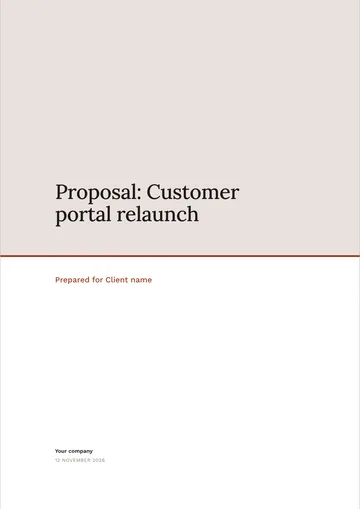
The Client proposal template has the sections a purchasing team looks for: a cover page, a facts table, a summary, the client's situation, objectives, your approach in phases, a timeline, a pricing table that looks like an invoice, terms, and a signature block. Under each heading a short note says what belongs there. The notes show in the editor and to the AI assistant and never in the PDF.
More in the client proposal template. A one-pager and a report template are there too, for the short pitch and the end-of-project report.
Your brand in every document
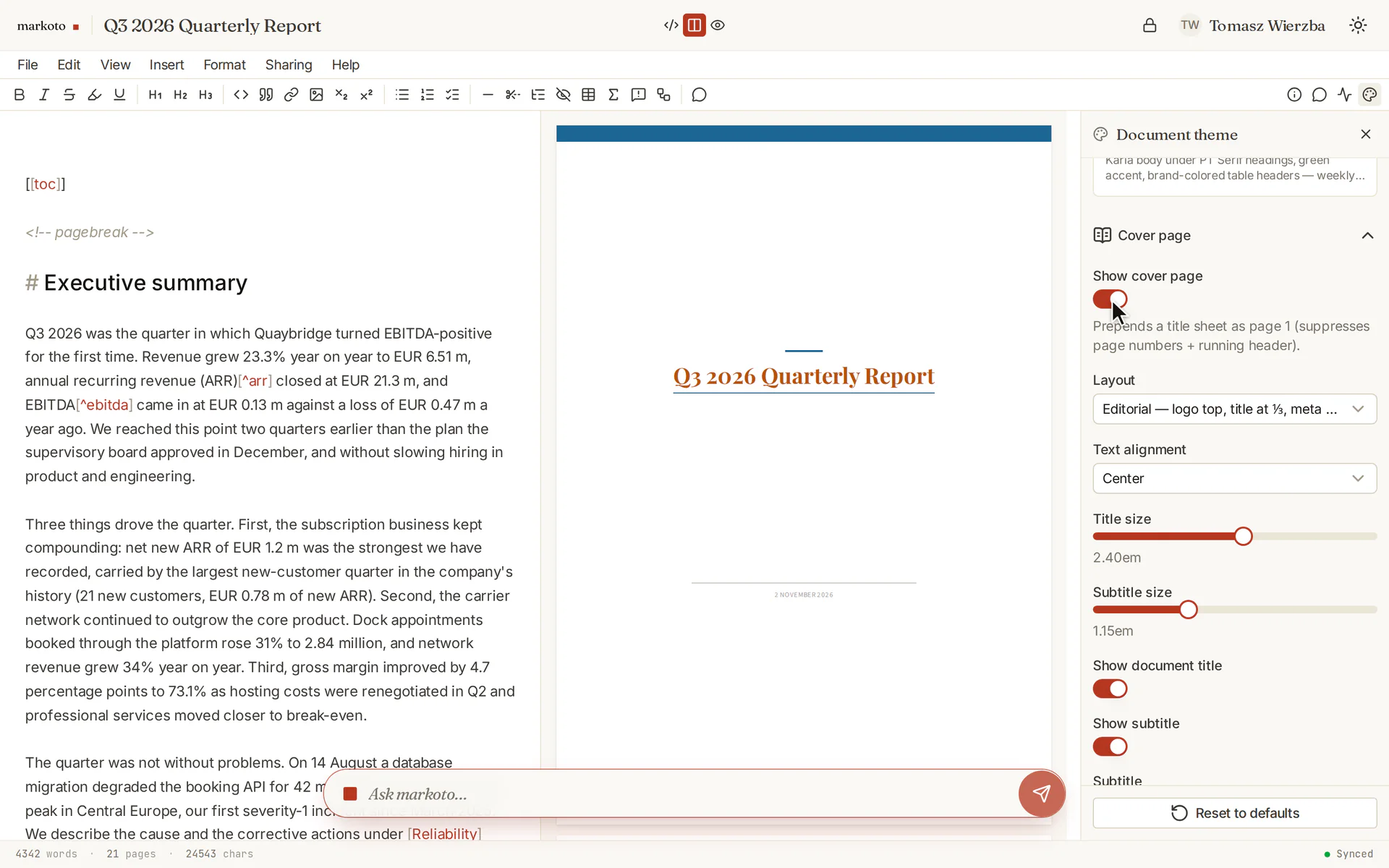
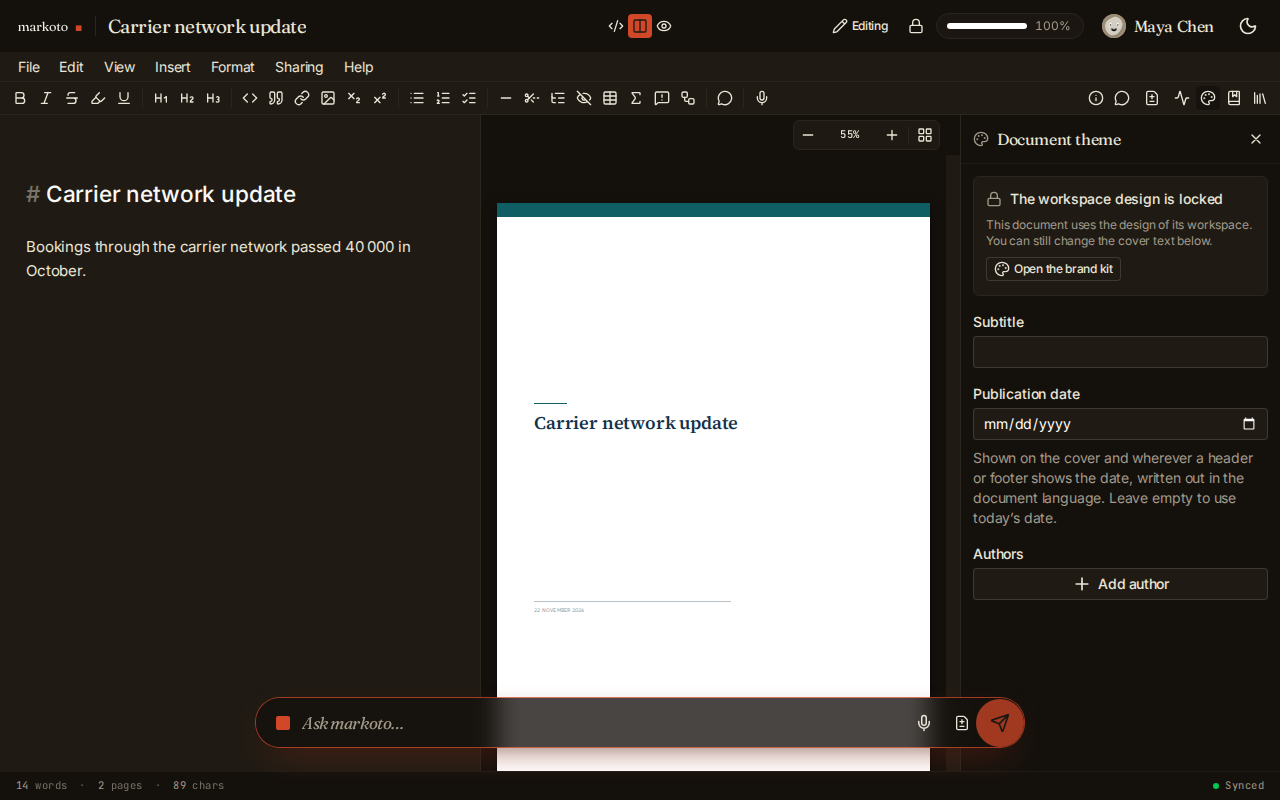
A workspace has a brand kit: your fonts, uploaded one file per weight and style, your logos, and a workspace design that every new document starts with. Lock the design and every document in the workspace looks the same in the preview and in the PDF; authors only fill in the cover text, such as the subtitle, date and authors.
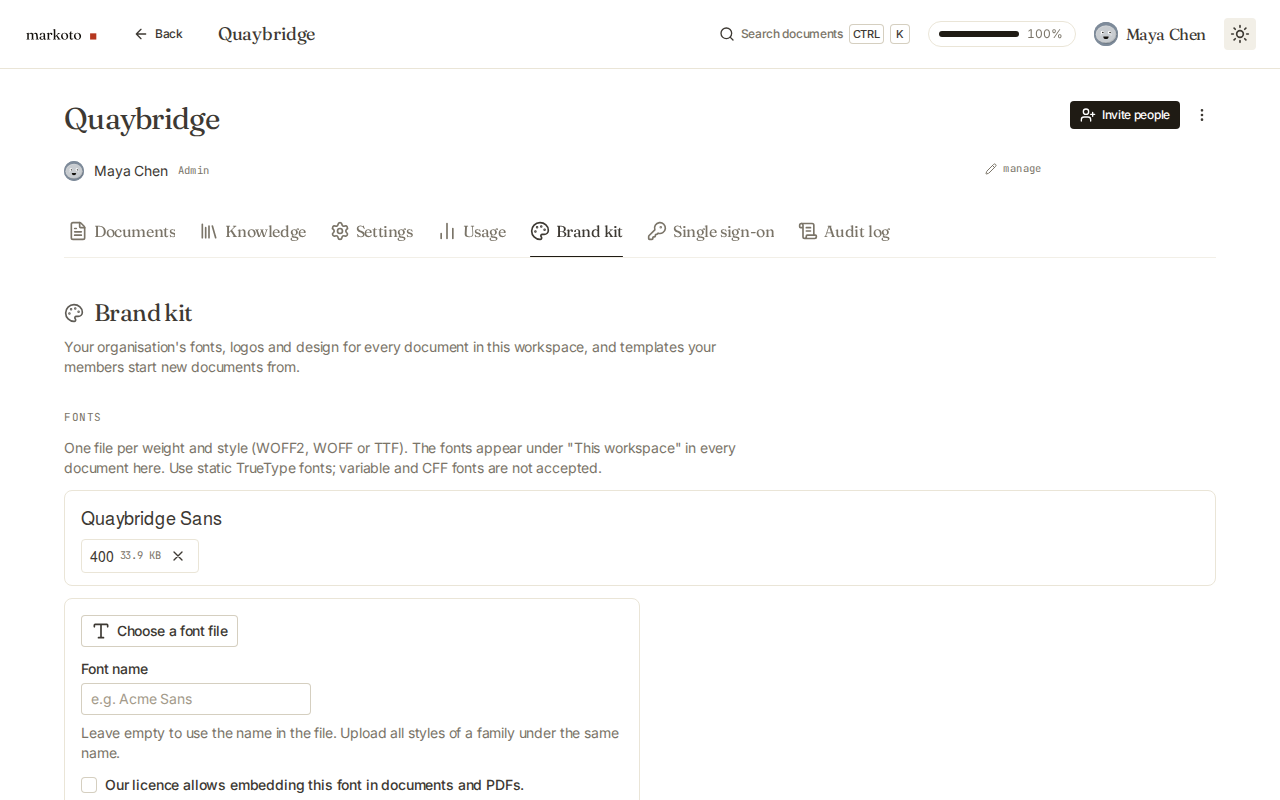
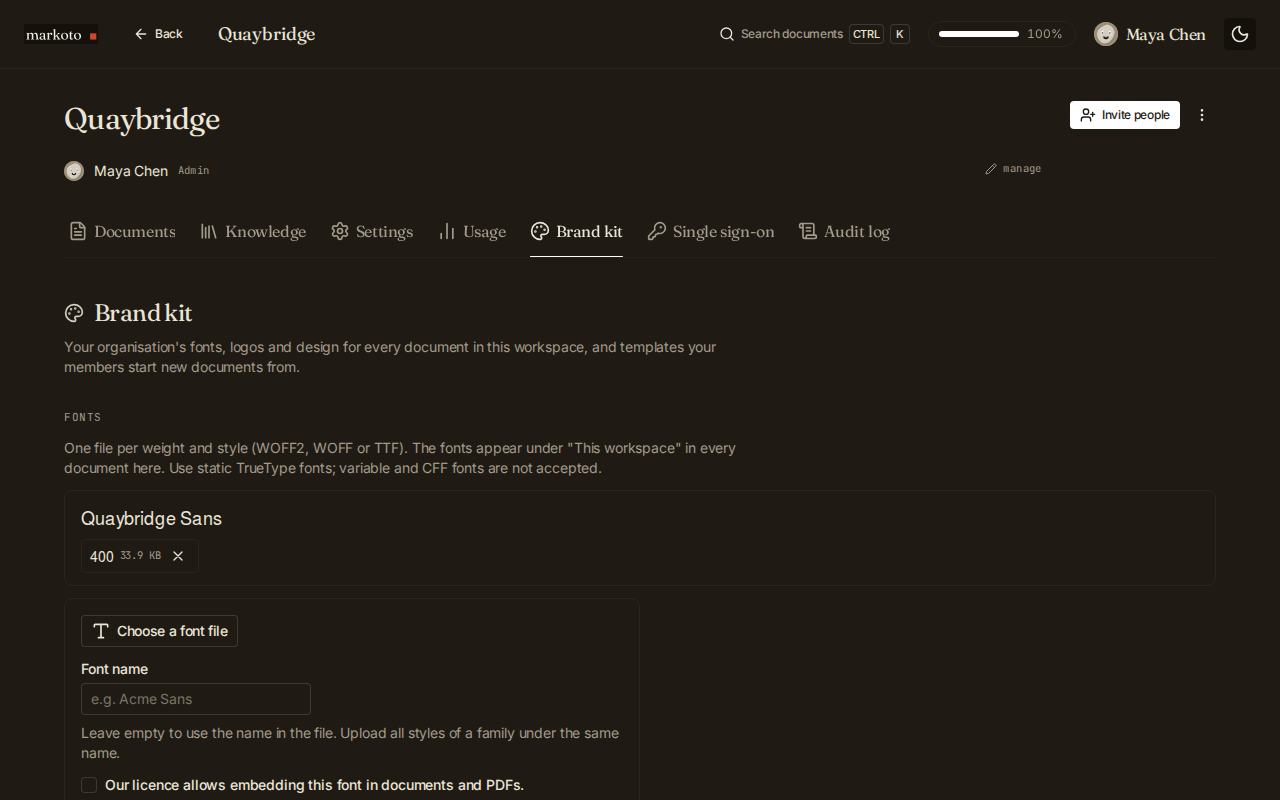
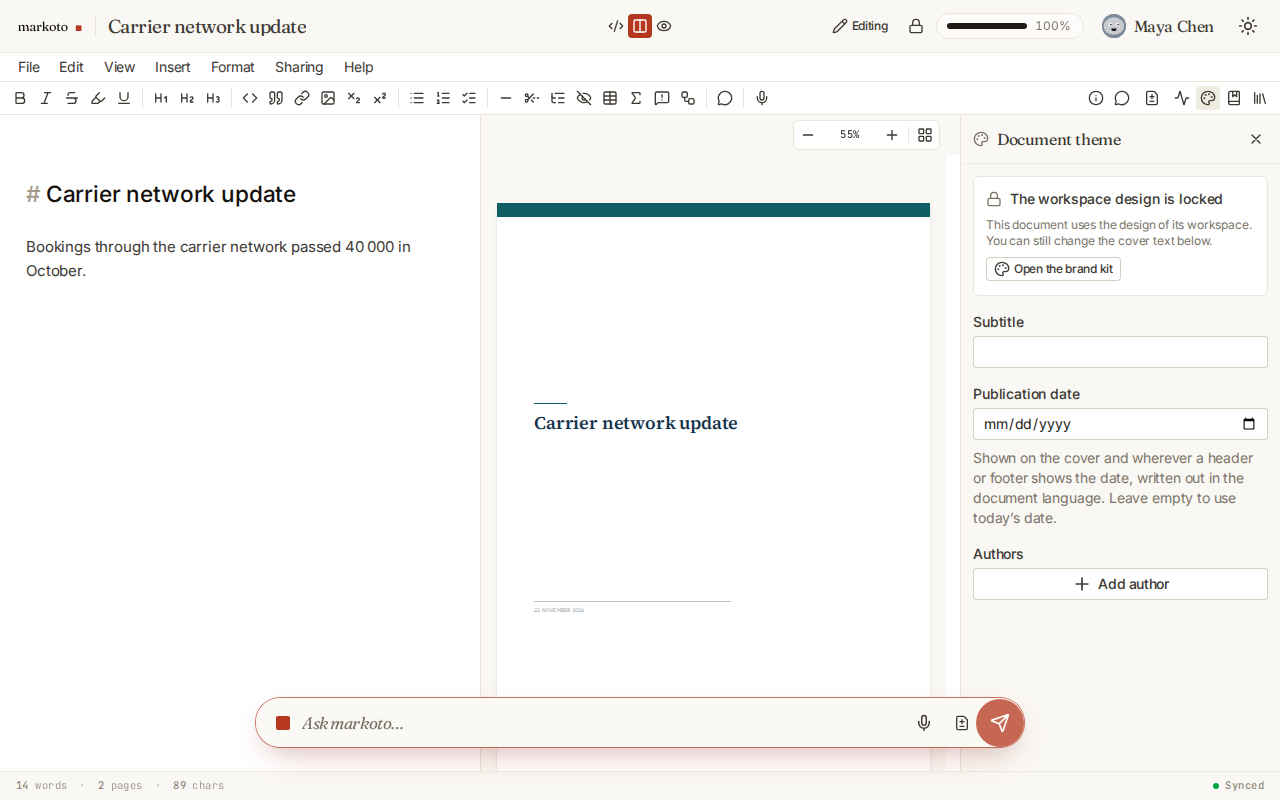
Availability. On markoto.app the brand kit, with locked designs and workspace templates, is part of the Team and Business plans, which are coming soon. On a self-hosted instance every workspace has it.
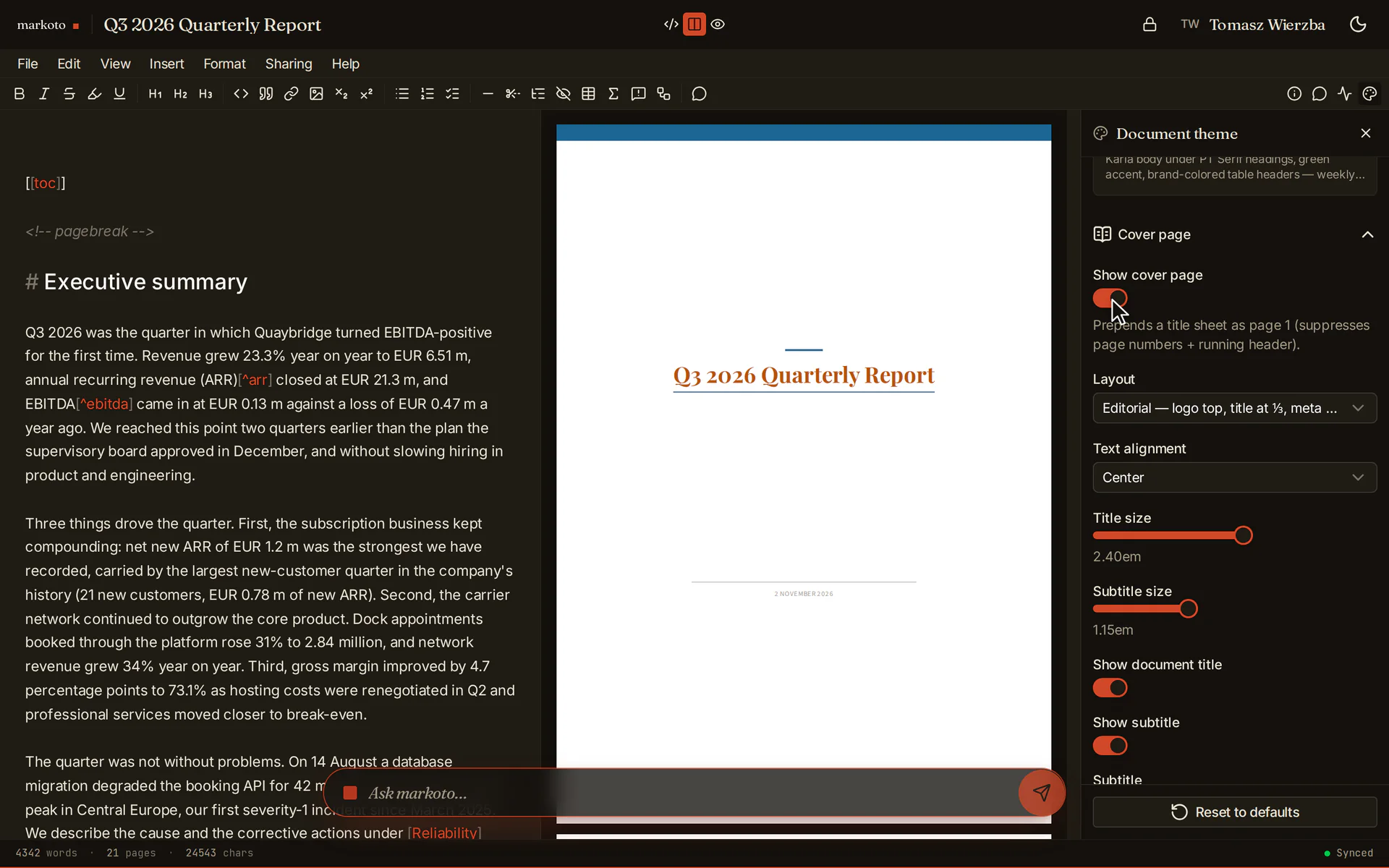
Without a brand kit you can still make a design of your own: set fonts, colours, margins, header, footer and cover in the document theme, and save it as a preset that appears in every new document you create. A workspace admin can set a saved design as the workspace default, so a blank document in that workspace starts with it.
Templates the whole team uses
Turn any finished proposal into a workspace template: choose it in the brand kit, give it a name, and it appears under This workspace in the new-document dialog. A new document made from it is a copy of the template's text, design and images as they are now, so improving the template improves every proposal started from it. Your standard terms, your pricing table layout and your case study section are written once.
A PDF that matches, a link that works
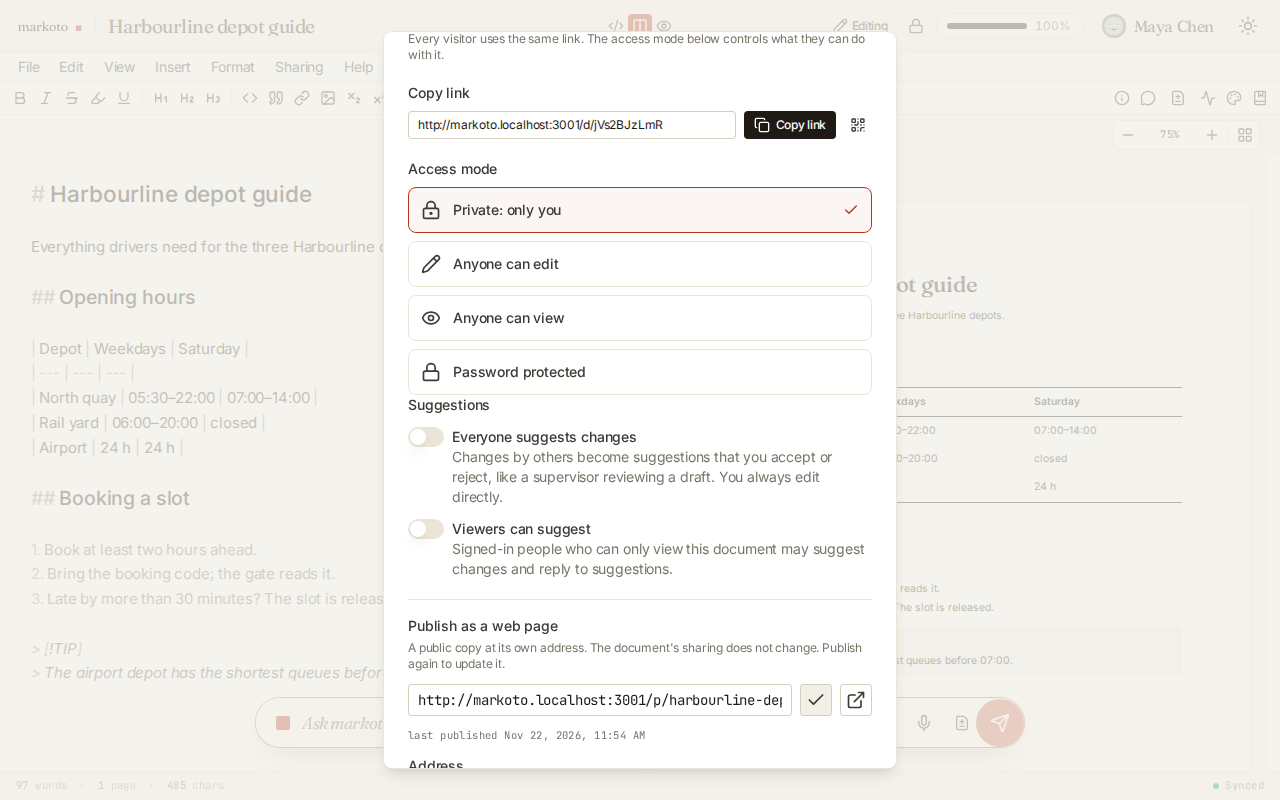
Download the PDF and send it, or share the document in the way that suits the client:
- Read-only link. The client reads it in the browser, with no account. A password can protect the link.
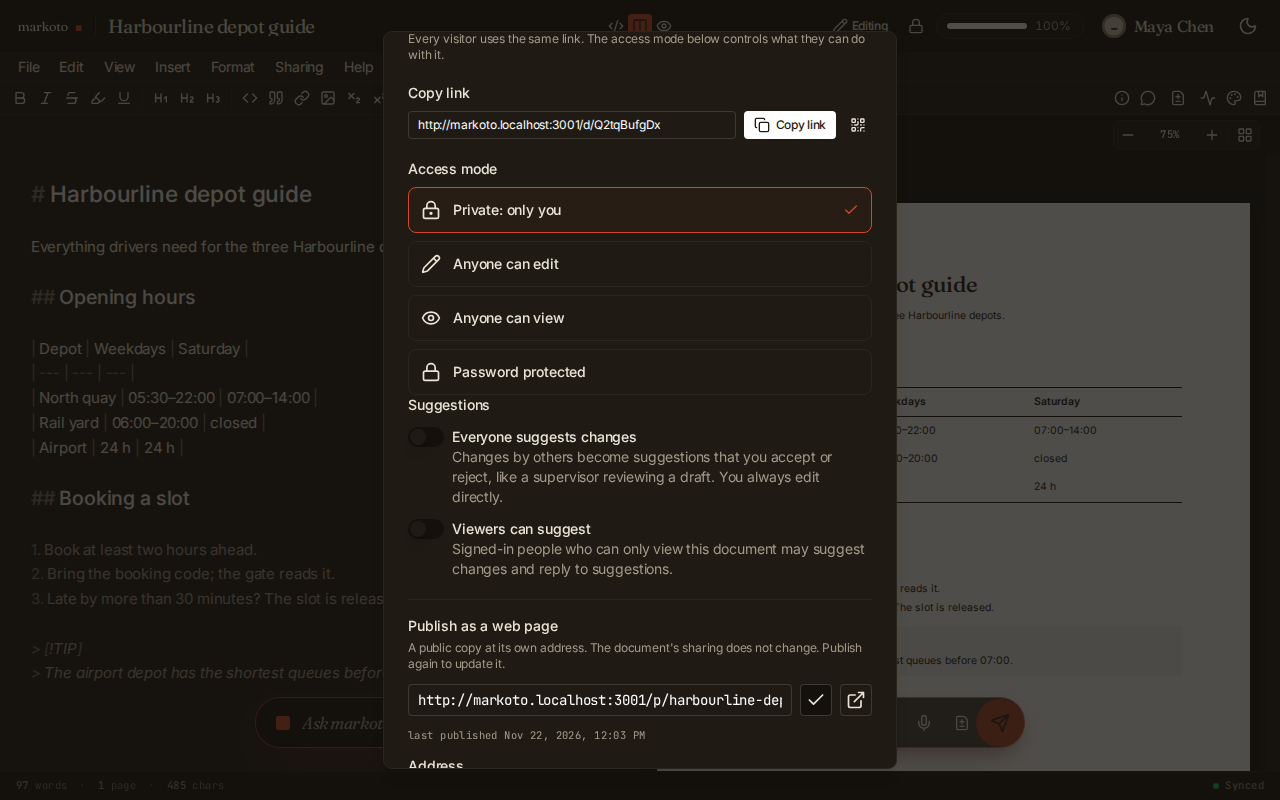
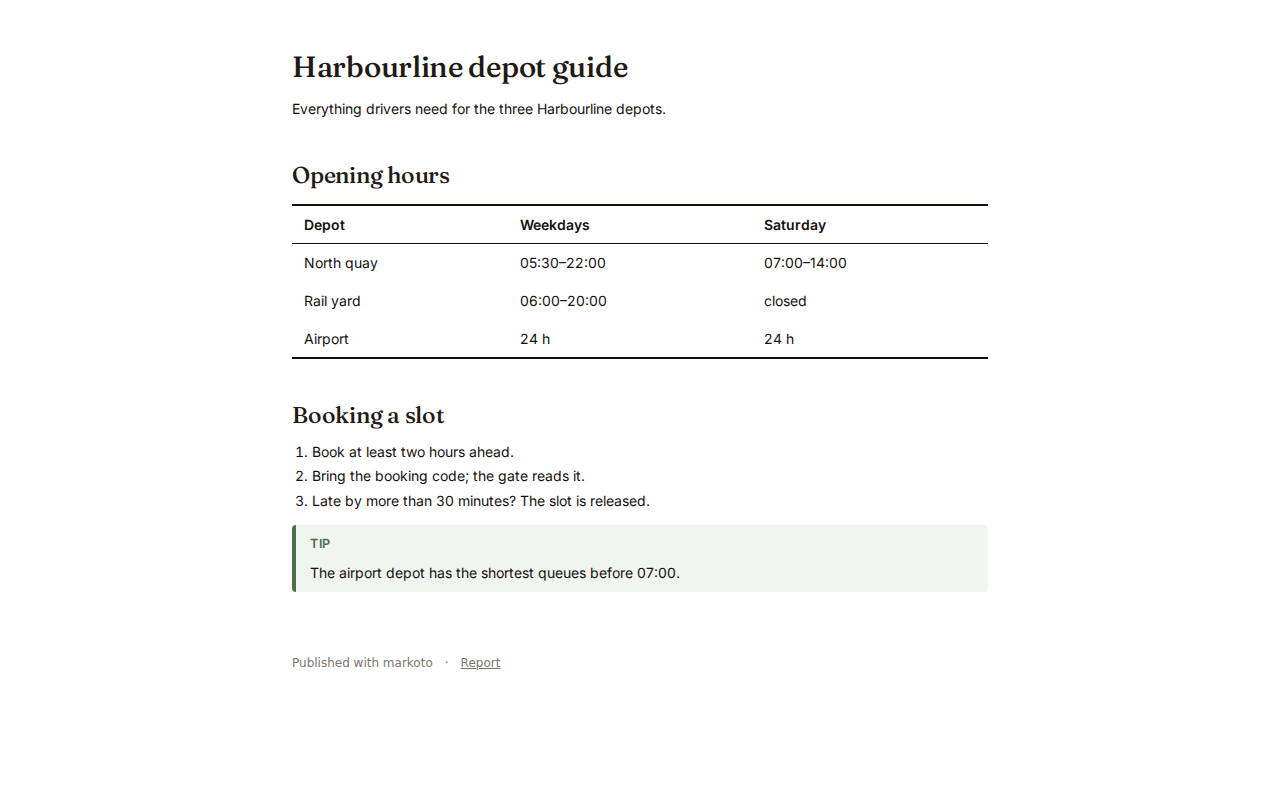
- Published web page. A snapshot of the proposal at its own address that anyone with the link can read, with your design, on a phone too. Click Update page to publish a new version at the same address. Publishing is included in every plan.
- Expiry and no download. Where your plan includes link settings, the link can stop working on a date, and you can turn off download and print for people with the link.
- Your own domain. A published page can be shown on your domain, such as
proposals.example.com, where your plan includes it (Pro and up on markoto.app, once plans launch).
Comments from the client
A client who should comment on a proposal needs edit access to that document. A guest in a workspace sees only the documents you share with them, can view or edit each one as you choose, takes no seat and never sees the rest of the workspace. Guests are part of the Team and Business plans on markoto.app, and of every self-hosted workspace. Comments stay attached to the passage they are about, you reply, and resolve the thread when the point is settled. The history shows who changed which figure.
Write faster with your own material
Upload your past proposals, case studies and service descriptions to the workspace's Knowledge tab. When you ask the AI to draft a section, it searches those files first and writes from what they say, with your numbers and your wording instead of invented ones. The AI also rewrites a selected paragraph, translates sections into the client's language, and answers a question in a comment when you mention @markoto. It works when you ask, and each change shows in the Activity tab, where you can undo it.
What it doesn't do
- No e-signature and no payment. The signature block is for printing or signing on a copy.
- No calculation. Tables are Markdown: you type the amounts and the total.
- No CRM or invoicing. There are no contact records, no deal pipeline and no integrations to invoice tools.
- Output is a PDF, a Markdown file or a published web page.
Hosted in the EU, operated by a Swiss company
markoto.app stores documents in France and uses EU-based providers for AI. It is operated by a Swiss company. Client documents are private until you share them. Details are on the EU hosting page, and you can run markoto on your own server instead.
Questions
Can I use my own fonts and logo?
How do I make every proposal look the same?
Can the client comment on the proposal?
Is there a template I can copy for each new client?
Can the client sign it in markoto?
Where is client data stored?
Updated November 19, 2026