

Markdown cheat sheet
The Markdown you will actually use, from the basics to tables, footnotes, math and diagrams. Each example shows the source next to its result, rendered by the same code as markoto's preview.
The label on each example says where the syntax comes from:
- CommonMark is the Markdown standard. Almost every Markdown editor supports it.
- GitHub Markdown is what GitHub renders: GitHub Flavored Markdown (tables, task lists, strikethrough) plus footnotes, alerts, math and Mermaid diagrams. Many editors support most of it.
- markoto extension is extra syntax that markoto renders. Other editors may show it as plain text.
Headings
One # per level, from # (title) to ######. Leave a space after the hashes.
# Title
## Section
### SubsectionBold, italic and strikethrough
**Bold**, *italic* and ***both***.
Underscores work too: __bold__, _italic_.Bold, italic and both.
Underscores work too: bold, italic.
~~Struck through~~Struck through
Highlight, inserted text, subscript and superscript are extensions:
==Highlighted== and ++inserted++ text.
H~2~O and E = mc^2^Highlighted and inserted text.
H2O and E = mc2
Paragraphs and line breaks
A blank line starts a new paragraph. In markoto a single line break inside a paragraph stays a line break, as in a chat message. Plain CommonMark joins the two lines into one, so in other editors end a line with two spaces or a backslash to force a break.
First line
second line, same paragraph.

A new paragraph.First line
second line, same paragraph.
A new paragraph.
Typography is automatic: -- becomes an en dash, --- an em dash, ... an ellipsis, and straight quotes become curly ones.
Lists
Bullets start with -, * or +, numbered items with 1.. Indent by two spaces to nest.
- Apples
- Pears
  - Williams
  - Conference

1. Preheat the oven
2. Mix the dough
3. Bake for 25 minutes- Apples
- Pears
- Williams
- Conference
- Preheat the oven
- Mix the dough
- Bake for 25 minutes
Task lists put brackets after the dash. An x ticks the box.
- [x] Write the draft
- [ ] Ask for feedback
- [ ] Send the PDF- Write the draft
- Ask for feedback
- Send the PDF
Links and images
[CommonMark help](https://commonmark.org/help/)
[With a tooltip](https://commonmark.org "The spec")Bare web and email addresses become links without any syntax:
See https://commonmark.org for the spec.See https://commonmark.org for the spec.
An image is a link with ! in front; the text in brackets is the alt text. markoto shows it as the caption. Curly braces after the image set its size; bare numbers are pixels.
{width=64}
In markoto, drag an image into the editor or paste it to upload it (PNG, JPEG, GIF or WebP, up to 10 MB); the Markdown is inserted for you.
Quotes and horizontal rules
> Markdown is intended to be as easy-to-read
> and easy-to-write as is feasible.

***

Text after the rule.Markdown is intended to be as easy-to-read
and easy-to-write as is feasible.
Text after the rule.
A horizontal rule is three or more -, * or _ on their own line. Use *** or ___ right under a line of text: --- there turns the line above into a heading.
Code
Inline code sits between backticks. A fenced block uses three backticks; the language name after the opening fence turns on syntax highlighting (about 190 languages).
Run `npm install` first.

```python
def greet(name):
    return f"Hello, {name}!"
```Run npm install first.
def greet(name): return f"Hello, {name}!"Tables
Pipes separate the columns; the second row separates the header. Colons in that row set the alignment: left, centre or right.
| Item    | Qty | Price |
|:--------|:---:|------:|
| Paper   |  2  |  4.50 |
| Pencils | 12 | 9.00 || Item | Qty | Price |
|---|---|---|
| Paper | 2 | 4.50 |
| Pencils | 12 | 9.00 |
The columns don't have to line up in the source. markoto's Insert menu has a table size picker, so you rarely type the separator row yourself.
Footnotes
A marker in the text and the note anywhere below it. The note is numbered automatically; in markoto's preview and PDF it sits at the bottom of the page.
Markdown was released in 2004.[^1]

[^1]: By John Gruber, with Aaron Swartz.Alerts
A quote whose first line is exactly [!NOTE], [!TIP], [!IMPORTANT], [!WARNING] or [!CAUTION]. Text after the marker on that first line is not supported in markoto.
> [!TIP]
> Press Cmd/Ctrl + P to print the document.

> [!WARNING]
> This deletes the file for everyone.Tip
Press Cmd/Ctrl + P to print the document.
Warning
This deletes the file for everyone.
Math
LaTeX between single dollars inline, between $$ lines as a block. Write \$ for a literal dollar sign. In markoto a broken formula shows in red instead of breaking the page.
Einstein: $E = mc^2$

$$
\sum_{i=1}^{n} i = \frac{n(n+1)}{2}
$$Einstein:
Diagrams
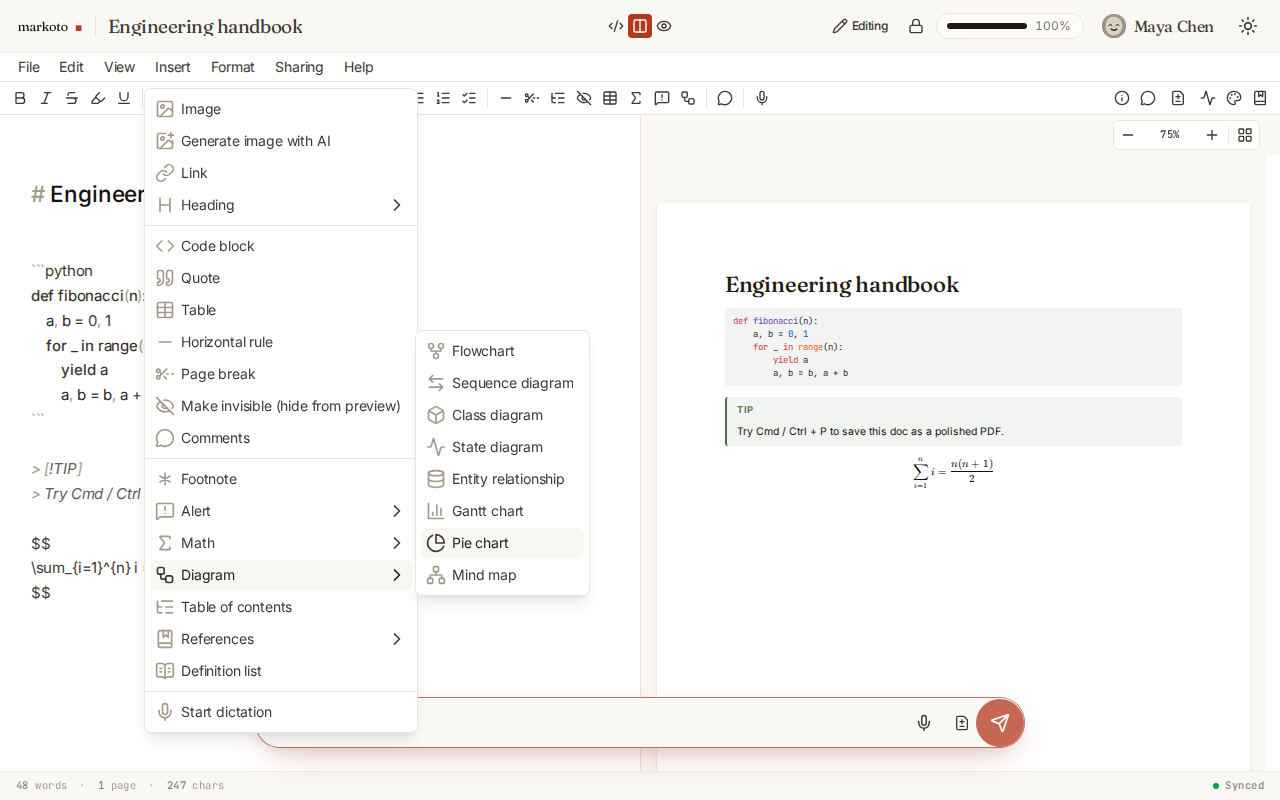
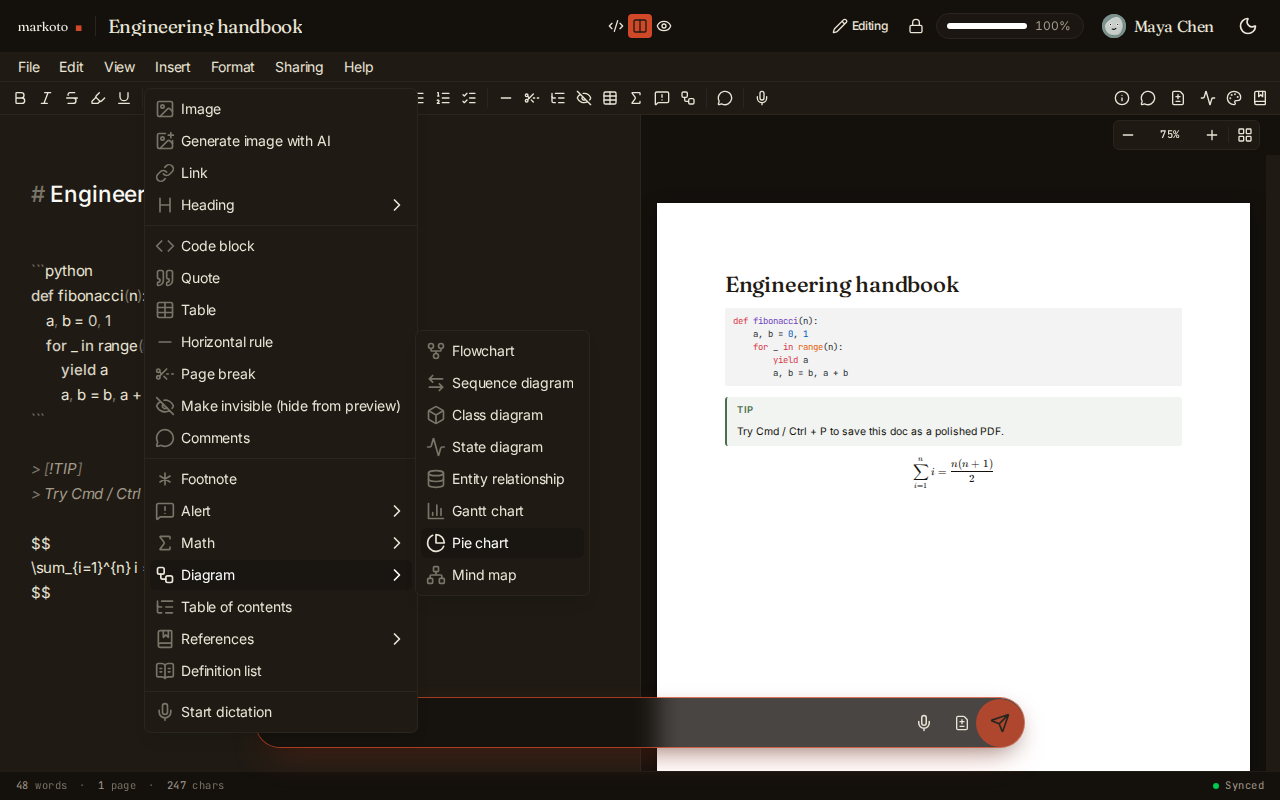
A fenced block with the language mermaid becomes a diagram: flowchart, sequence, class, state, ER, Gantt, pie, mind map, Git graph or timeline.
```mermaid
pie title Where the time goes
  "Writing" : 45
  "Editing" : 35
  "Formatting" : 20
```
In markoto the diagram appears in the preview and the PDF in the document's fonts and colours:
Definition lists and abbreviations
A term on one line and : plus the definition on the next. An abbreviation line gives every occurrence of the word a tooltip.
Markdown
: A plain-text format for writing documents.

CommonMark
: The specification most editors follow.

*[PDF]: Portable Document Format

Export the PDF from the File menu.- Markdown
- A plain-text format for writing documents.
- CommonMark
- The specification most editors follow.
Export the PDF from the File menu.
Attributes
Curly braces after an element add an id, classes or a style. A paragraph takes them on the line after it. Only a safe set survives: class, id, style, width, height, title, aria-* and role.
## Introduction {#intro}

This paragraph is centred.
{style="text-align: center"}This paragraph is centred.
Table of contents, page breaks and private notes
[[toc]]on its own line inserts a table of contents of headings 1 to 4. In the PDF it has page numbers.<!-- pagebreak -->on its own line starts a new page in the preview and the PDF.- Anything else between
<!--and-->is a private note: it stays in the Markdown but doesn't appear in the preview, the PDF or a shared view.
[[toc]]

## Results
The tests passed. <!-- check the numbers with Sam -->

## Next steps
Ship it.The tests passed.
Ship it.
What doesn't work in markoto
- Raw HTML is removed for safety. Use the syntax above instead.
:::containers aren't supported; use an alert.- Image sizes in the alt text like
don't work; write{width=50%}.
Every detail, including image captions and the full attribute rules, is in the Markdown reference.
Try it yourself
Edit the Markdown and the pages follow as you type, rendered the way markoto renders them. Nothing is saved while you type.
# Field notes

A short report with the syntax from this page.

## Findings

- [x] Headings, **bold** and *italic*
- [x] Tables and footnotes[^1]
- [ ] Your own text

| Week | Visits | Change |
|:-----|-------:|-------:|
| 1    |  1,240 |      – |
| 2    |  1,610 |   +30% |

> [!TIP]
> Add `<!-- pagebreak -->` on its own line to start a new page.

The area of a circle is $A = \pi r^2$.

[^1]: Footnotes appear at the foot of the page.
A short report with the syntax from this page.
- Headings, bold and italic
- Tables and footnotes[1]
- Your own text
| Week | Visits | Change |
|---|---|---|
| 1 | 1,240 | – |
| 2 | 1,610 | +30% |
Tip
Add <!-- pagebreak --> on its own line to start a new page.
The area of a circle is .
Footnotes appear at the foot of the page. ↩︎
Updated November 4, 2026