

An MCP server for collaborative documents
The Model Context Protocol (MCP) is how AI apps such as Claude Desktop, Cursor and Claude Code call tools on other services. markoto runs an MCP server at https://markoto.app/mcp. Connect your agent to it and it can list, read and edit your Markdown documents, comment on them, change their theme and export them as PDF, with the same tools markoto's built-in assistant uses.
The difference from a file-based MCP server: the documents are live. When your agent edits one, everyone who has it open sees the change arrive, like another person typing, and the history records it as your agent's edit.
Connect in three steps
- Sign in to markoto.app (MCP needs an account) and open your profile menu › Integrations (MCP).
- Create a token. Give it a name ("Claude Desktop on laptop") and press Generate. Copy the token: it starts with
mkt_and is shown only once. - Add the server to your client with the URL and the token as a bearer header. The Integrations page shows this snippet with your token filled in:
{
  "mcpServers": {
    "markoto": {
      "url": "https://markoto.app/mcp",
      "headers": { "Authorization": "Bearer <your-token>" }
    }
  }
}
In Claude Code it is one command:
claude mcp add --transport http markoto https://markoto.app/mcp --header "Authorization: Bearer <your-token>"
Where the configuration goes differs between clients and versions, so check your client's own MCP documentation for how it adds a remote server with a header. The MCP docs page has the details.
What your agent can do
markoto offers 49 tools. Which ones a client sees depends on the token's scopes; a new token gets all four.
| Scope | Tools |
|---|---|
documents:read | List your documents, folders and those of a workspace; search across documents; read a document, an outline or one section, with line numbers; read comments, the theme and the activity log; count pages; look at rendered pages and images; export as Markdown or PDF |
documents:write | Create, duplicate and move documents and create folders; edit documents (insert, replace and edit lines, replace all, and move, swap, delete or renumber sections), set the title, change the theme, save a theme preset; add, reply to, resolve and delete comments; generate an image into a document |
knowledge:read | Search and read the knowledge files of workspaces you belong to |
web:fetch | Search the web and read a web page |
Rendering is the part a plain Markdown file can't give an agent: view_pages returns pictures of the printed pages, so the agent can check where a table breaks or whether page 3 is too dense, and export_document_as_pdf returns the finished file.
To use the server for a review loop, where an agent writes a plan and your team comments on it, see reviewing AI agent plans.
Edits you can see and undo
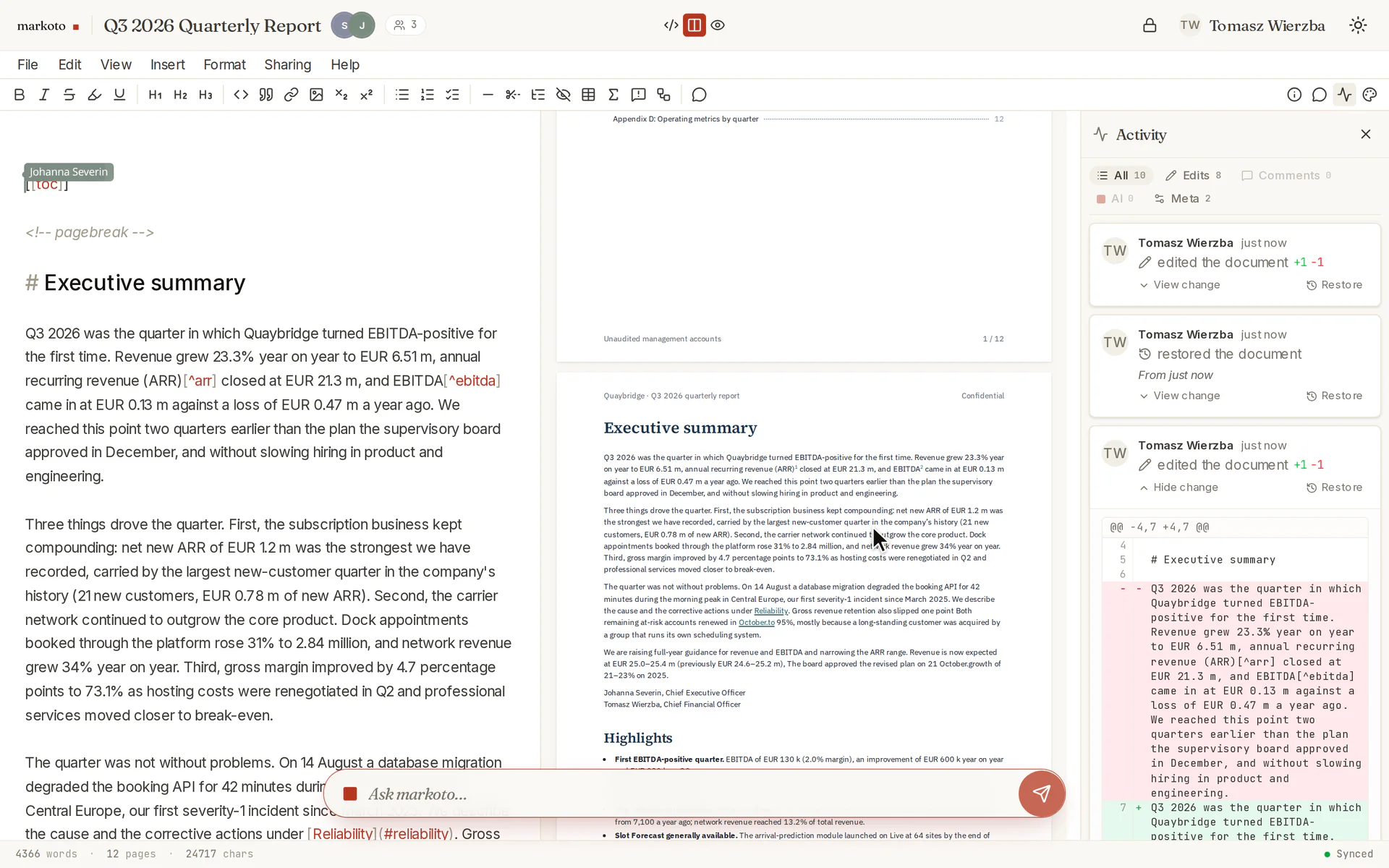
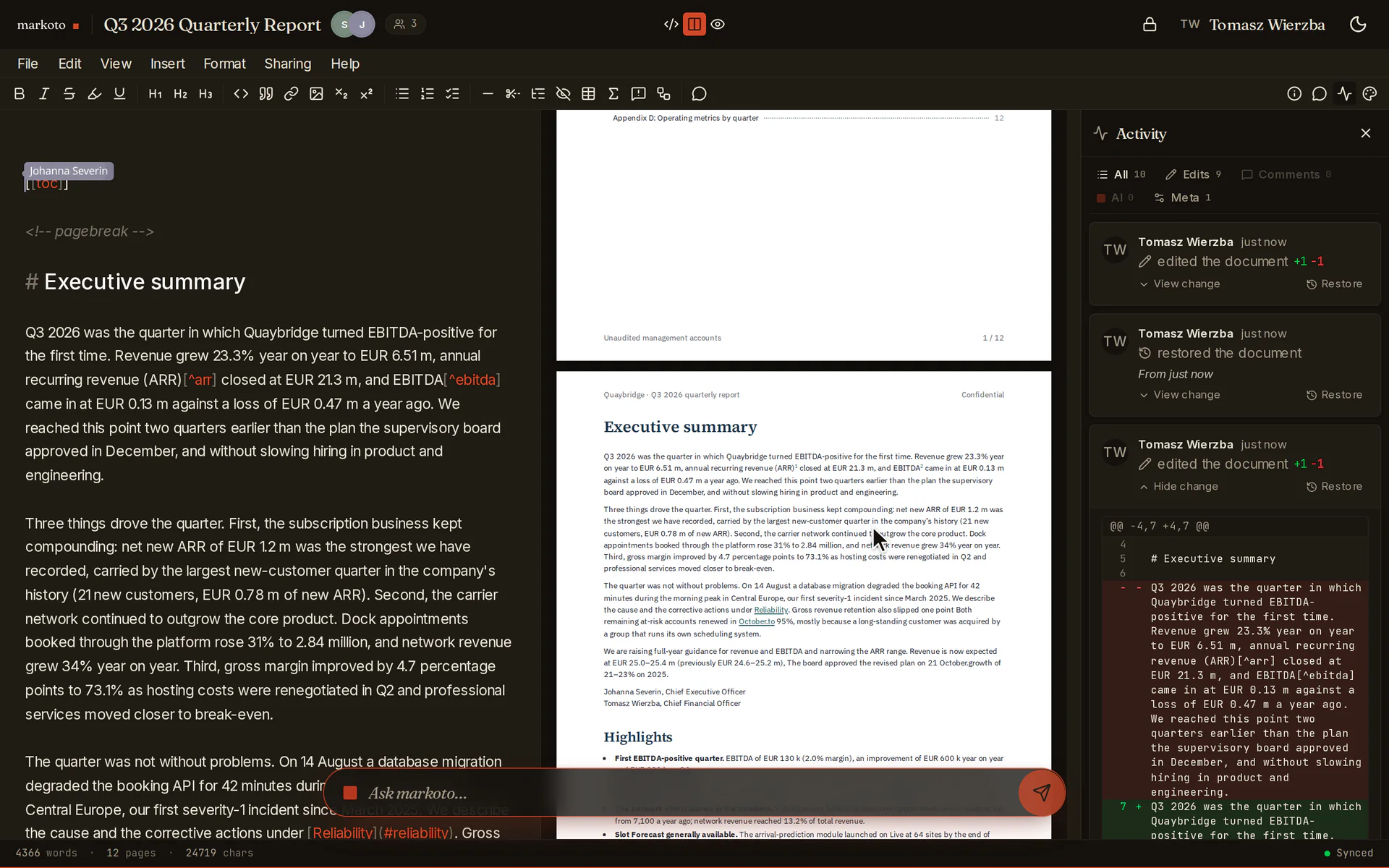
Your agent joins the document as a separate collaborator. The edit appears live in every open editor. The activity log shows it as made by your MCP client ("Claude Desktop", "Cursor") on your behalf, with a diff, and Restore puts the document back to how it was before.
Limits and safety
- A token acts as you, never more. It can't open a document you can't open or edit one you can only read. Tools outside the token's scopes are not even listed, and every call is checked again.
- Tokens are stored as a hash. Revoke one on the Integrations page and it stops working at once. You can have up to 20.
- Rate limits. 120 tool calls a minute per account, 300 requests a minute per network address and 240 per token. Rendering pages or PDFs shares the editor's PDF allowance (10 a minute); image generation is limited to 20 an hour. Up to 20 open connections per account; opening one more closes the one used least recently, and the client reconnects.
- Free plan on markoto.app. MCP is read-only there: the agent can list, search and read your documents but not change them, and the free plan allows 100 tool calls a day. Write access and the tools that cost us money per call (web search, page reading, rendering, image generation) need a paid plan once plans launch. A self-hosted instance has no such limits unless its operator sets them.
- Web search and page reading share the in-app assistant's allowance (30 an hour and 100 a day by default). Their results are summarised on markoto's side by your chat provider (your own, or the free monthly allowance). Image generation needs an image provider in your AI provider settings.
- Your agent's own model. The thinking happens in your MCP client, with its own model and its own confirmation settings. markoto doesn't ask you to confirm the client's tool calls; your client does that.
Also on self-hosted instances
The MCP server is part of every markoto instance. On a self-hosted one, use your instance's address instead of markoto.app, for example https://docs.example.com/mcp. Tokens are created the same way on that instance's Integrations page.
What it doesn't do (yet)
- Personal access tokens only. There is no OAuth sign-in flow for MCP clients; you paste a token.
- Tools only. The server answers tool calls. It offers no MCP resources or prompts, and it doesn't notify your agent when someone else changes a document.
Questions
Which MCP clients work?
Is the MCP server free?
Can other people see what my agent does?
Can the agent read documents I don't have access to?
What happens if a token leaks?
Do I need an account?
Updated November 4, 2026