

Worksheets and handouts for teachers and trainers
Teaching material is rewritten every term: new numbers, a new class, another language. In markoto you write it as plain text, the page layout takes care of itself, and the result goes out as a PDF to print, a link, or a web page that students open on a phone. You reuse last year's document by duplicating it instead of reformatting it.
What you can put on a page
- Text, lists and tables. Task lists (
- [ ]) for checklists, tables for fill-in grids and answer keys. - Math in LaTeX syntax, rendered on the page, and diagrams drawn from a few lines of text (flowcharts, timelines, mind maps).
- Code with syntax highlighting, for programming and IT courses.
- Callout boxes (tip, note, warning) for hints and common mistakes.
- Images, with an account.
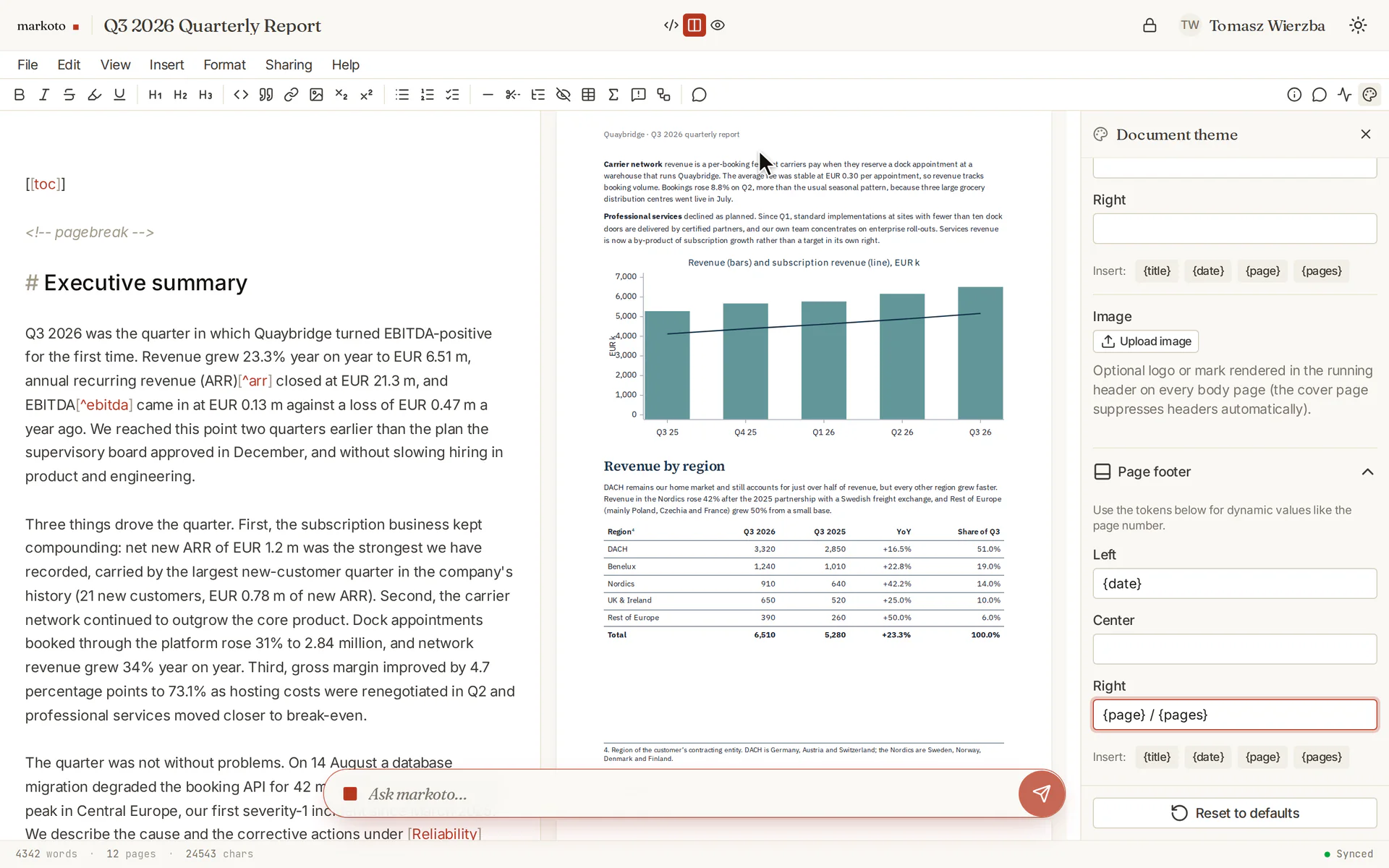
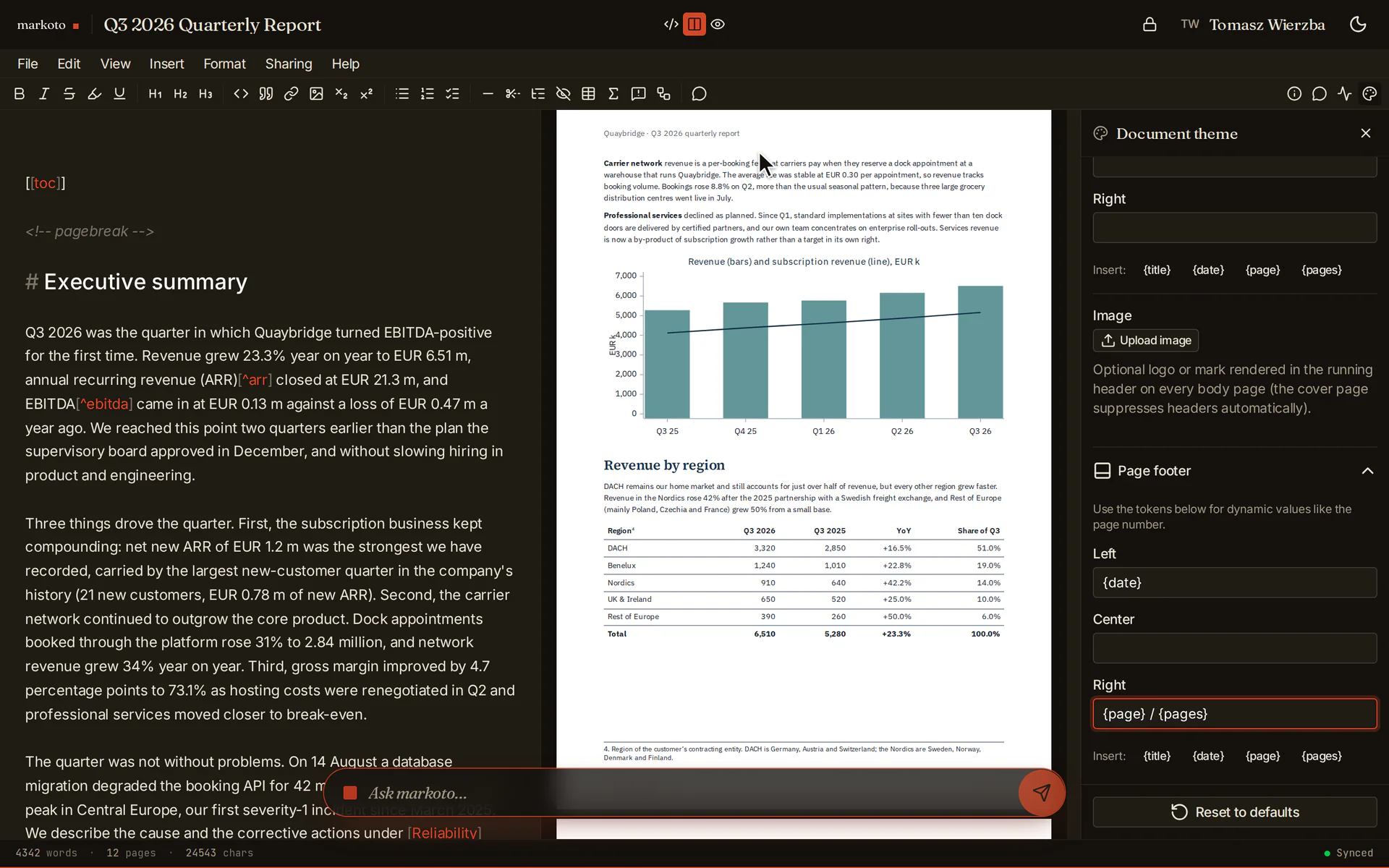
- Page breaks where you want them, and a header and footer with the title, the date and page numbers.
The preview shows the printed pages as you type, so you see where the sheet ends before you print it. Details: Markdown reference.
Start from a template
The Lecture notes template has learning goals, definitions, a worked example, a theorem box, a summary and exercises with parts (a), (b), (c). Delete what you don't need and it becomes a handout. The One-pager is a single sheet with a pitch, key facts and next steps, and Meeting notes suits a staff meeting. The APA essay template is for students writing a paper.
There is no worksheet template as such. Make one once, then keep it: with an account you can save the design as a preset, and duplicate a finished worksheet as the start of the next.
Print it, link it, publish it
As a PDF. File › Export › PDF downloads the pages you saw, on A4 or Letter. Print it, or attach it to a message.
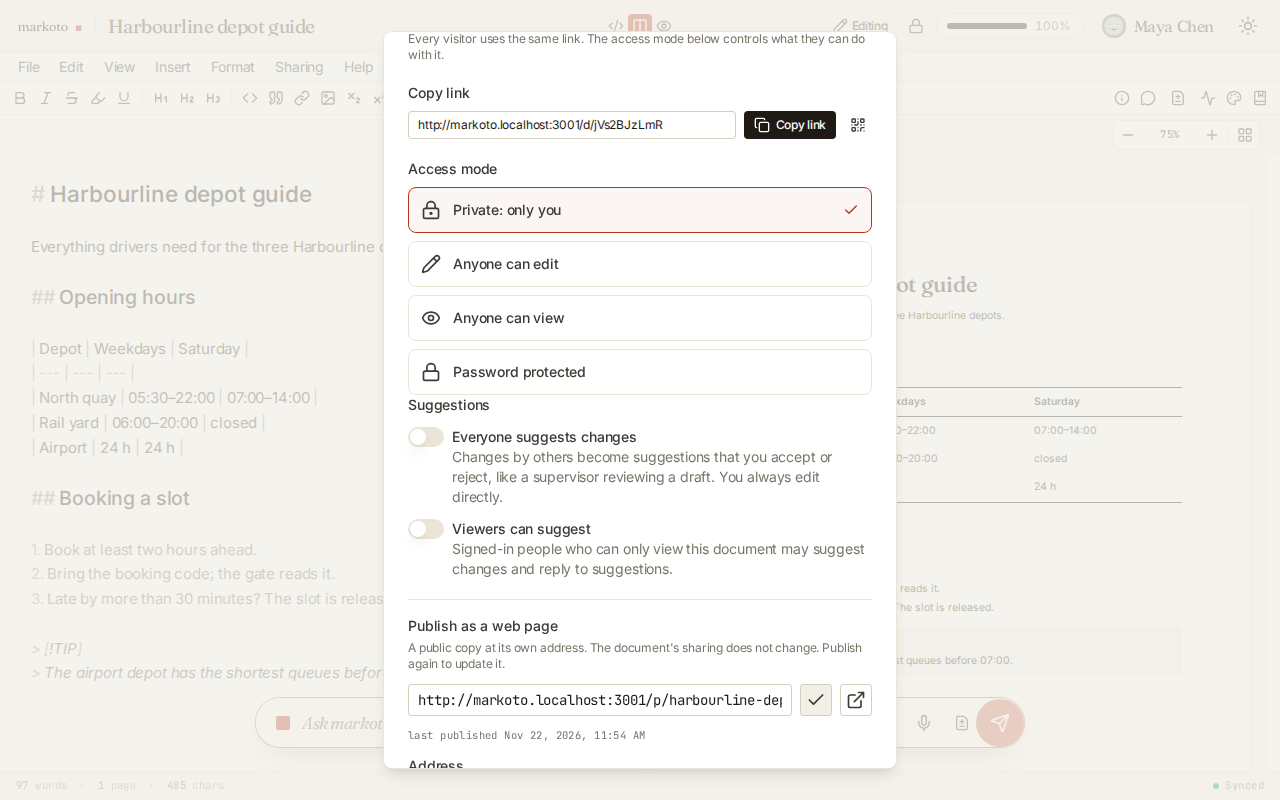
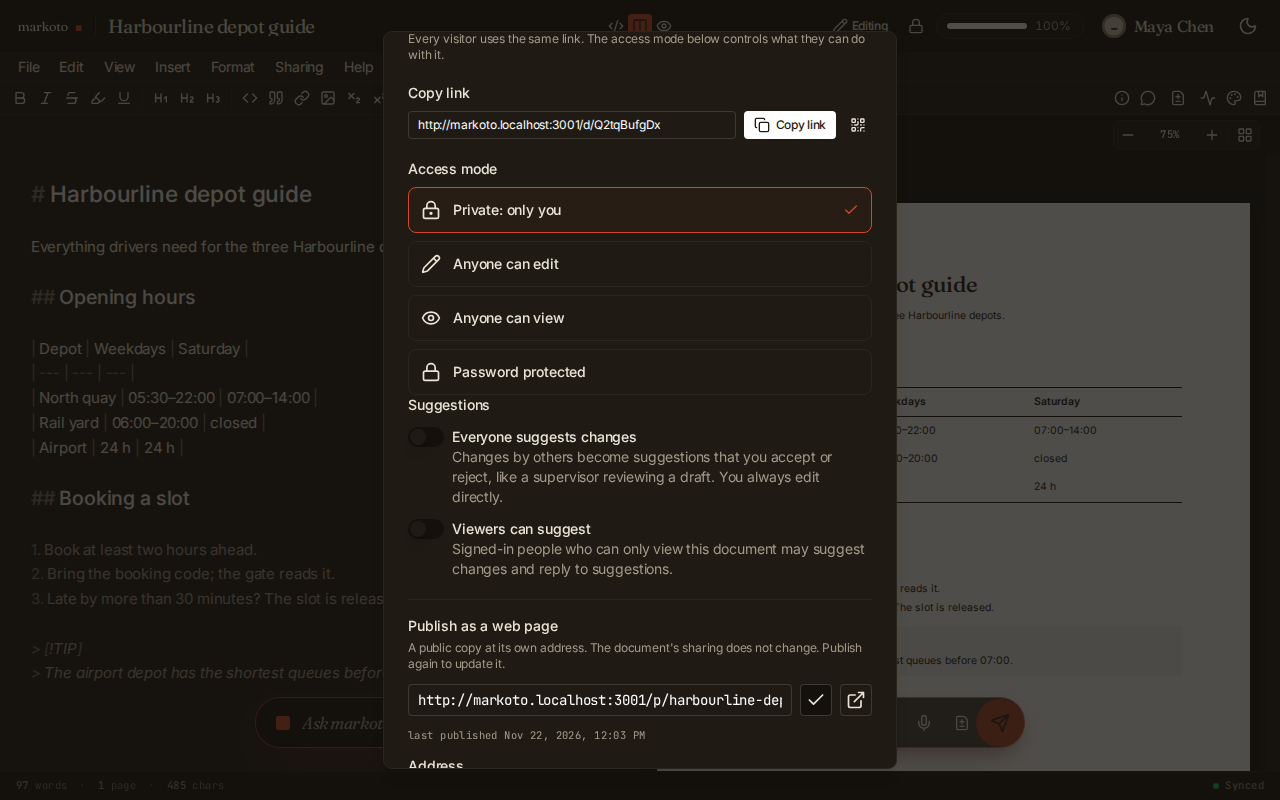
As a link. Share the document read-only: students open it in the browser and read it, with no account and no editor. A password can protect the link.
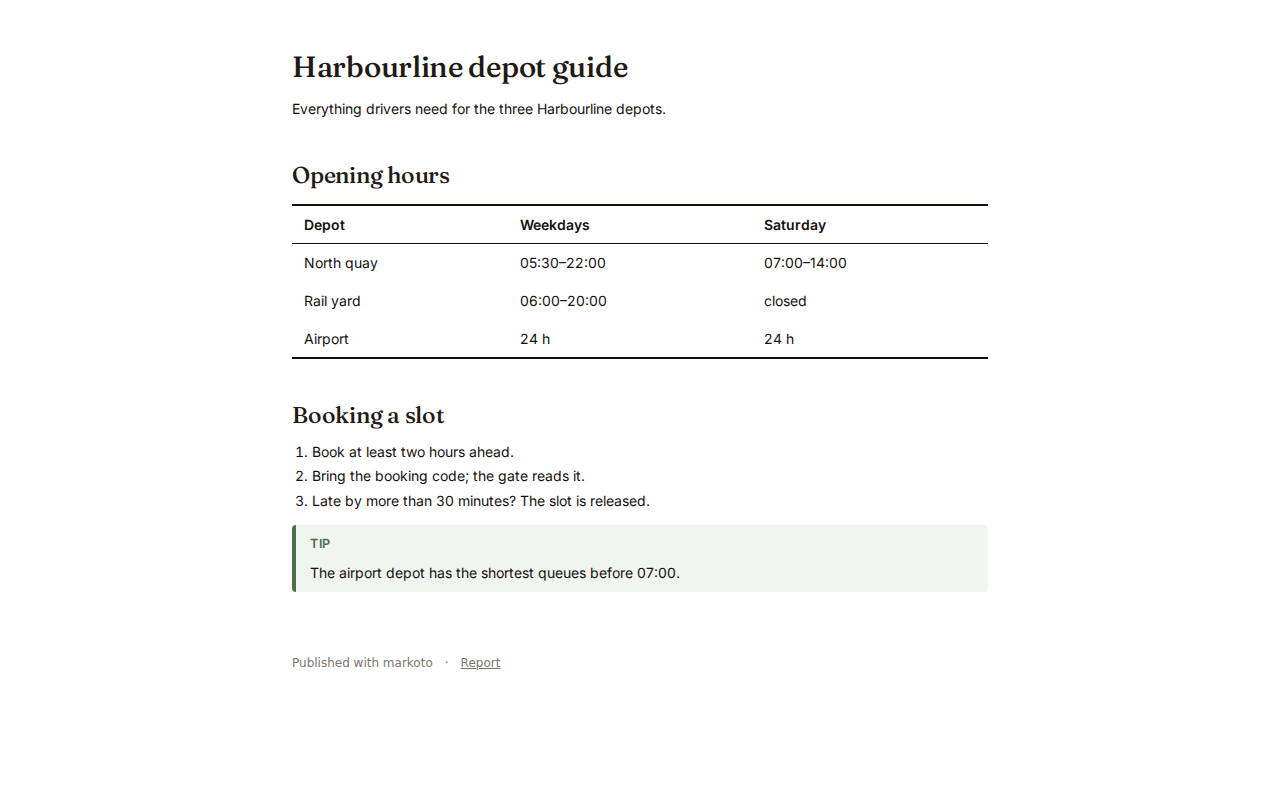
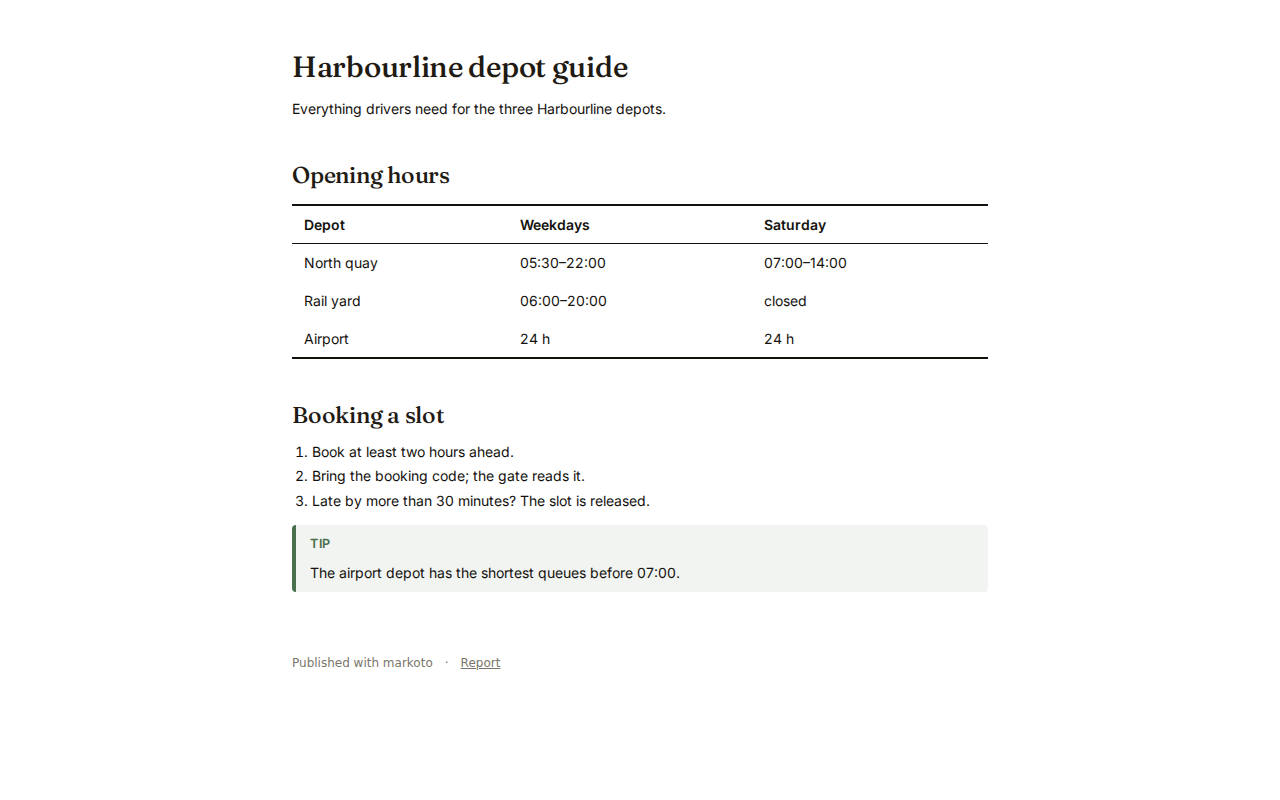
As a web page. Publishing puts a snapshot of the handout at its own address. It reads well on a phone, and anyone with the address can read it without an account. Change the handout, click Update page, and the same address shows the new version. Publishing is included in every plan.
Translate a whole handout
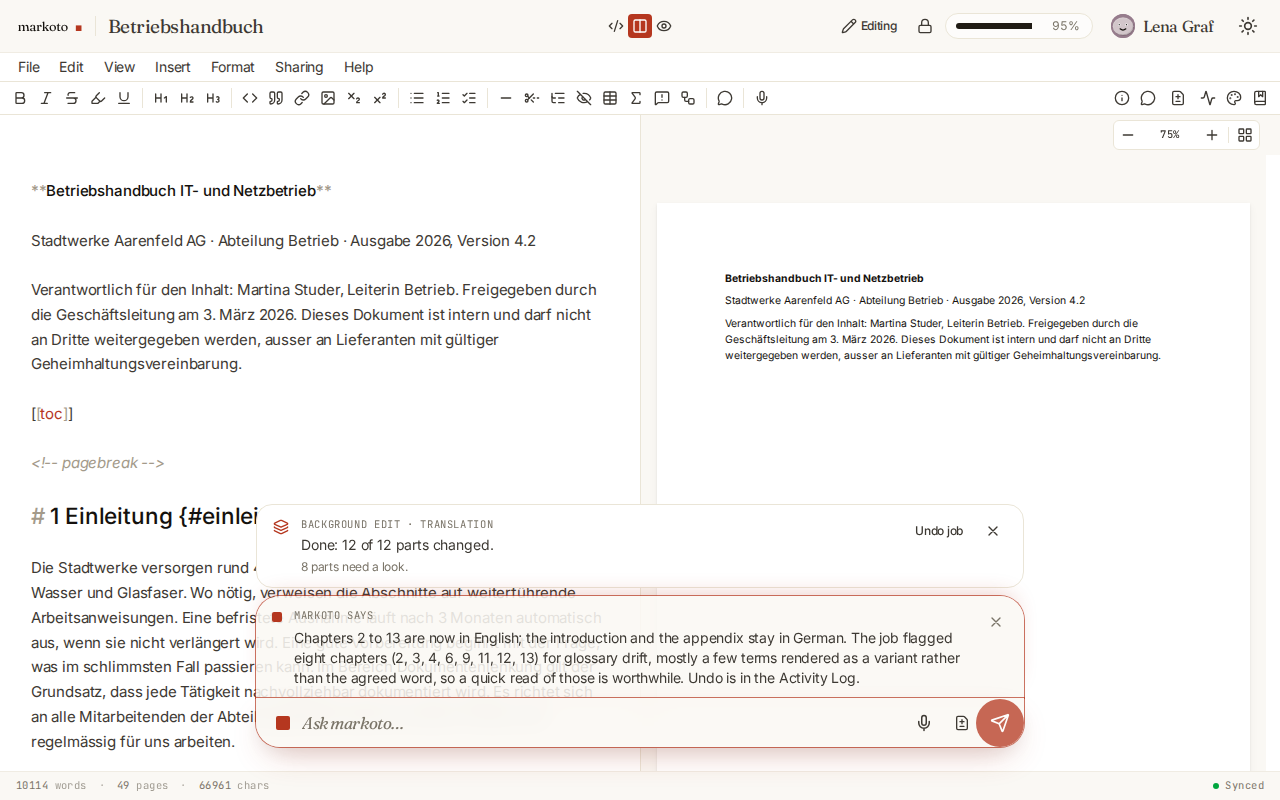
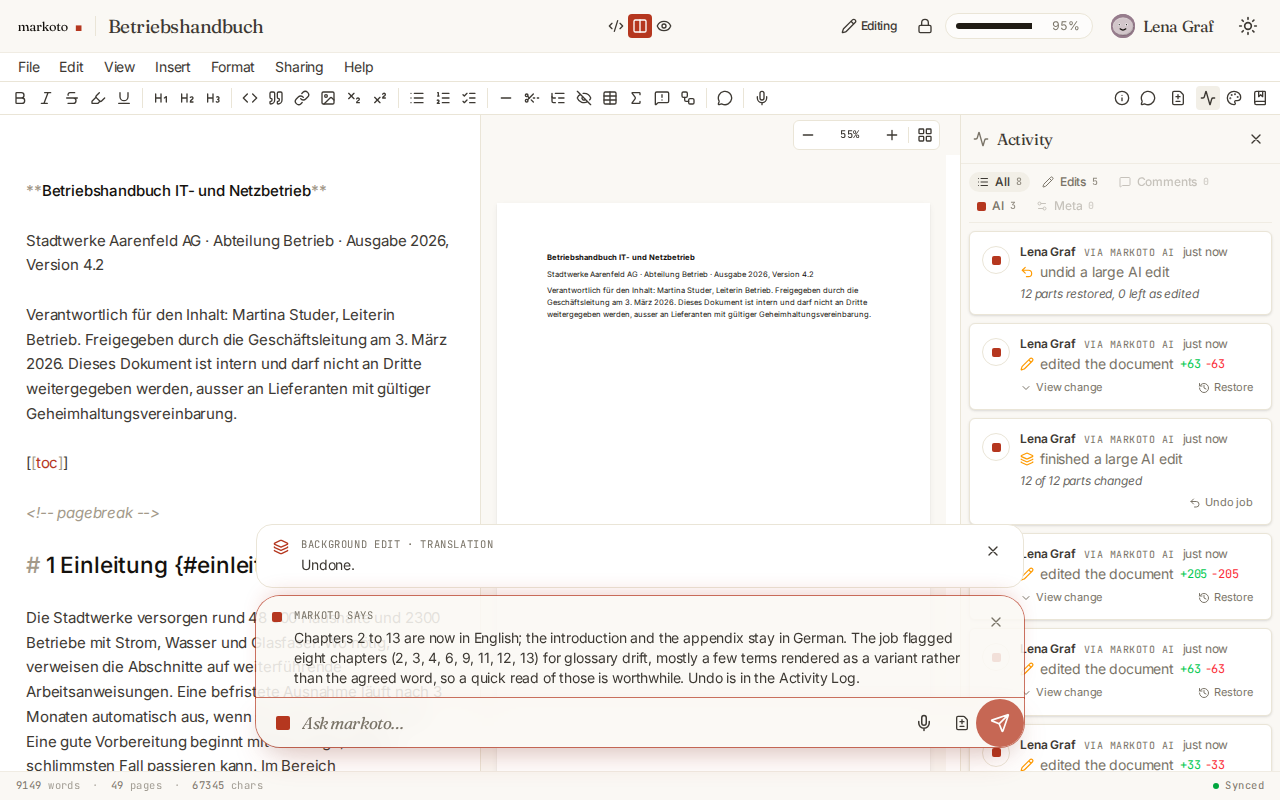
Teaching a mixed class, or a course that runs in two languages? Ask the AI in the prompt bar to translate chapters or sections into another language. It tries a sample first, tells you how many sections it will change and how long it takes, and then works through them while you keep writing. Code, math and link addresses stay as they are, and you can undo the whole job in one step.
On markoto.app the free plan has a small monthly AI allowance and a few translation jobs a day, or you can connect your own AI provider. Check the result before it goes to students: the AI translates well, but a teacher reads the final text. The same prompt bar can also rewrite a selected paragraph for a younger or older audience.
Work with a colleague
Share the document with a colleague and you both write in it at once, with comments on single sentences and a history of every change. A workspace gives a department a shared place for documents and folders; on markoto.app the free plan allows up to 3 members per workspace, and a self-hosted instance has no such limit.
Where it stops
- No quizzes and no auto-marking. Exercises are text on a page; there is no answer checking, gradebook or student accounts.
- No slide mode. A handout is a document, not a presentation.
- No classroom or LMS integration. Share a link or a PDF where your students already are.
- Images need an account. Without one you can't upload images into a document.
Hosted in the EU, operated by a Swiss company
Students read a handout without an account, and no tracking cookies are set. markoto.app is hosted in the EU and operated by a Swiss company; documents are stored in France. The EU hosting page lists where data goes. A school can also run markoto on its own server (self-hosting).
Questions
Can students open a handout without an account?
Can I print a worksheet?
Can I write formulas?
Can the AI translate my material?
Is there an auto-marked quiz?
Is it free?
Updated November 19, 2026